














Catalogues, reports, magazines and albums.
Paper will take anything. Readers won't.
We design and lay out company publications, including ones that run to several hundred pages. Stages and deadlines are clear before we start. The printer gets ready files, the sales team gets a version for their phones, and your team gets a template for the next edition.
01Approach
How we keep every page in its place
This is how we work on every publication, whether it has four pages or four hundred: in small, sure steps, with no shortcuts.
-
Reader
Every publication starts with a conversation and some analysis: what it's for, who will read it and in what situation. A sales rep with a customer, an architect at the office and an investor before the AGM are all looking for something different, so the format, length and tone follow the real reader.
-
Order
Before we design the first page, we set out the information architecture: the contents, sections, product pages and cross-references that help a customer find what they need quickly.
-
Pattern
We design template pages and test them on the hardest cases. Once they work, we lay out the rest using styles: one fix runs through the whole publication, and the next edition follows the same layout, faster than the first.
-
Data
Prices, specifications and tables are linked to your spreadsheets. A new price in Excel goes into the catalogue without retyping, so without typos too.
-
Brand
A publication extends your brand, so we make sure it looks like the rest of your materials, even when someone else designed the logo. Where rules are missing, we start with a brandbook.
-
Print
We choose paper, binding and finishes together with the printer, and prepare files that won't prompt any phone calls with questions. The online version comes from the same file.
-
Clarity
At every stage your team knows what we're doing, why and when. We report progress before anyone has to ask, and for every decision we lay out the options and what follows from each.
02What we design
What are you publishing?
A report has to be ready before the AGM, a leaflet before the trade fair, and an album has to survive a few office moves. That's why we start with the deadline and the reader, and the work plan is on the table before the first page exists.
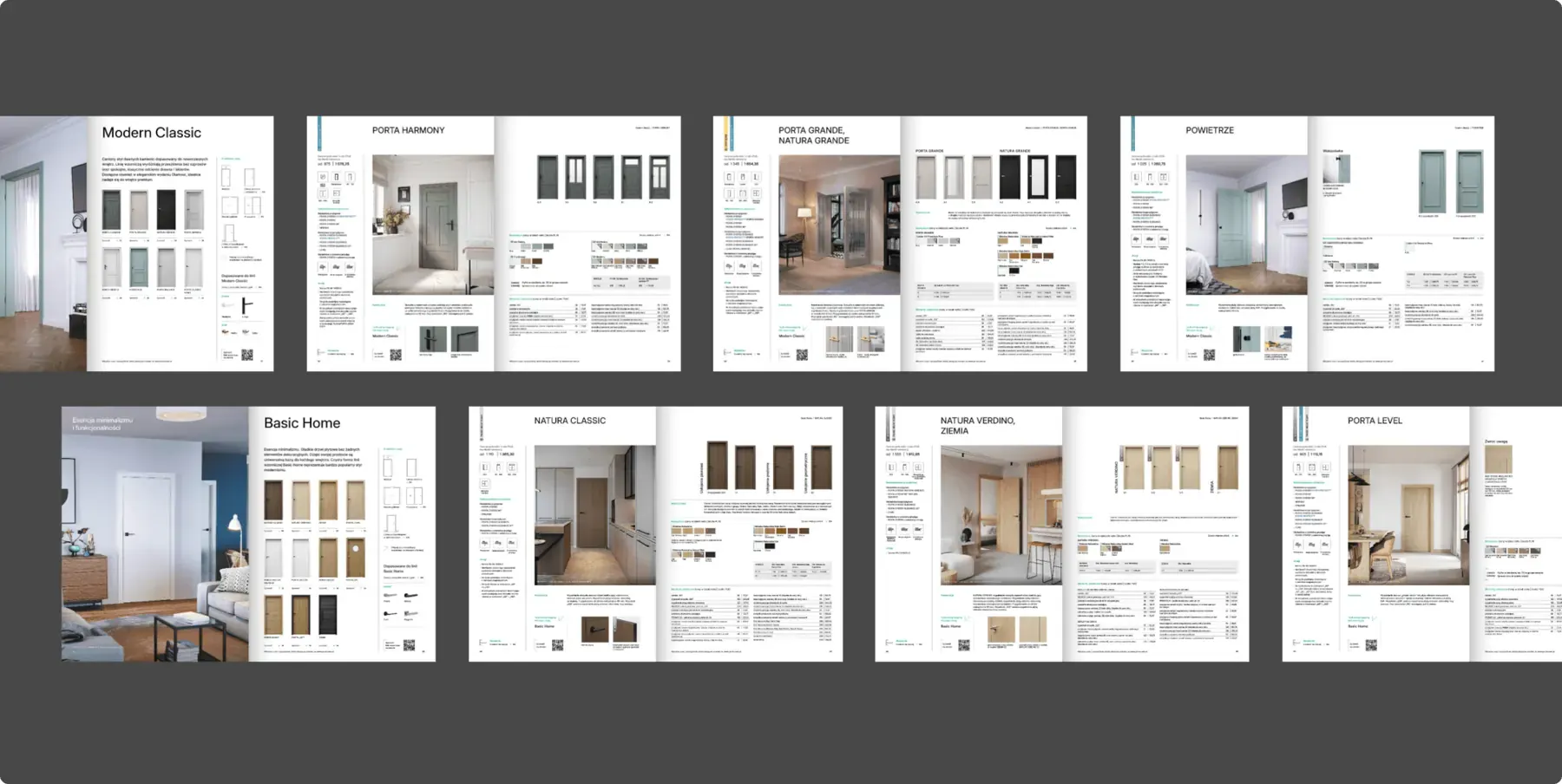
Product catalogue Data in spreadsheets, photos in five folders
What we do
We start with the contents and one template product page. Once that page works for the hardest product, we lay out the rest on it using styles. For the next edition we swap the data and photos, and the layout stays.
What you get
- Contents and page plan
- Template product page
- Icons, tables and renders
- Print file and online version
Similar projects
Report or financial statement Figures change until the very last day
What we do
We build a report template with ready styles for tables, charts and footnotes. A last-minute change to a figure doesn't break the layout, and each new report looks like the previous one.
What you get
- Report template
- Tables and charts
- Print version and downloadable PDF
Magazine or journal New issues, the same title
What we do
We design the masthead, the cover and the issue layout: section openers, interviews and data pages. The editorial team gets a template for laying out each new issue without starting from scratch.
What you get
- Masthead identity
- Issue layout
- Template for the editors
Similar projects
Anniversary album A company history people will keep for years
What we do
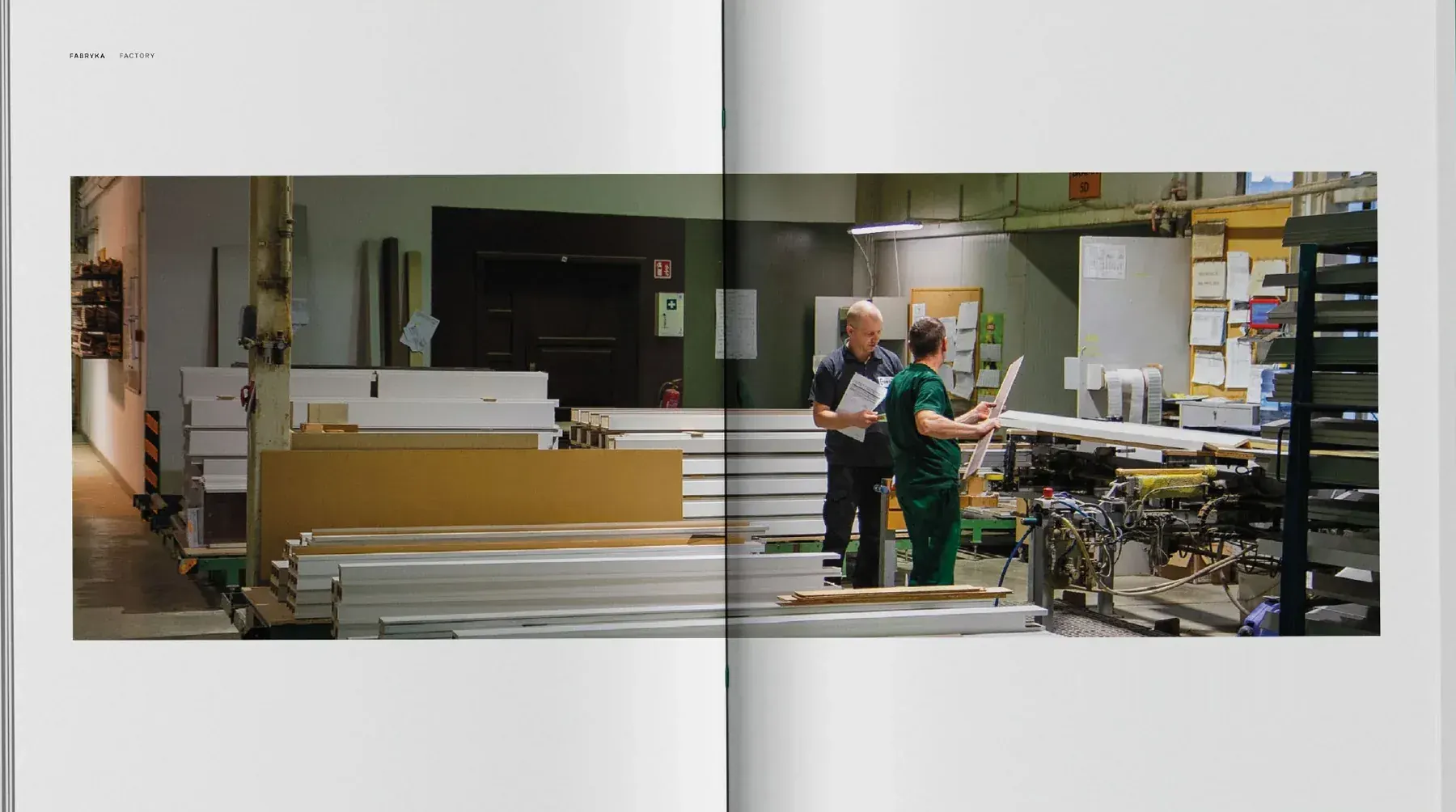
An album is a separate project that we price individually. We start with the company's history and archive, and choose paper, binding and finishes together with the printer. We run the whole project, up to collecting the print run.
What you get
- Storyline and chapter list
- Paper, binding and finishes
- Language versions
- Liaison with the printer and collecting the print run
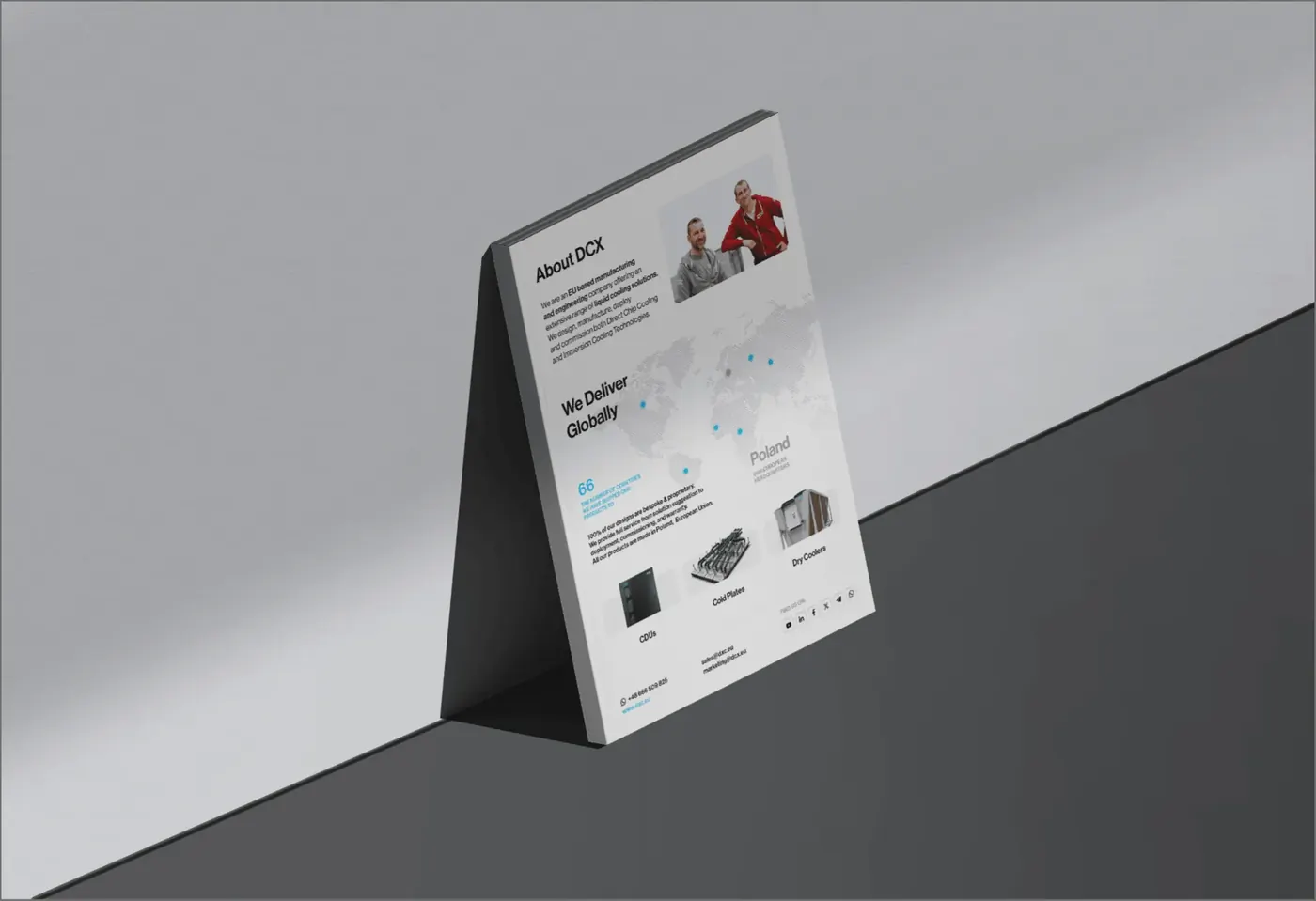
Brochure or leaflet The trade fair is in three weeks and there's nothing to hand out
What we do
At a trade fair, a leaflet has a few seconds to say what your company does and end up in a bag with your contact details. We design it within your brand system and in a format that suits the occasion: A5 for the fair, DL for an envelope, a concertina fold or a folded leaflet with UV varnish.
What you get
- Format and paper for the occasion
- Language versions
- Print files on time
Similar projects
Manual Customers call with questions the manual already answers
What we do
We draw the steps so they can be understood without reading, and keep the text to a minimum. The same manual becomes language versions and an animation customers can watch on their phones.
What you get
- Step drawings
- Language versions
- Animated manual
Similar projects
Online, e-book and video Customers and sales reps look everything up on their phones
What we do
From the same material we make an interactive PDF, a flipbook, an e-book or a catalogue page on your website. For the launch we edit a short video that announces the publication online.
What you get
- Interactive PDF and flipbook
- E-book
- Launch video
Similar projects
03Our work
Publications we've designed
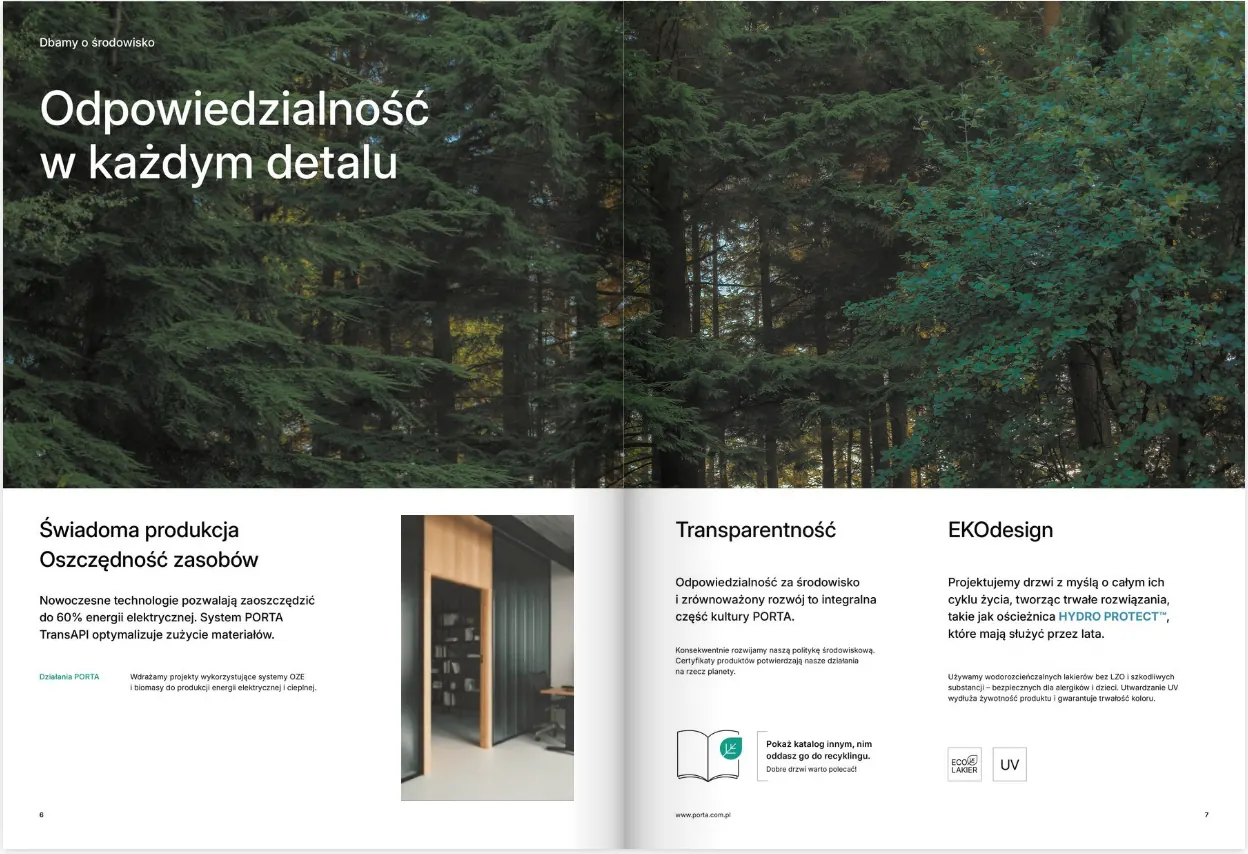
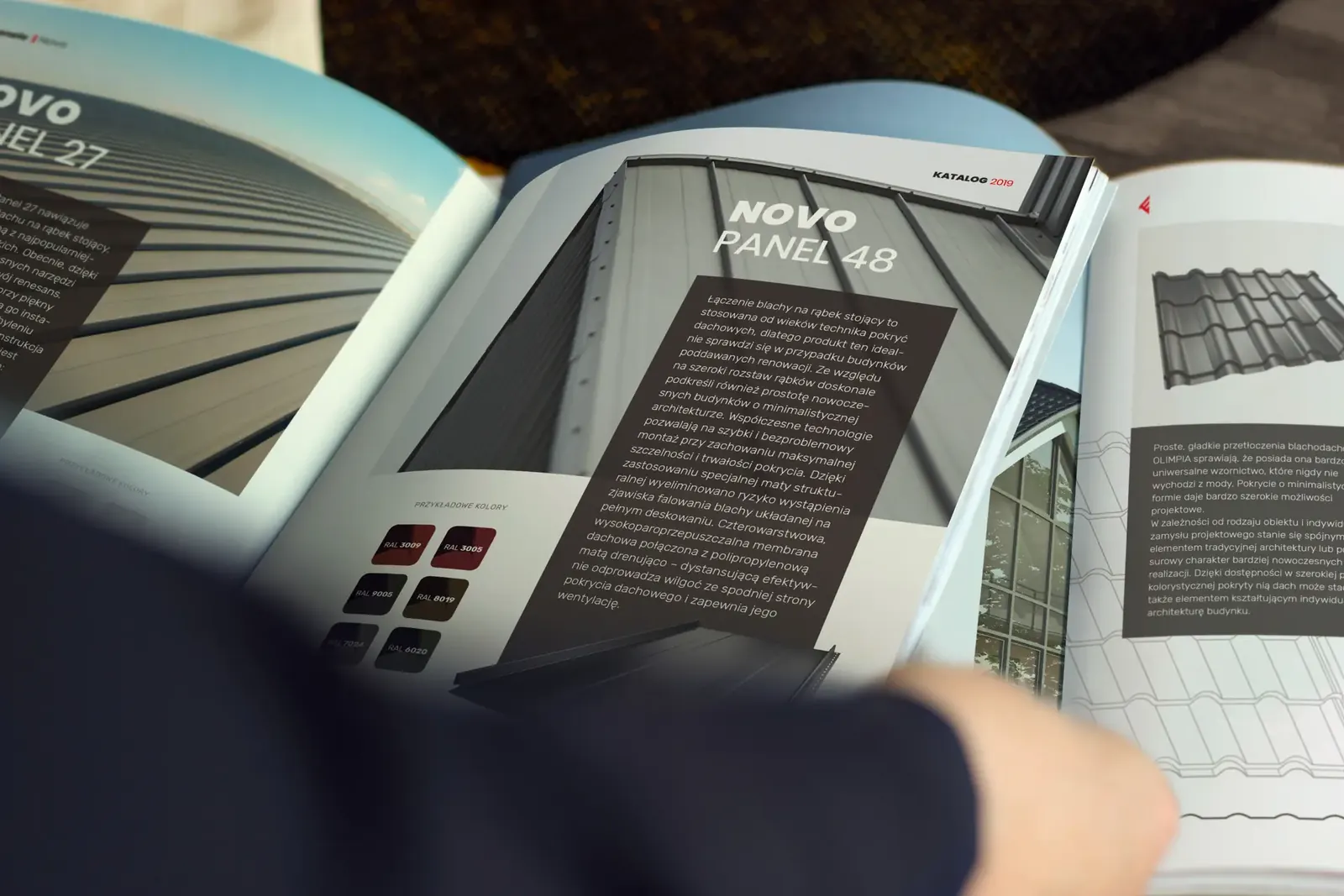
Catalogues, reports, magazines, albums, leaflets and manuals for 33 brands: door and roofing manufacturers, pharmaceutical companies and companies listed on the Warsaw Stock Exchange.
-
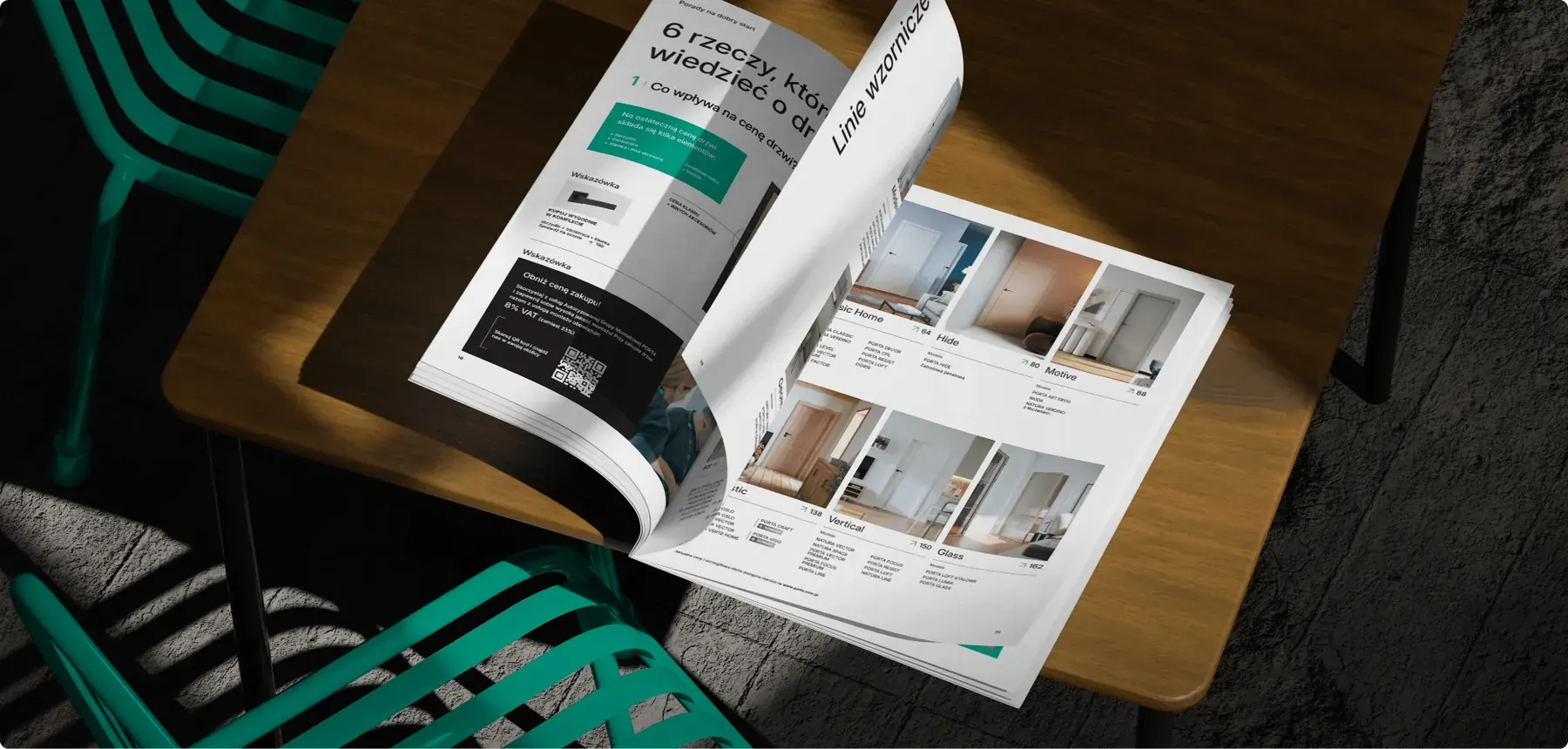
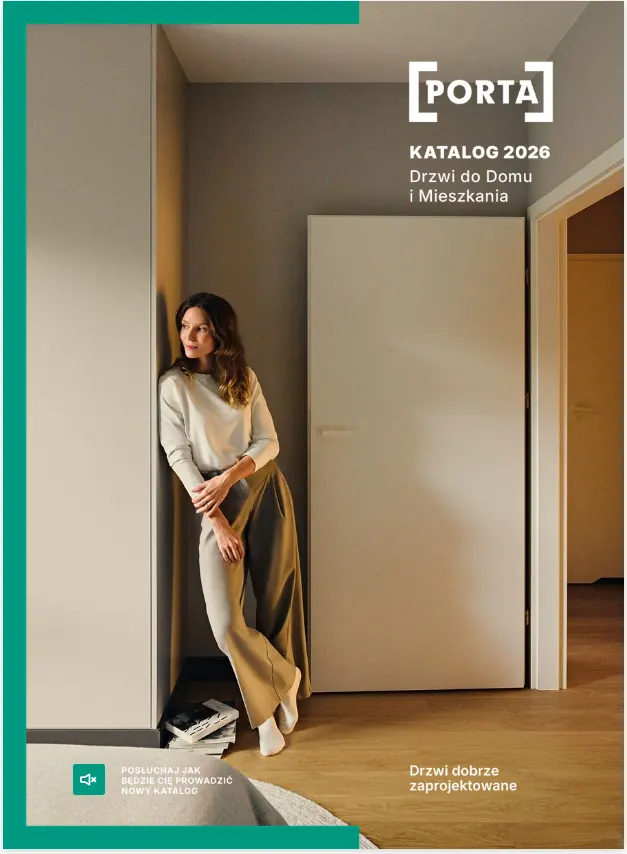
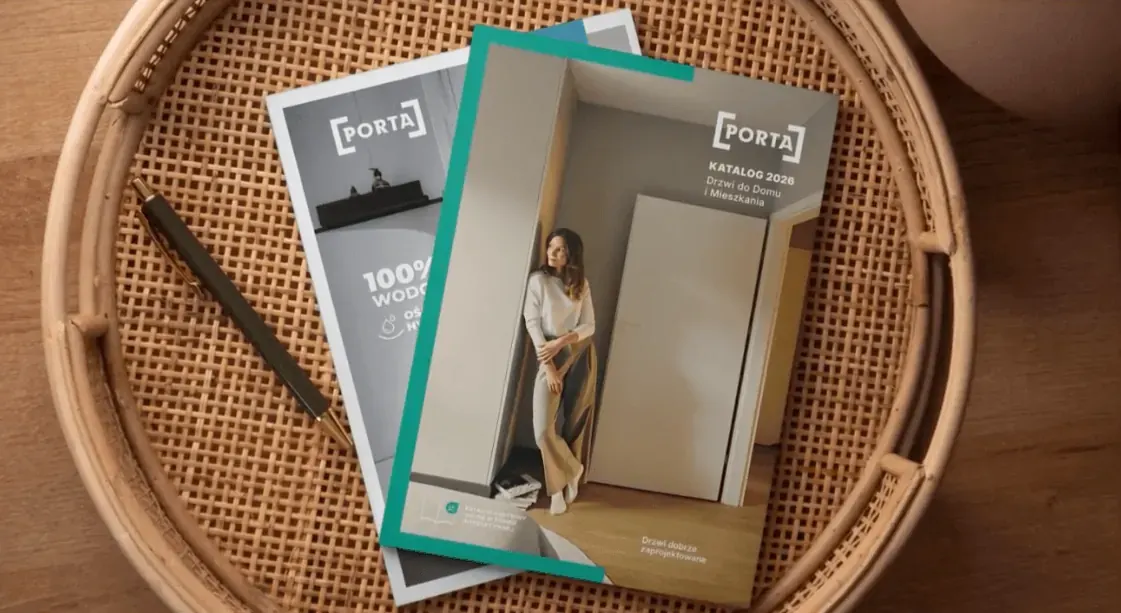 Porta
Door catalogue
-
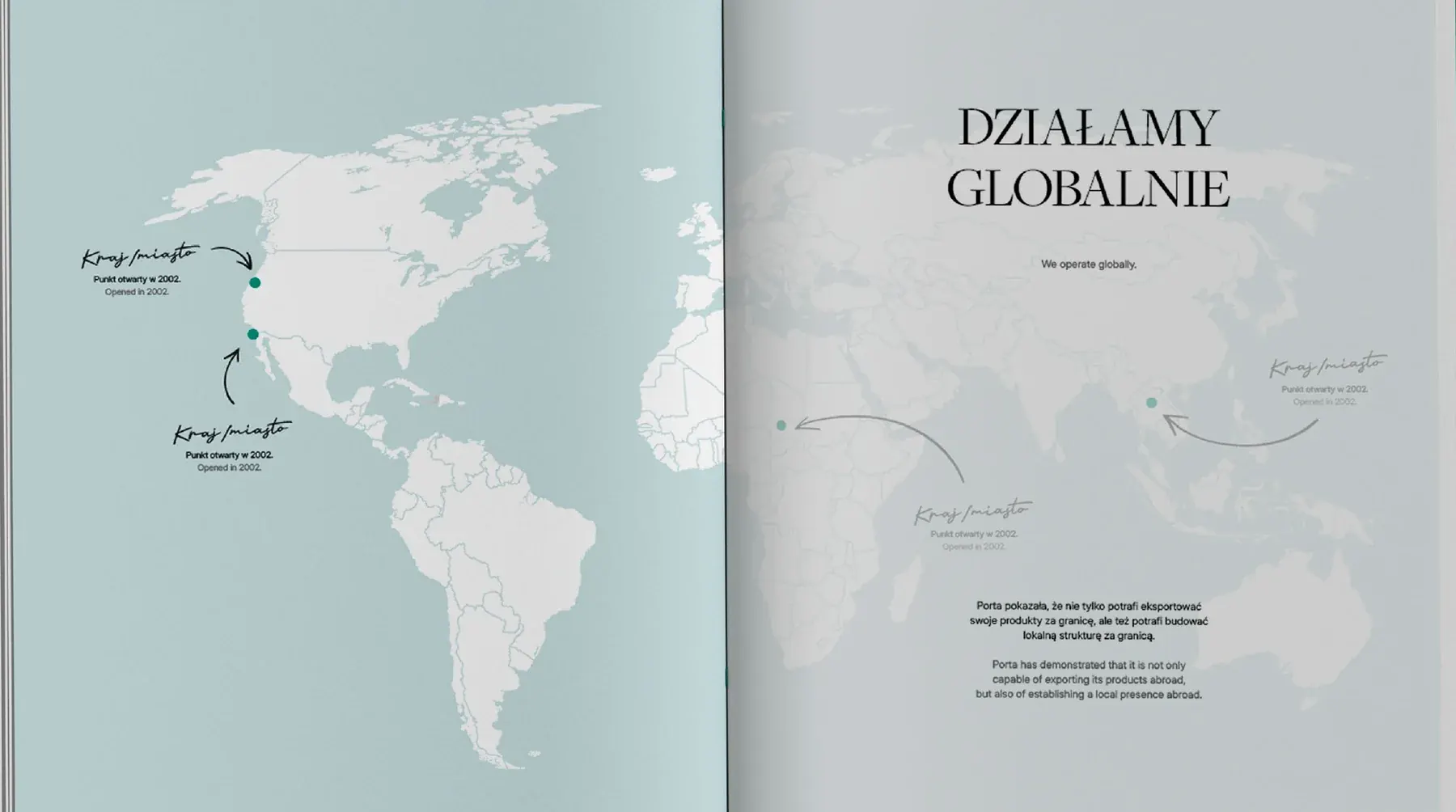 Porta
An album for 20 years in Romania
-
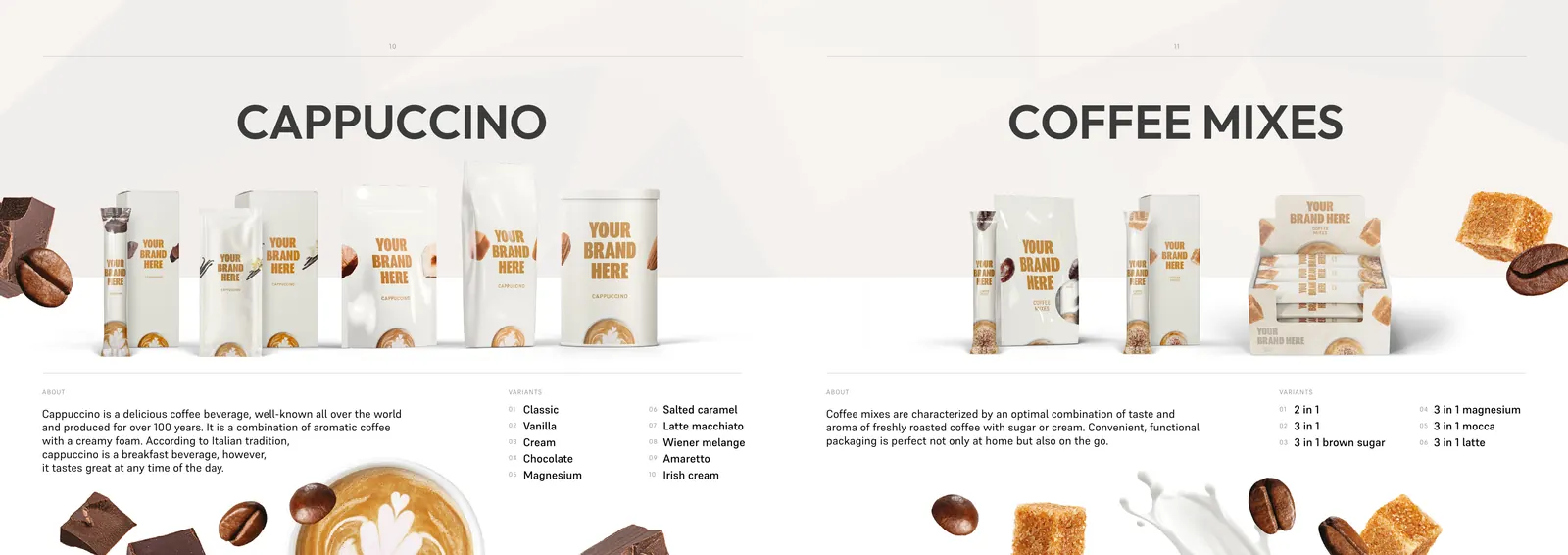 Maspex
Private label catalogue
-
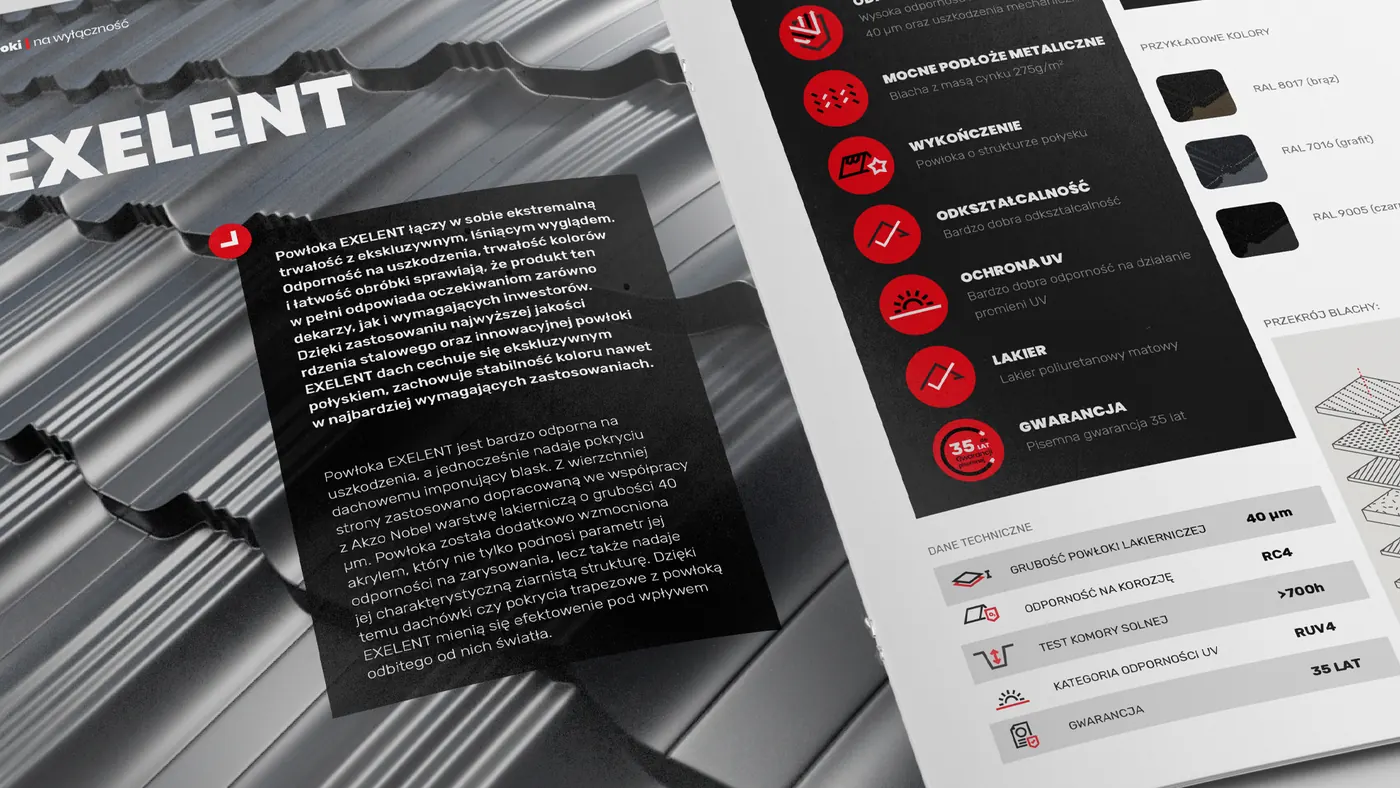 Regamet
Roofing catalogue
-
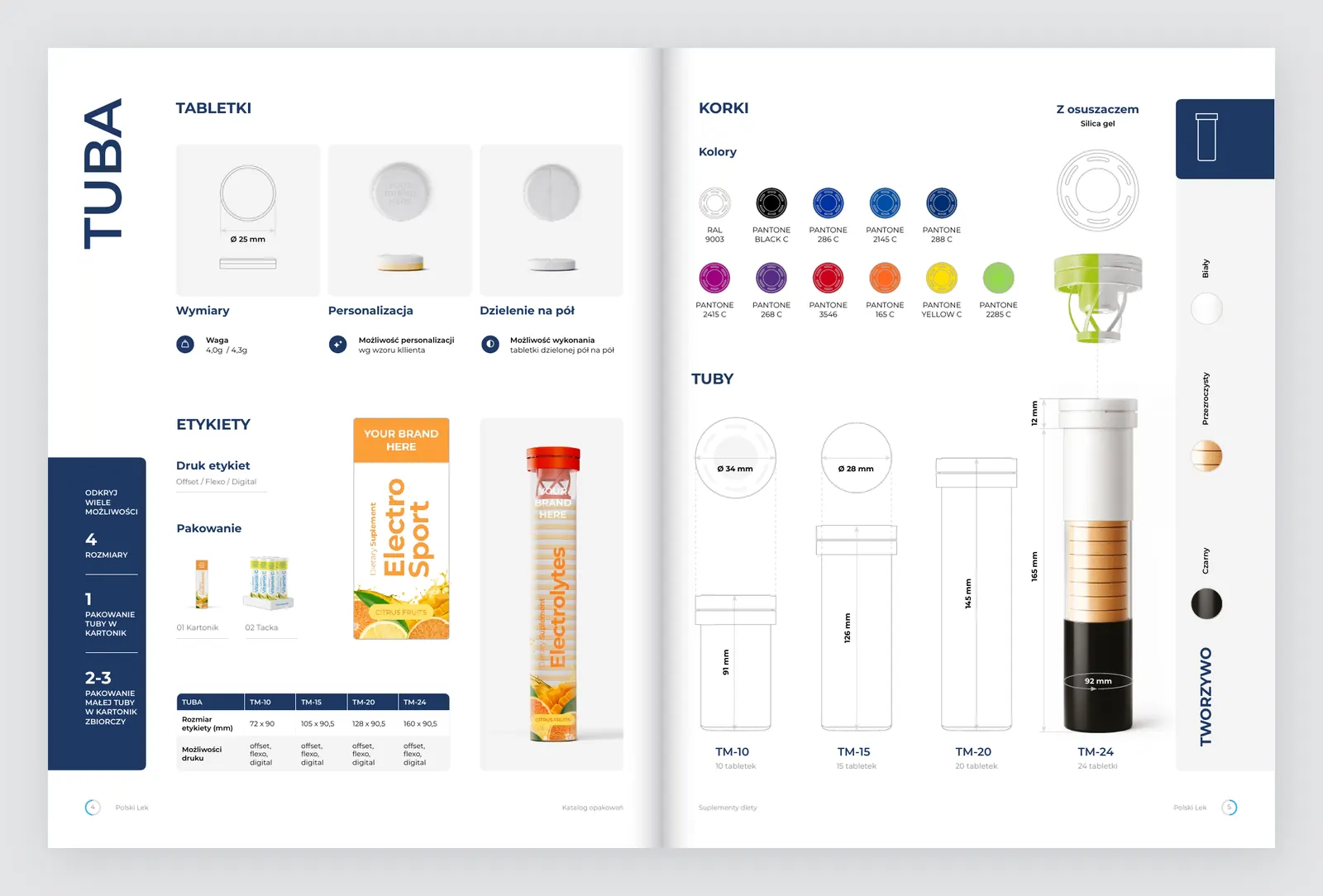 Polski Lek
Packaging catalogue
-
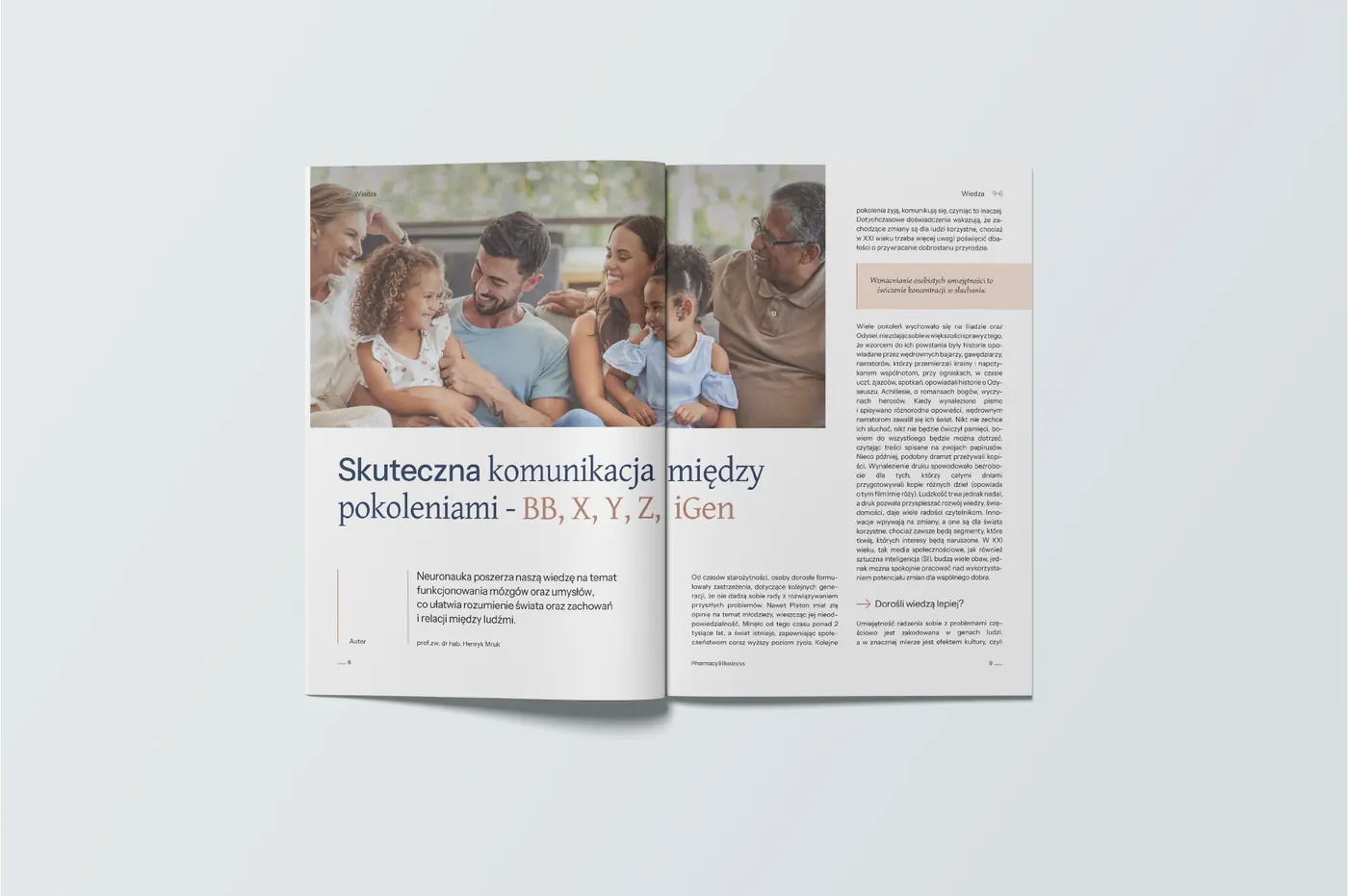 Neuca
Pharmacy & Business magazine
-
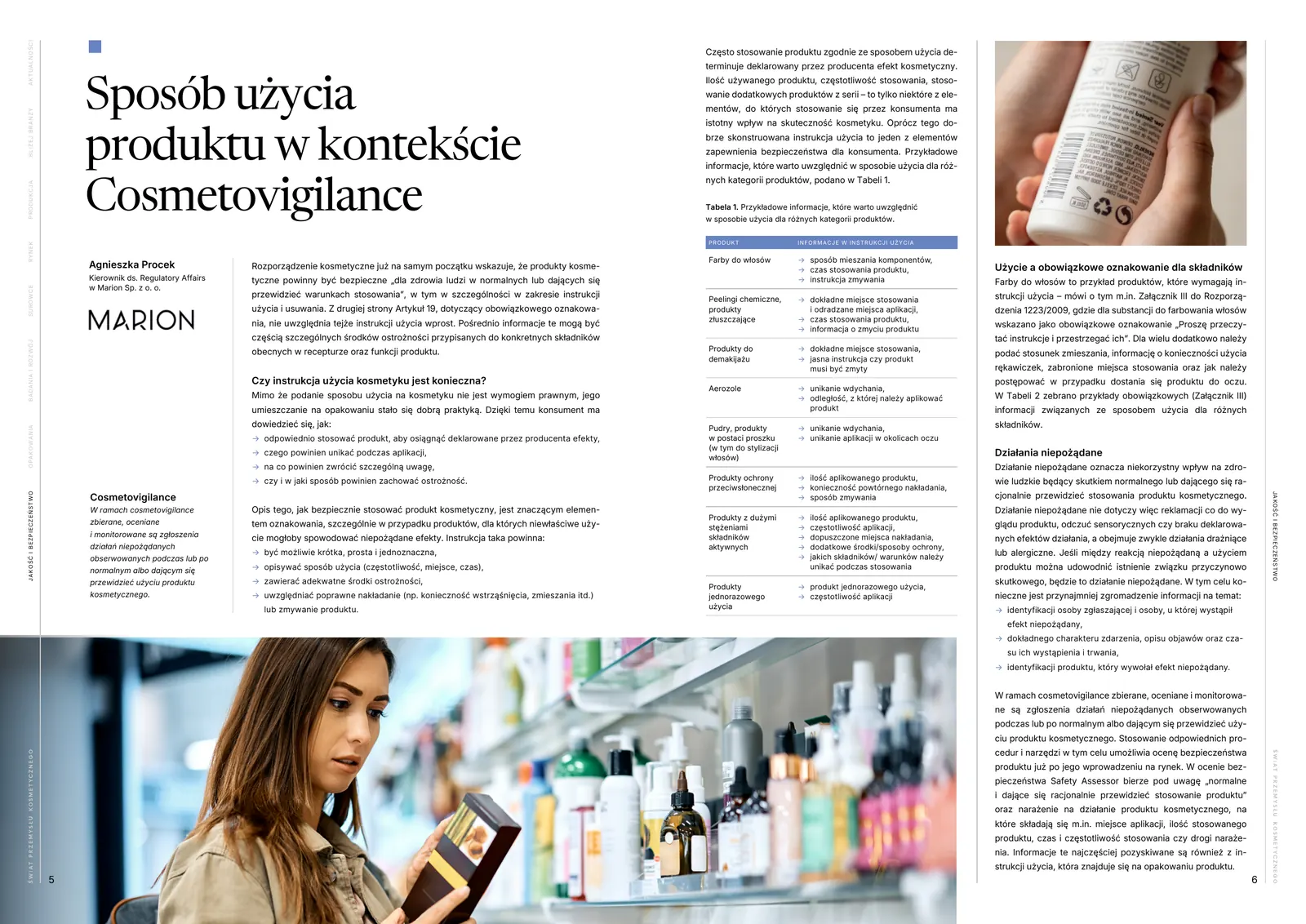 Farmacom
Two trade magazines
-
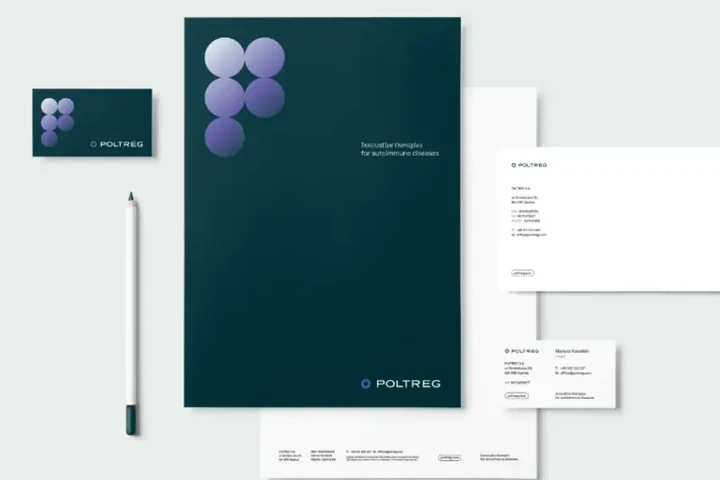
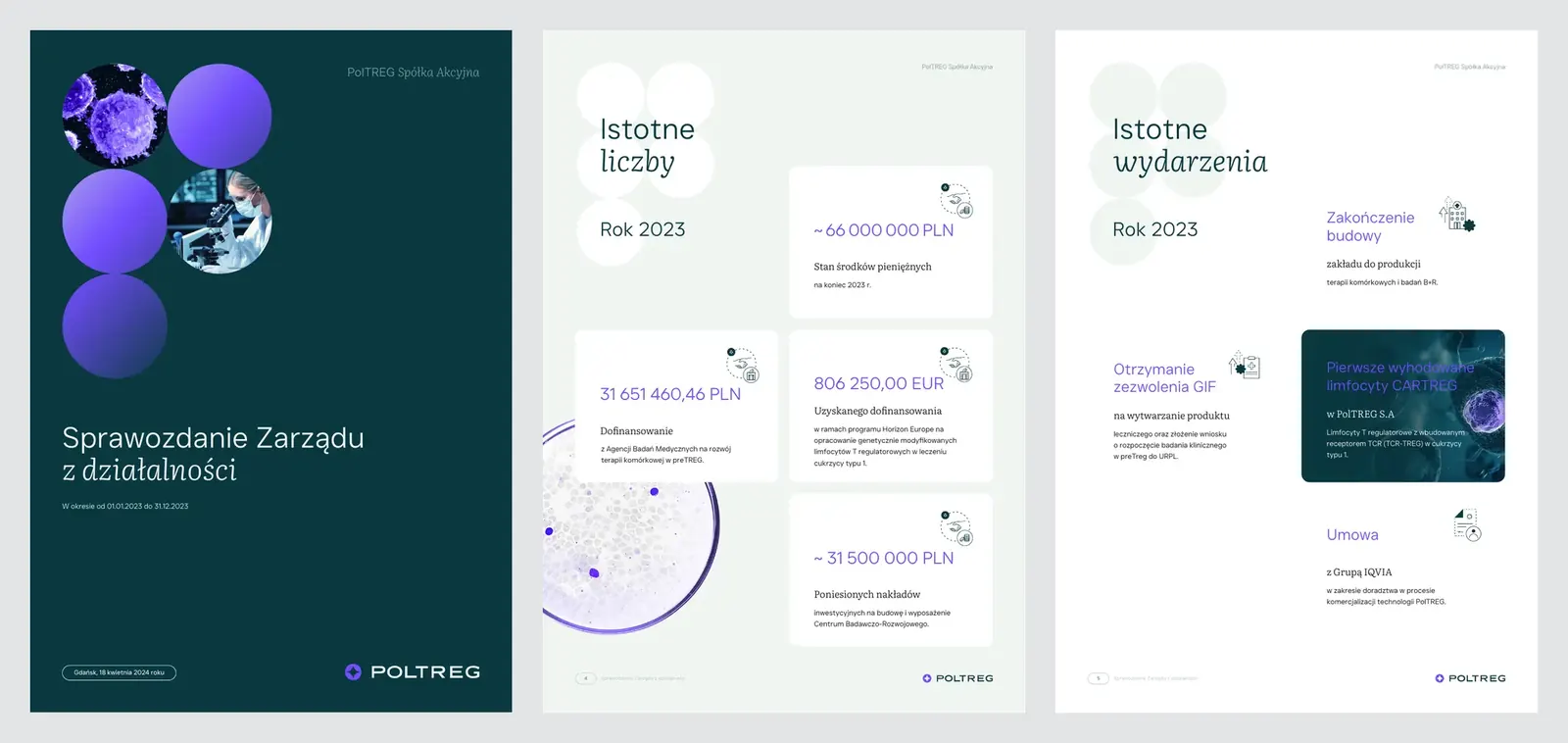 PolTREG
Investor reports
-
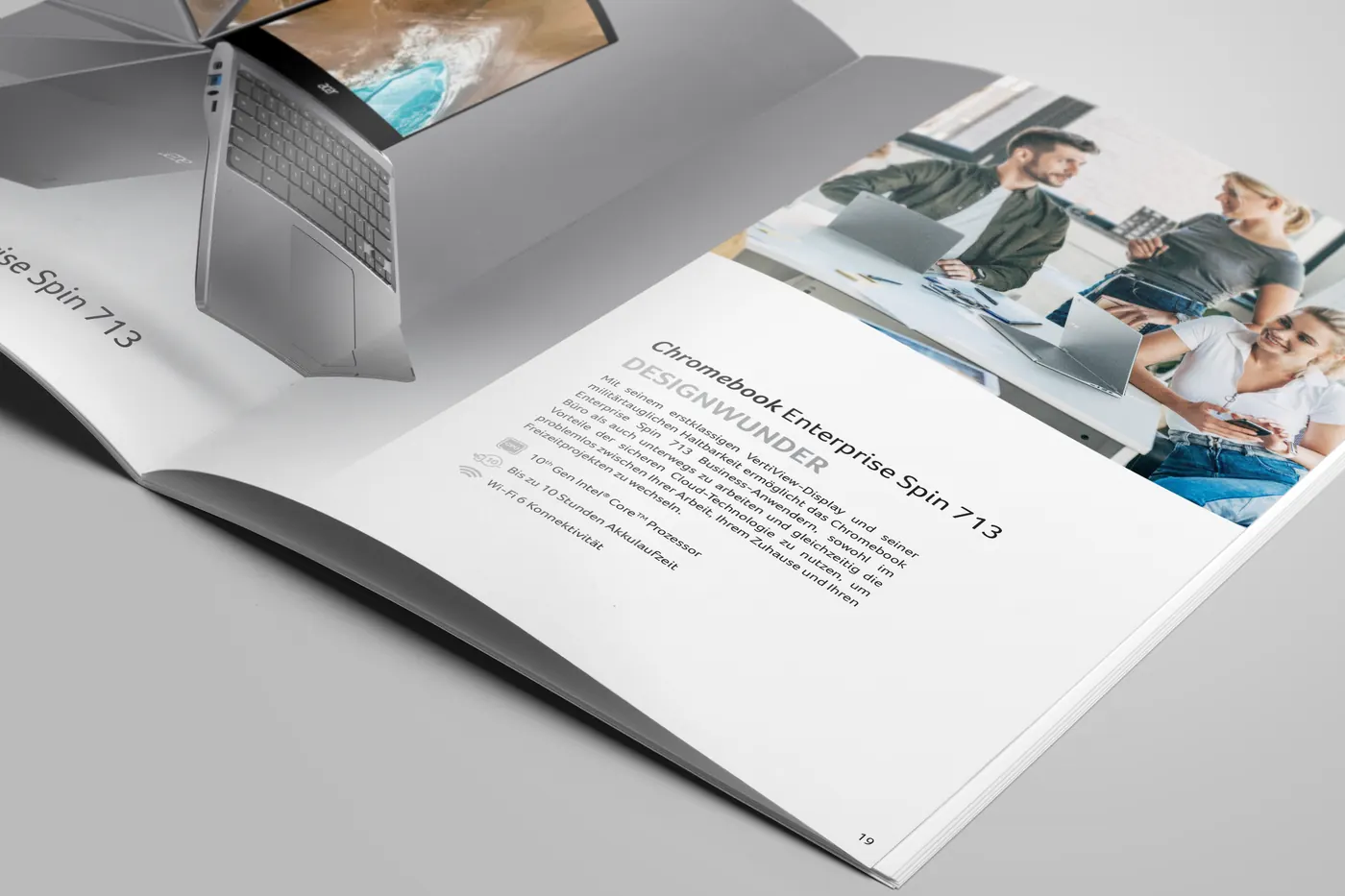 Acer
Brochures in German
-
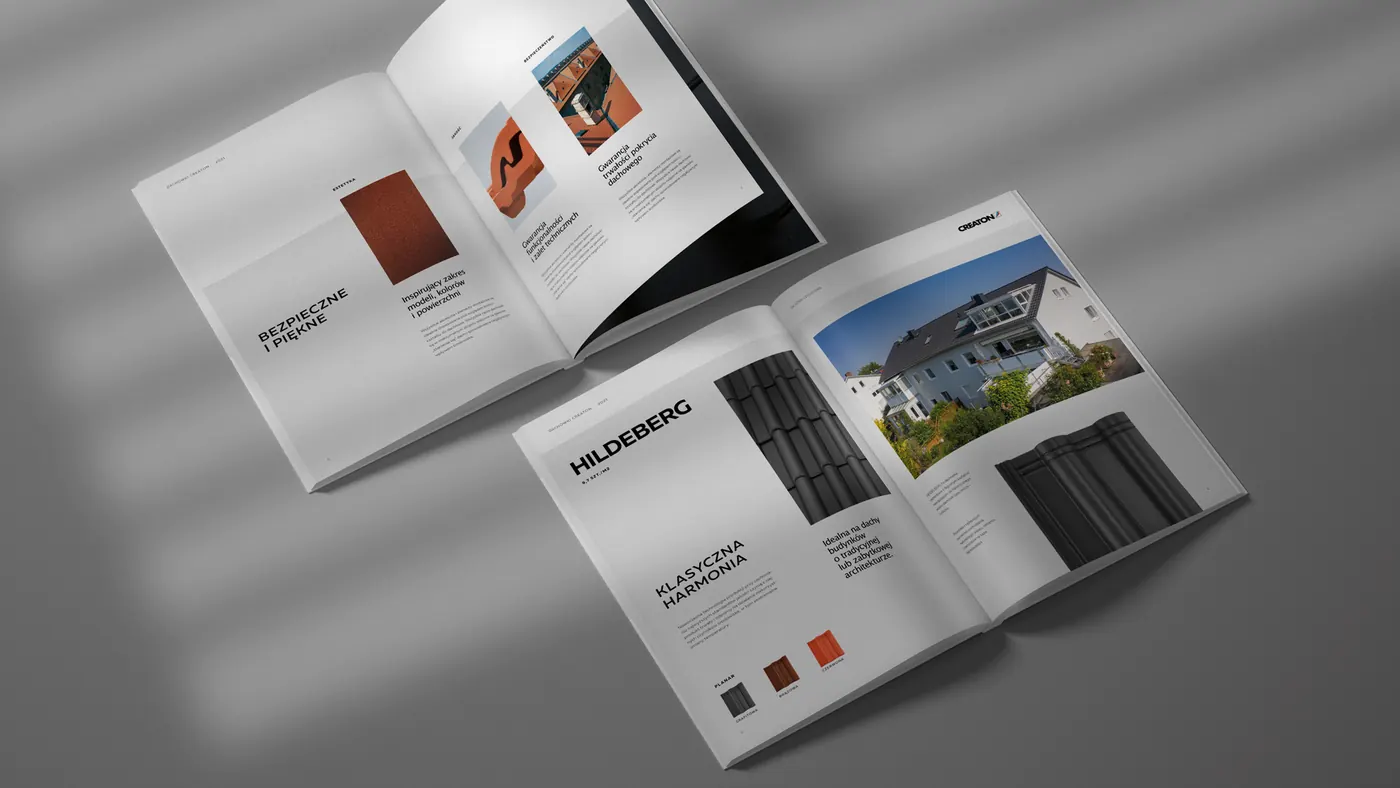 Creaton
Roof tile catalogue
-
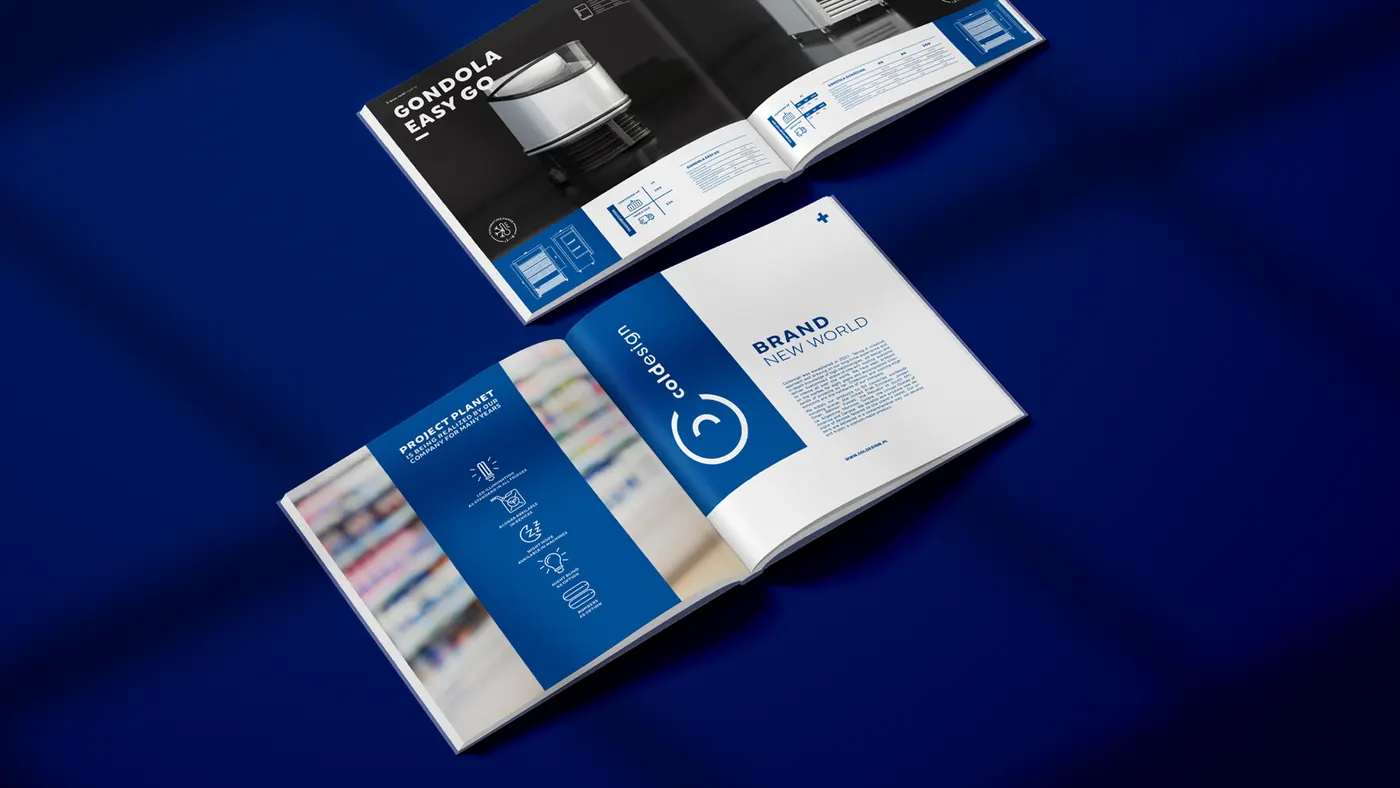 Coldesign
Product catalogue
-
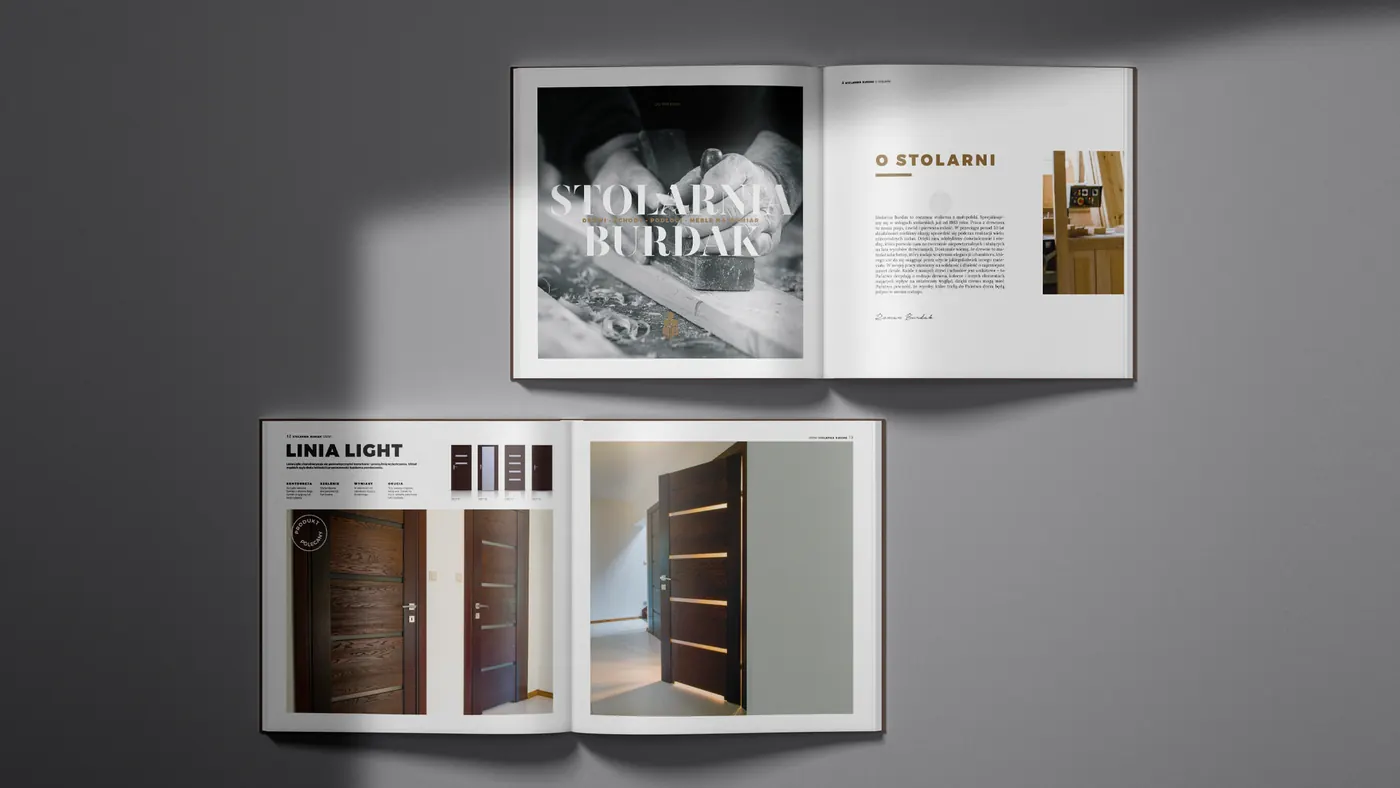 Stolarnia Burdak
Joinery catalogue
-
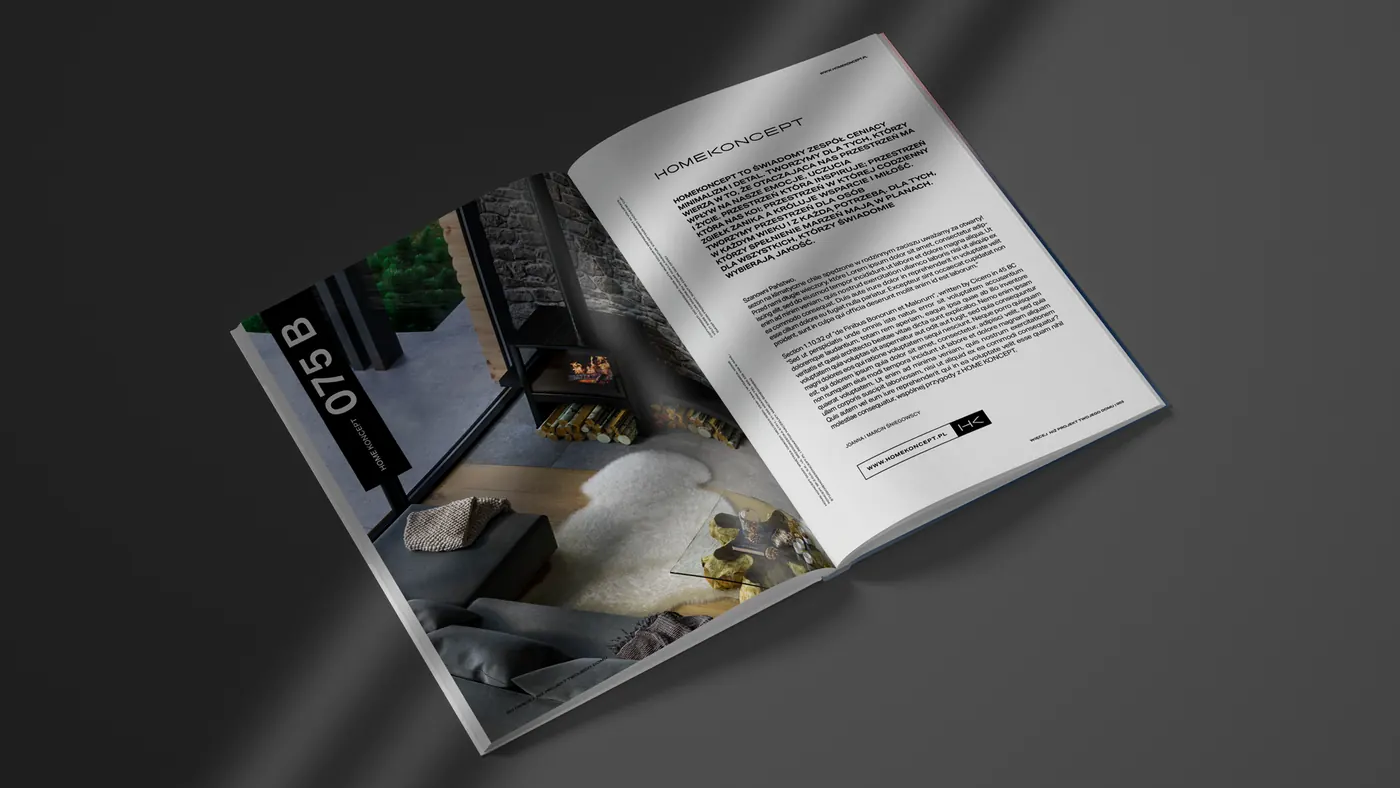 HomeKoncept
House plan catalogue
-
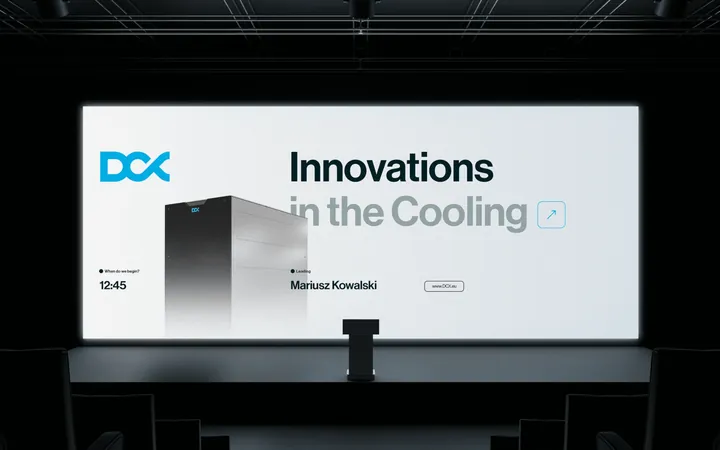
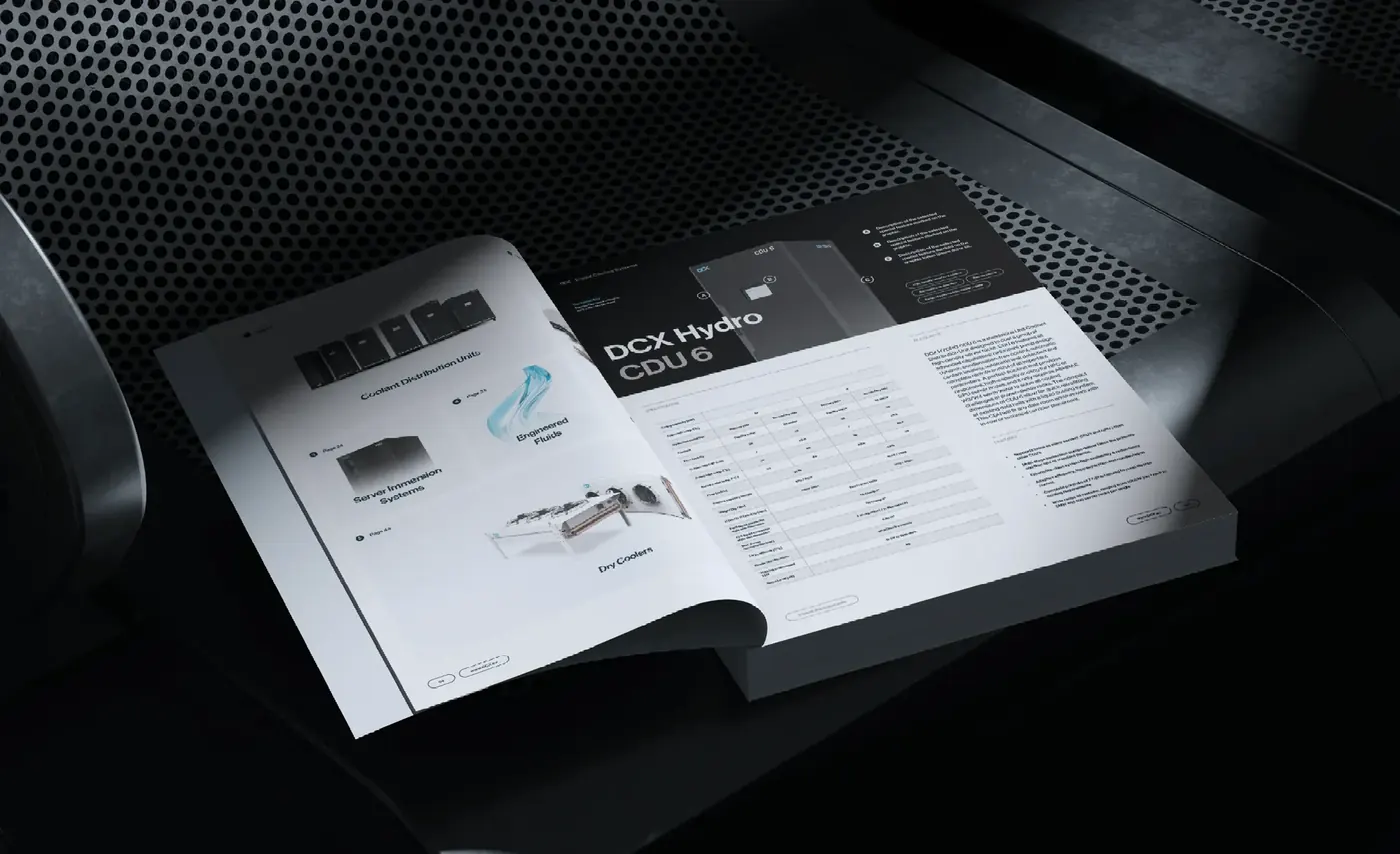 DCX
Trade fair catalogue and leaflets
-
 Mascort
Technical catalogue
-
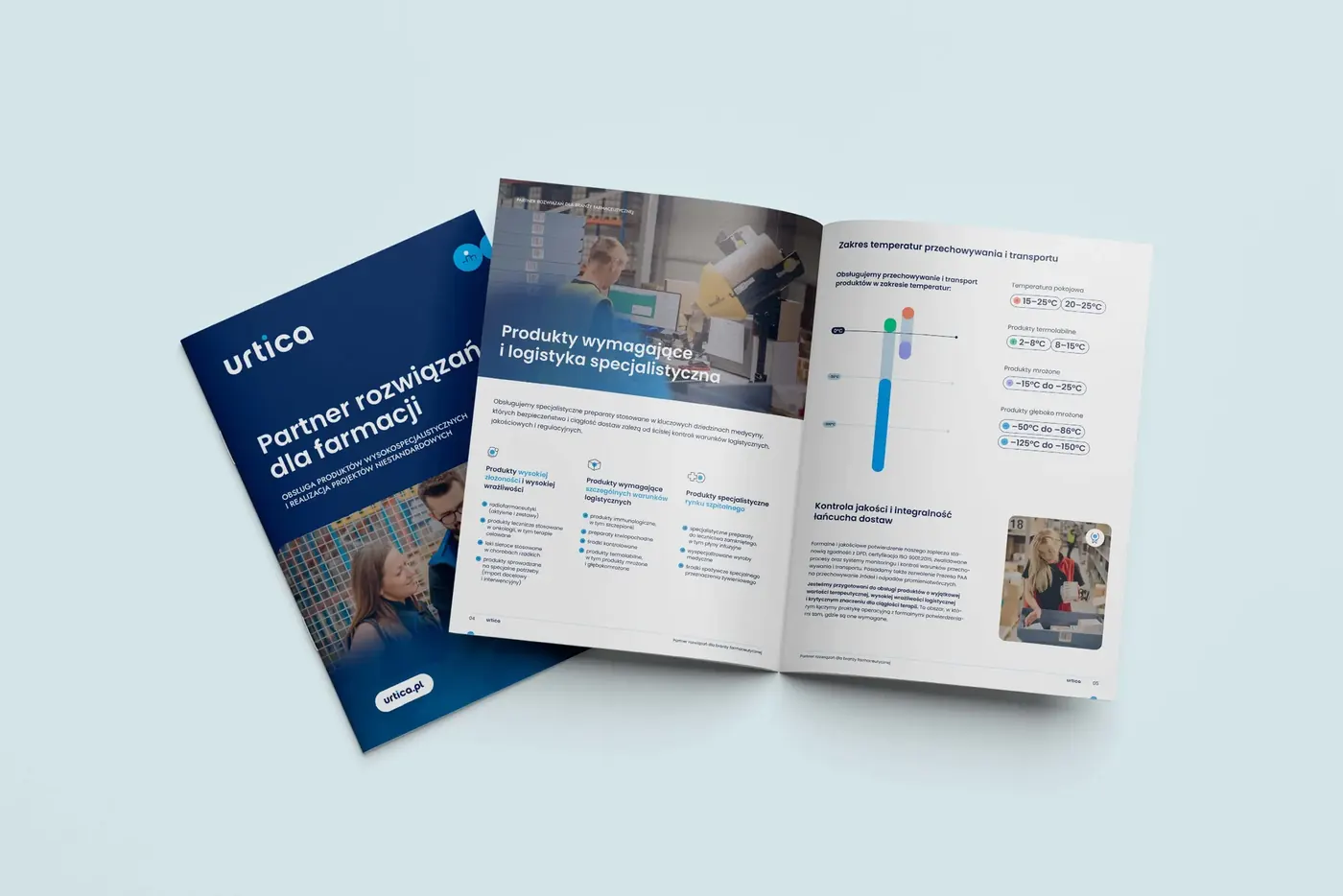 Urtica
Catalogue and leaflet
-
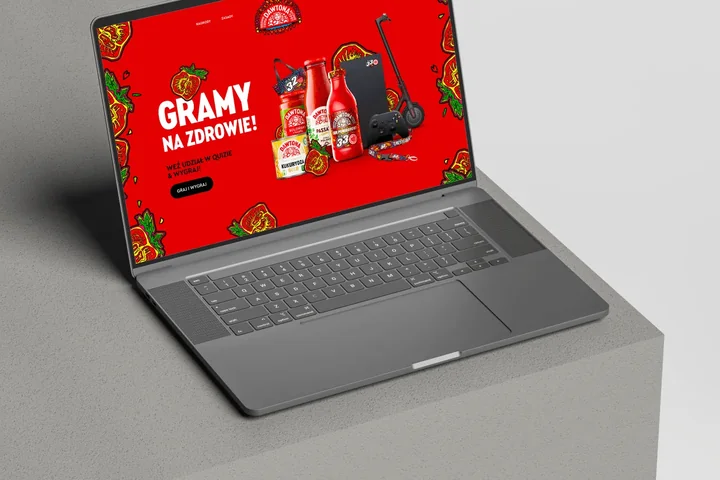
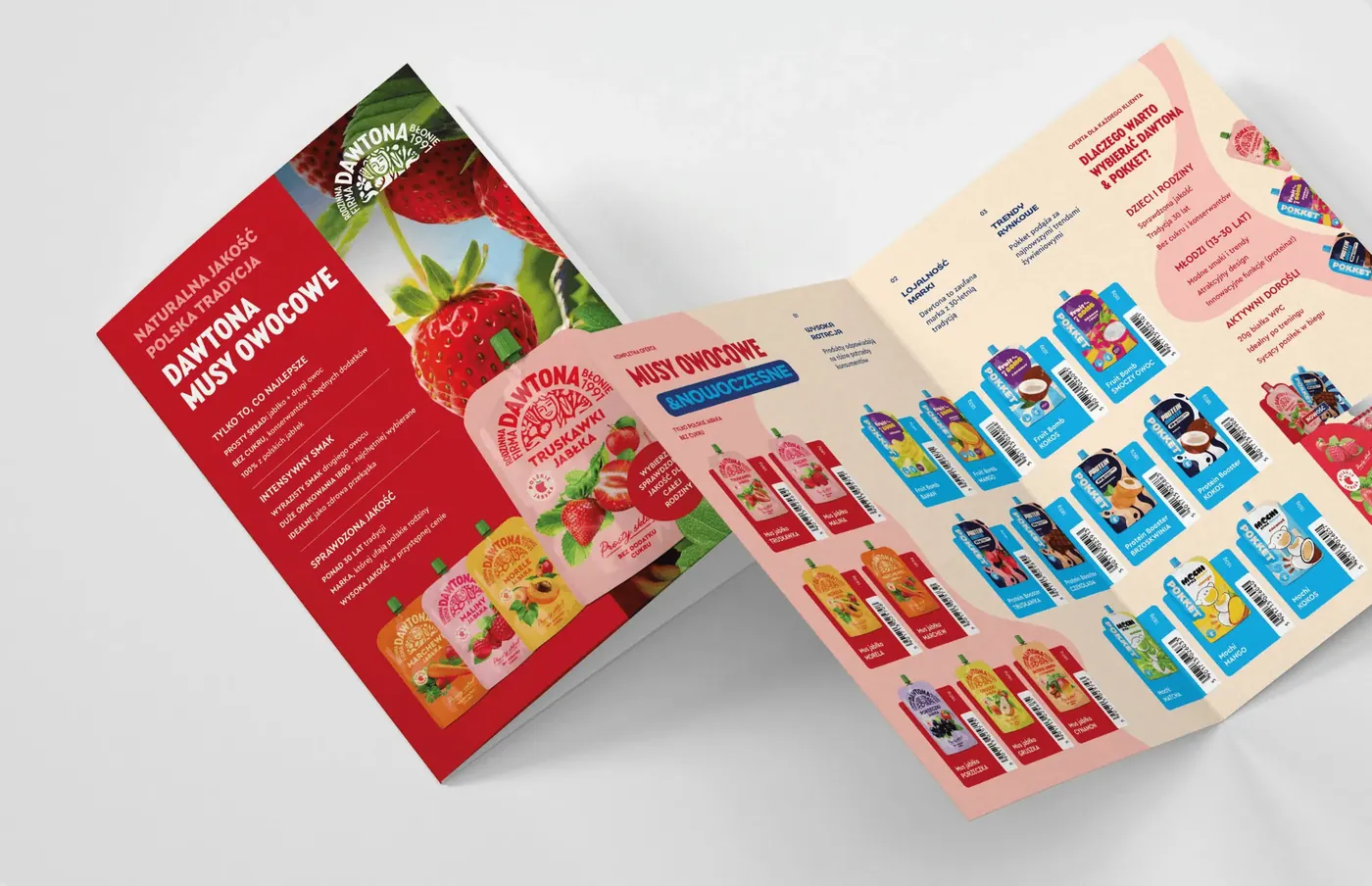 Grupa Dawtona
Leaflets and product range catalogue
-
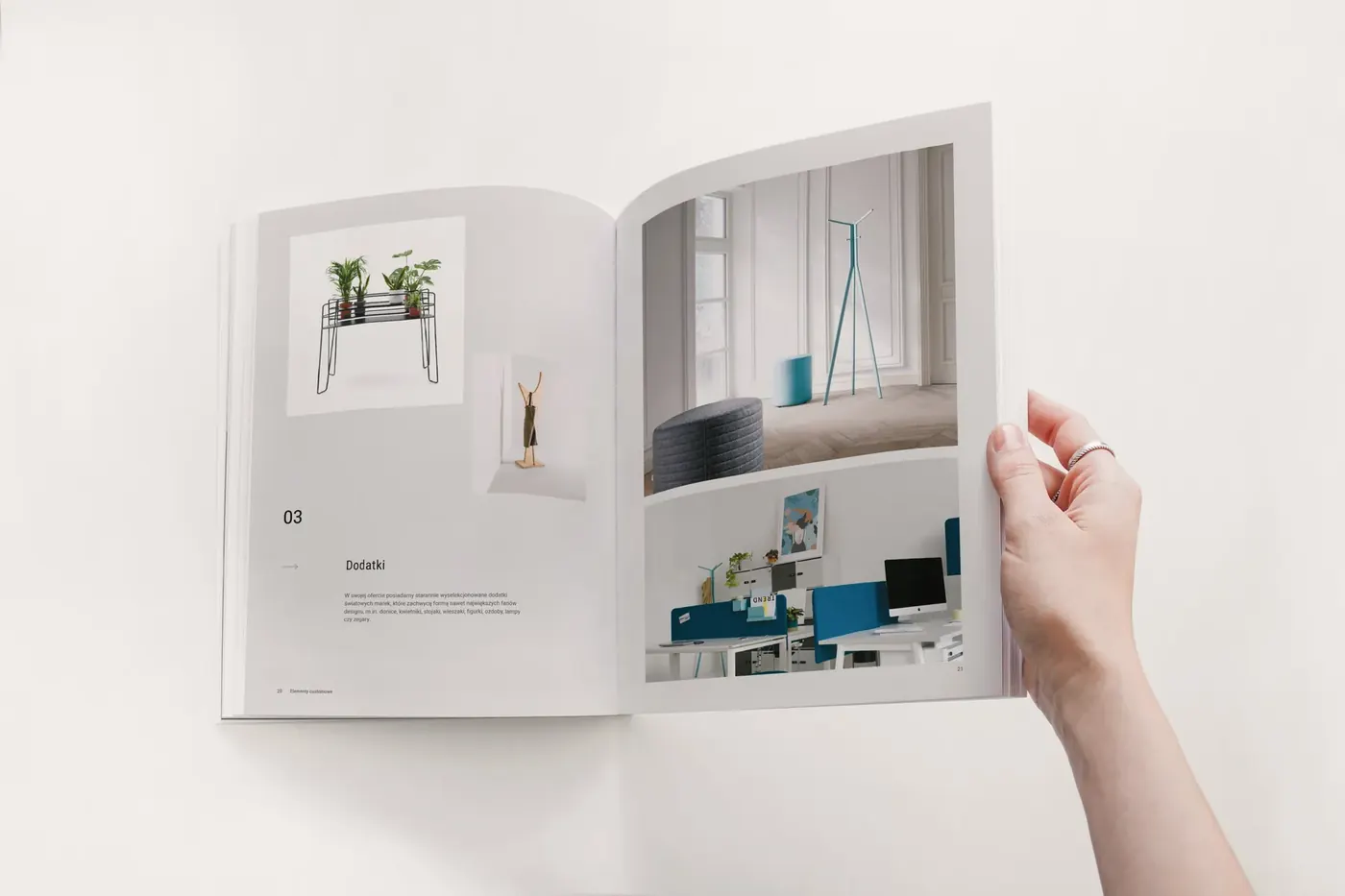 Hana Design
Catalogue and brochure
-
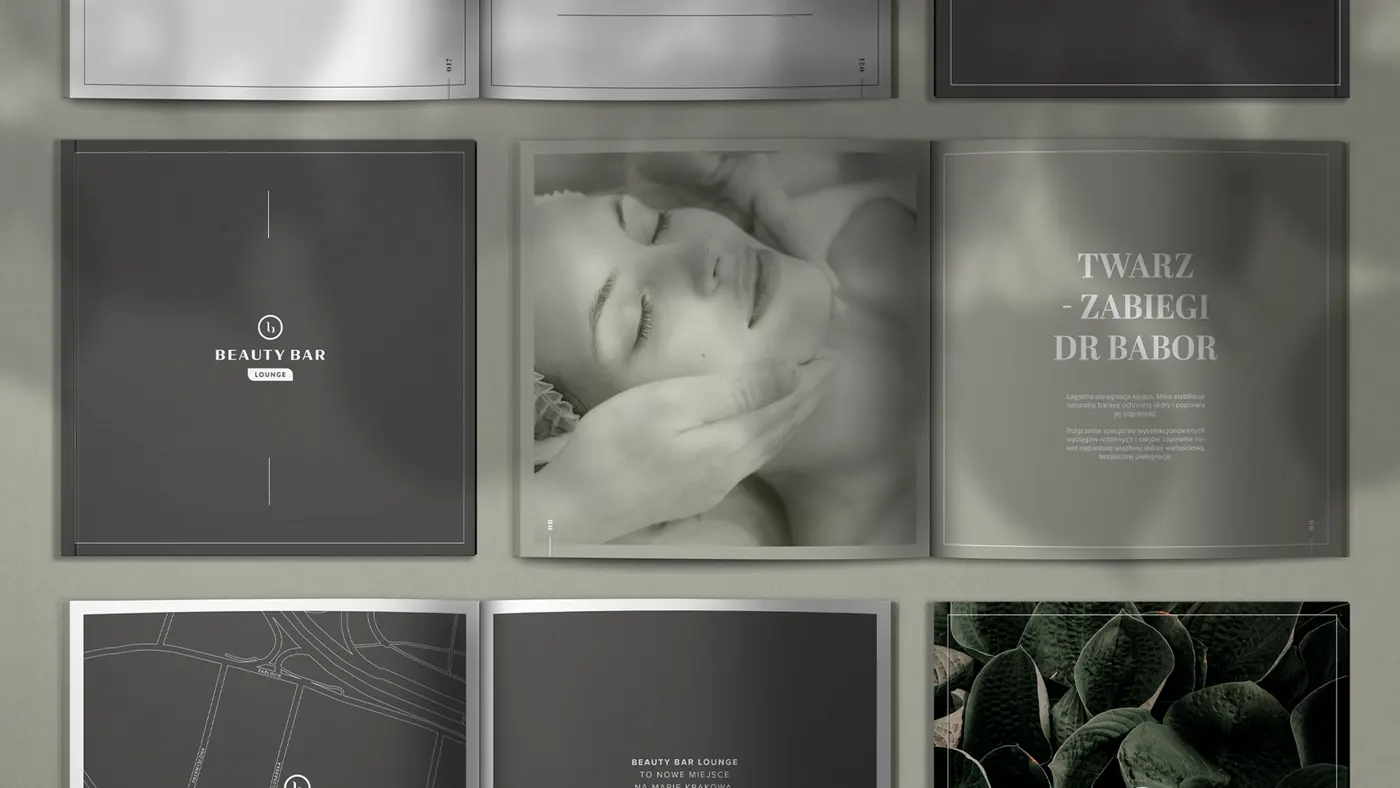 Beauty Bar Lounge
Treatment catalogue
-
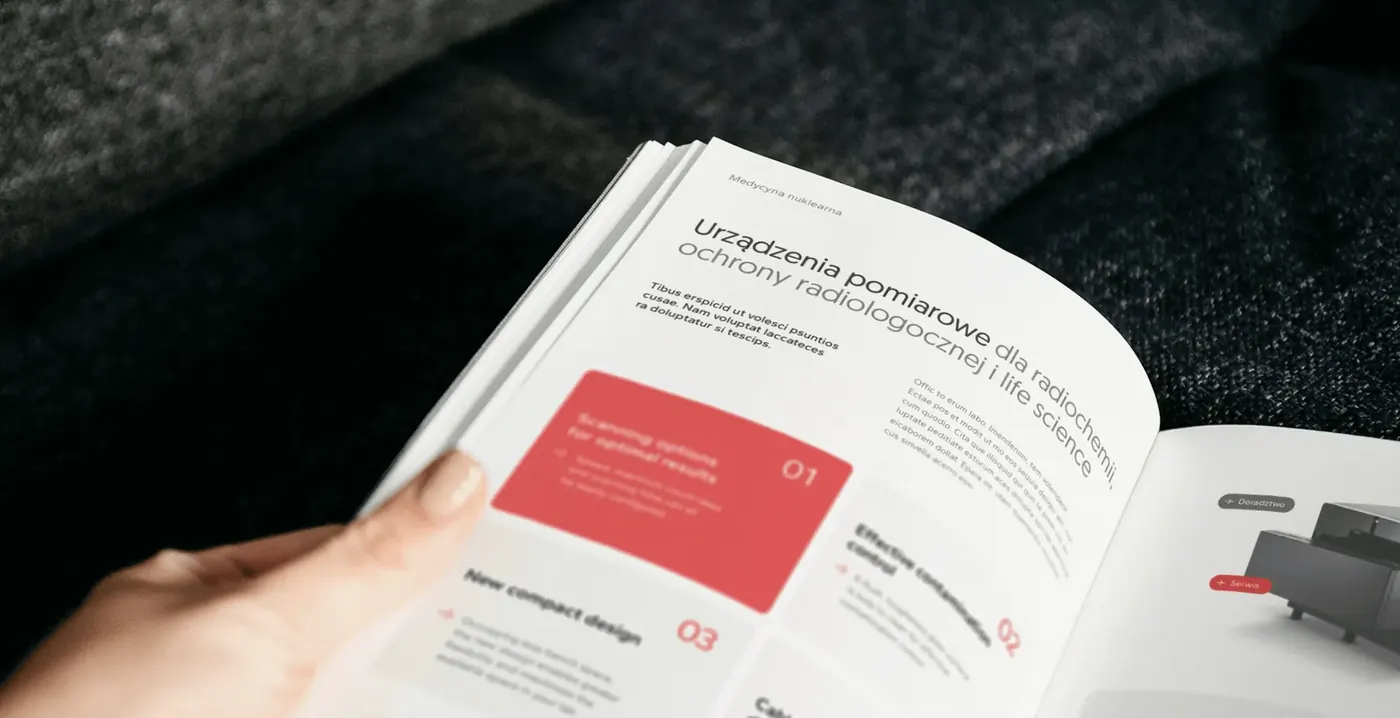 irtech
Catalogue and brochure
-
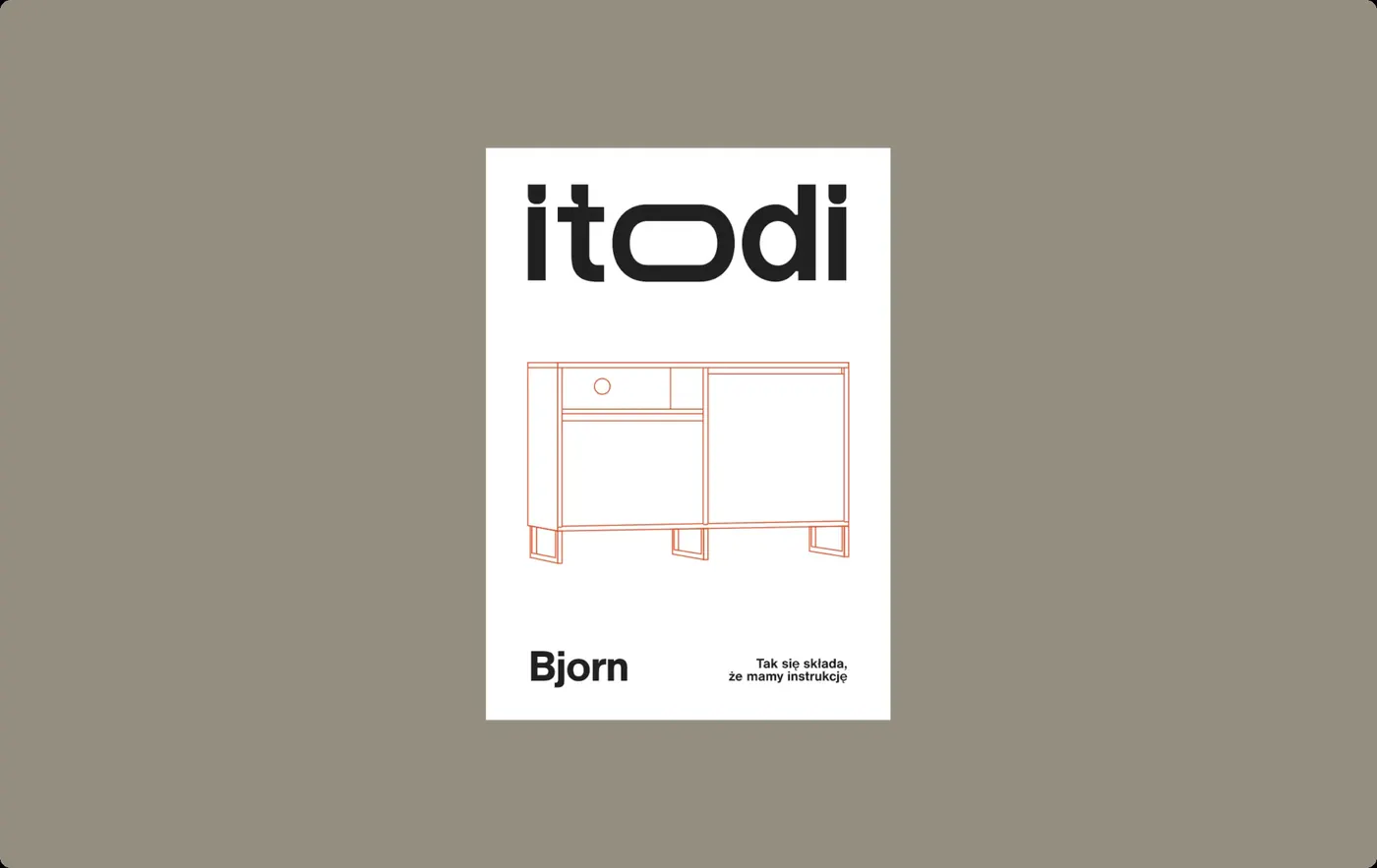 Itodi
Assembly manual
-
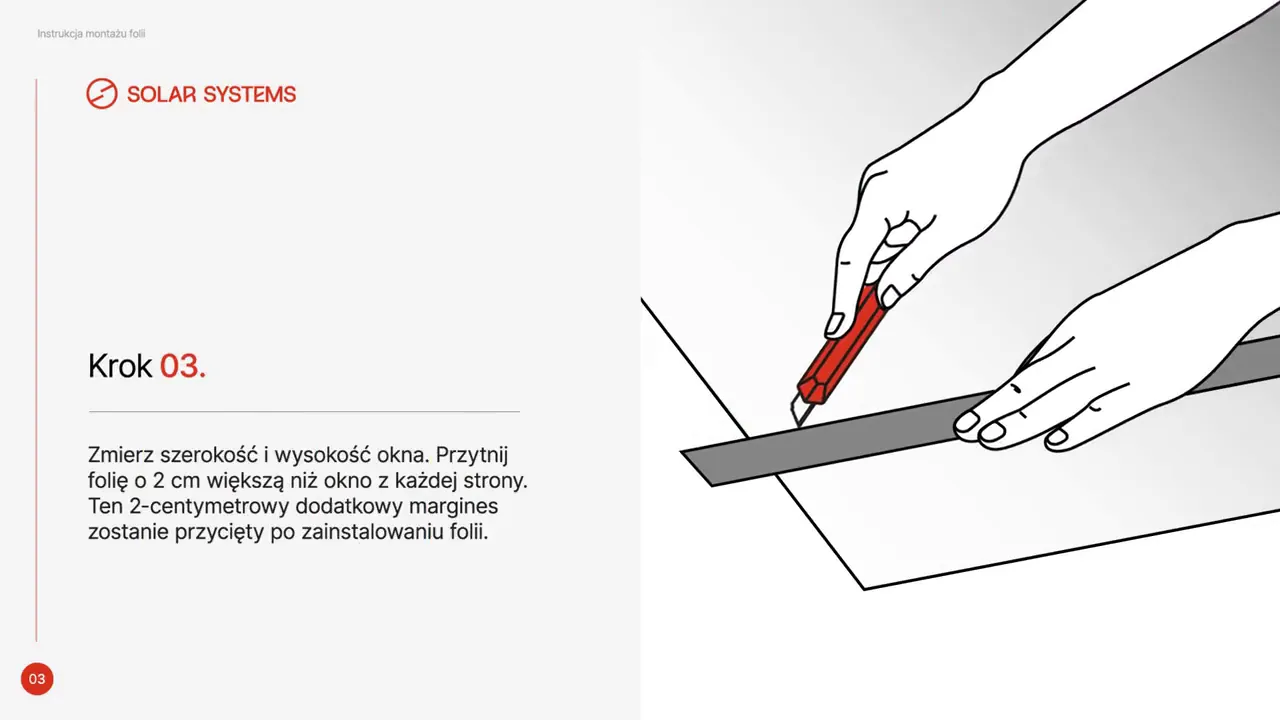 Solar Systems
Animated assembly guide
-
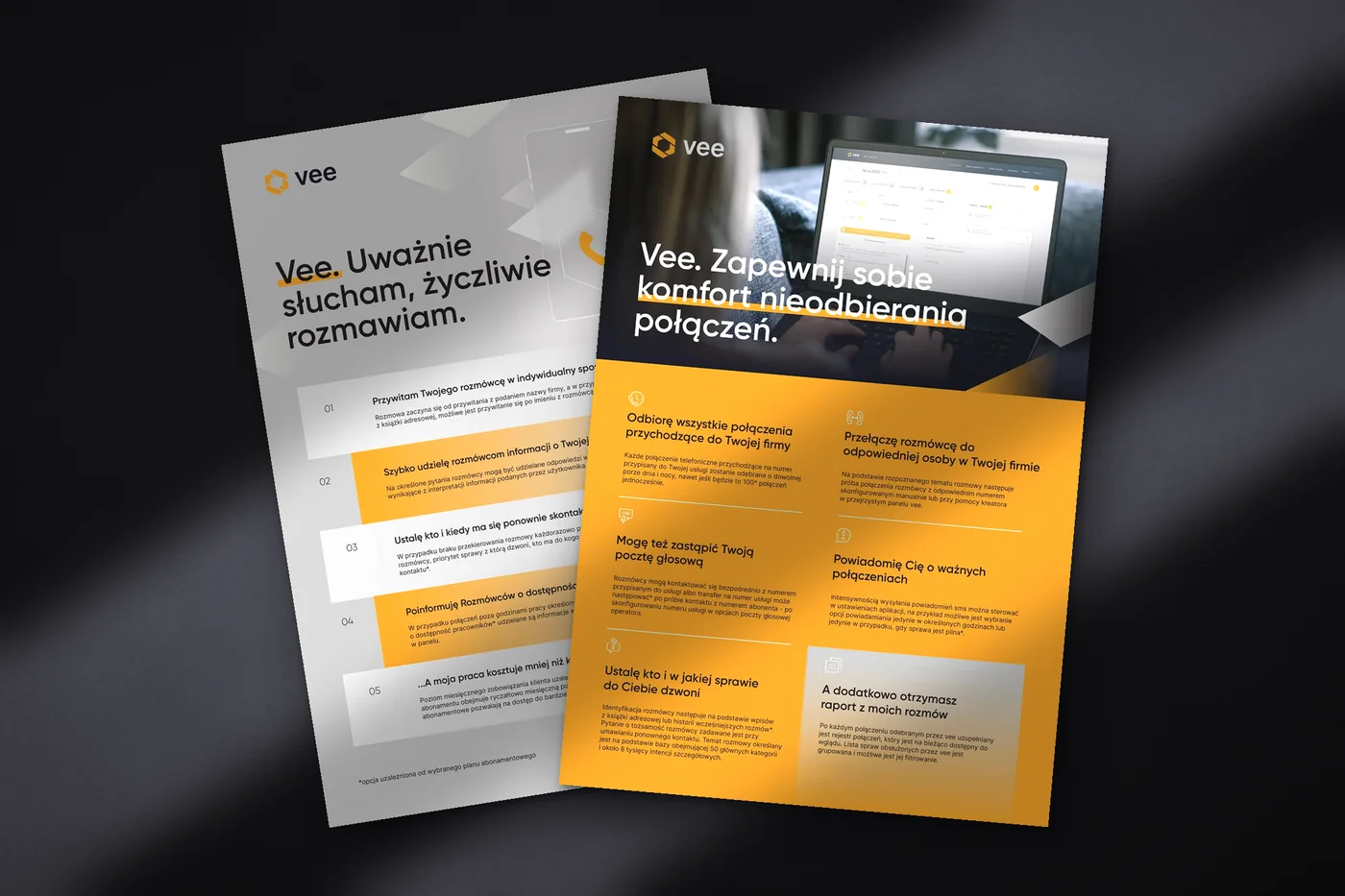 Vee
Brochure and leaflet
-
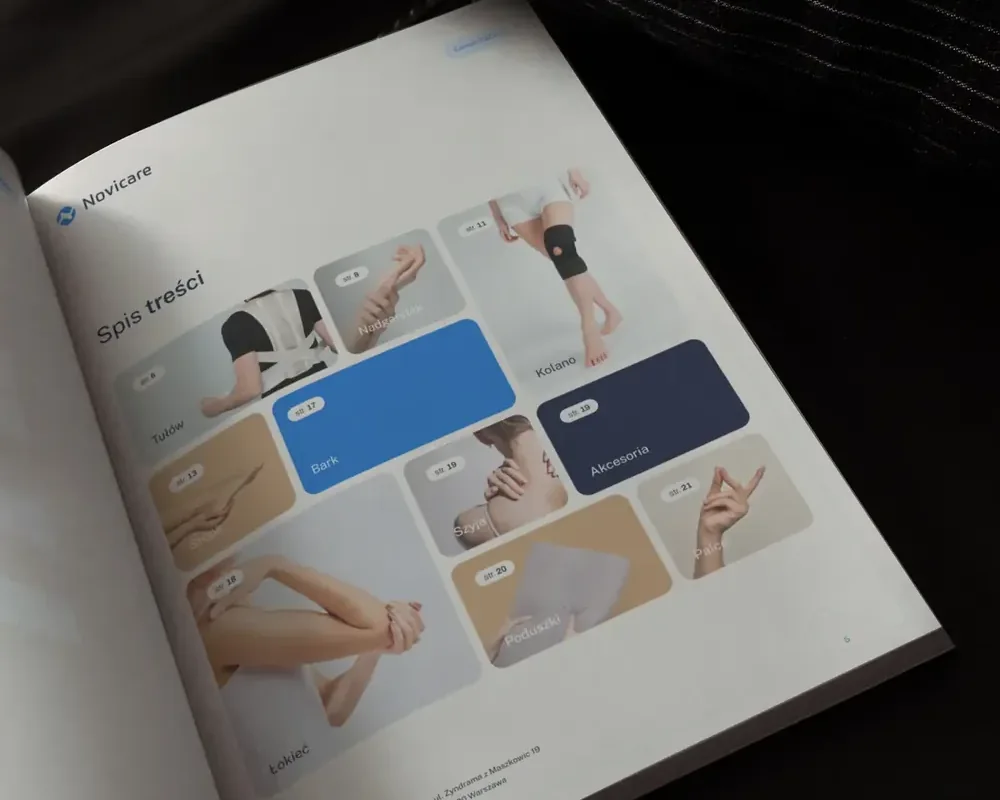 Novicare
Price list and leaflets
-
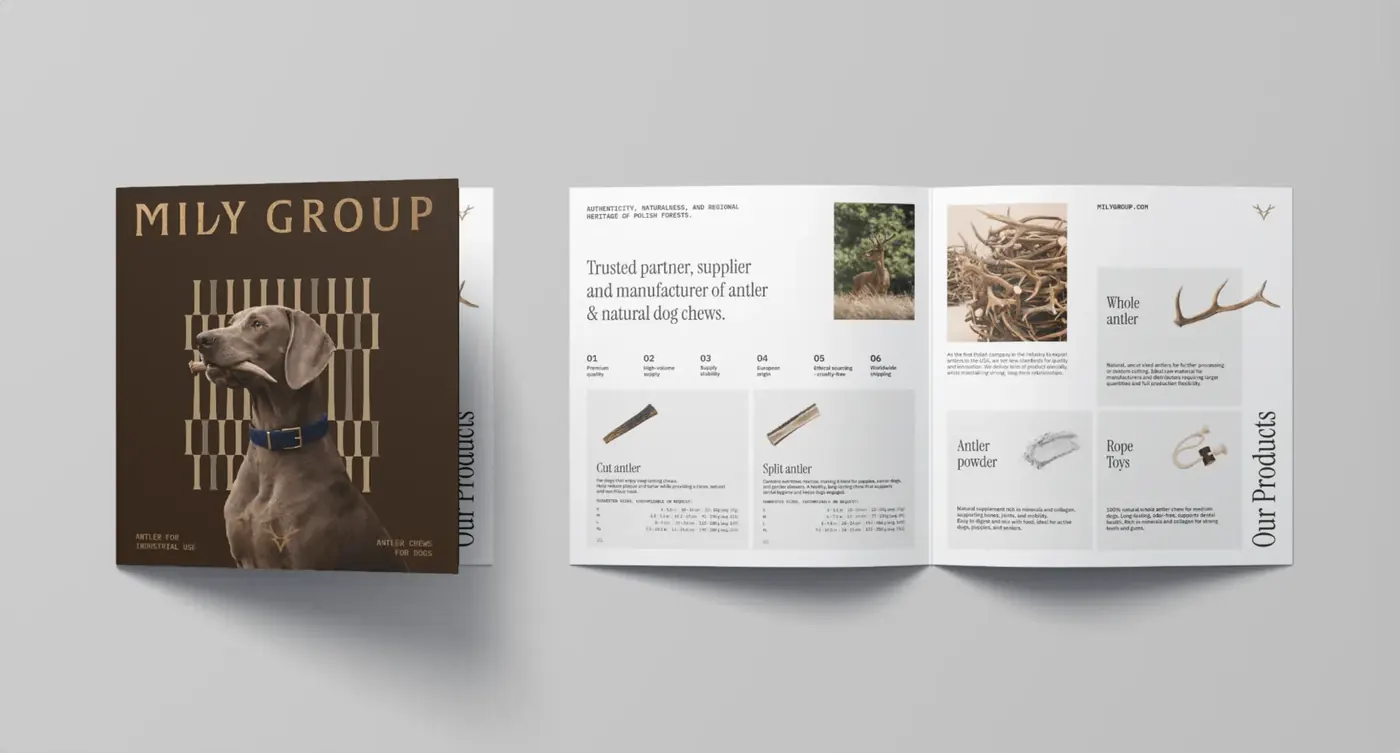 Mily Group
Leaflet with UV varnish
-
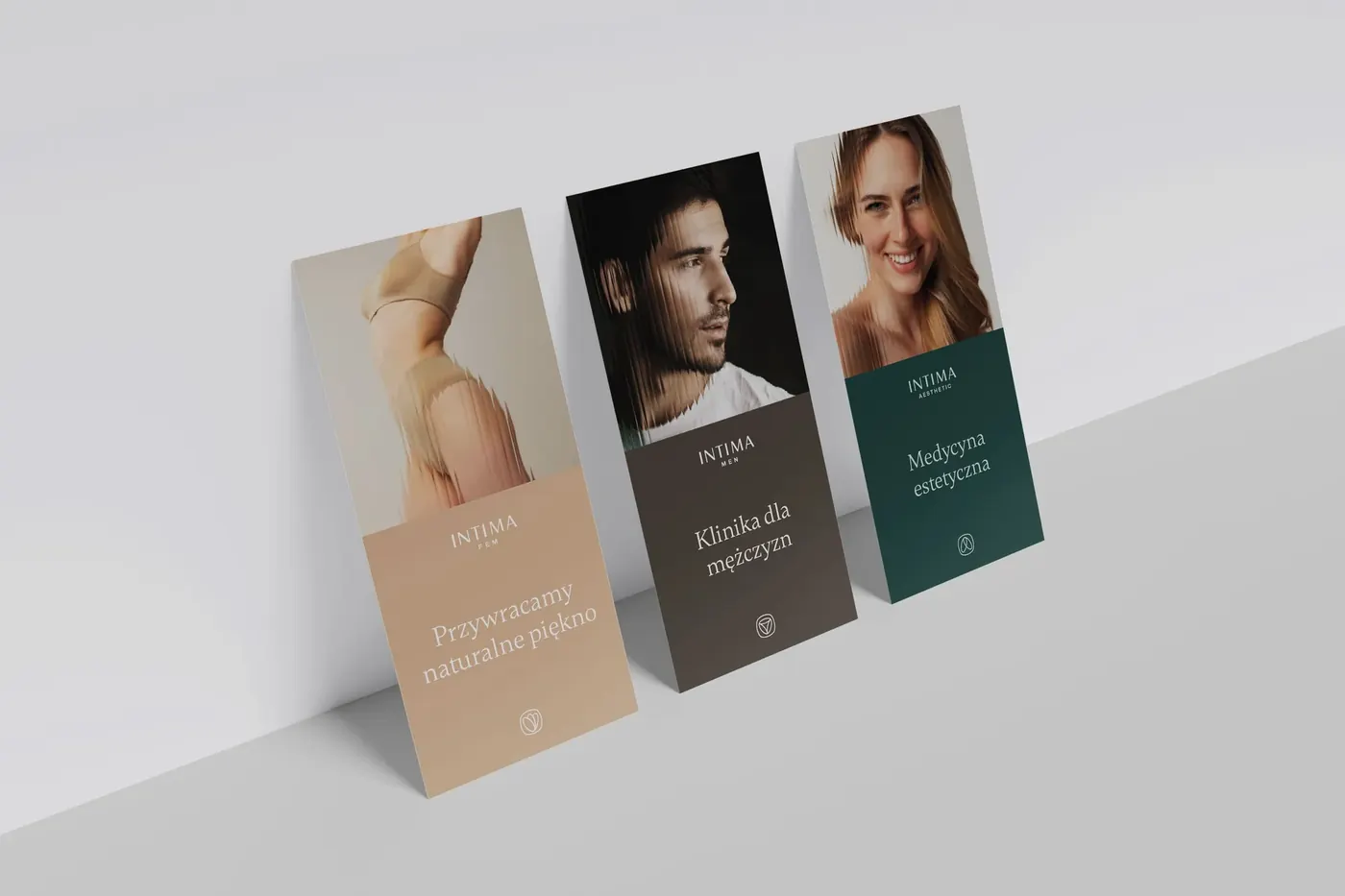 Intima Clinic
Leaflets and e-book
-
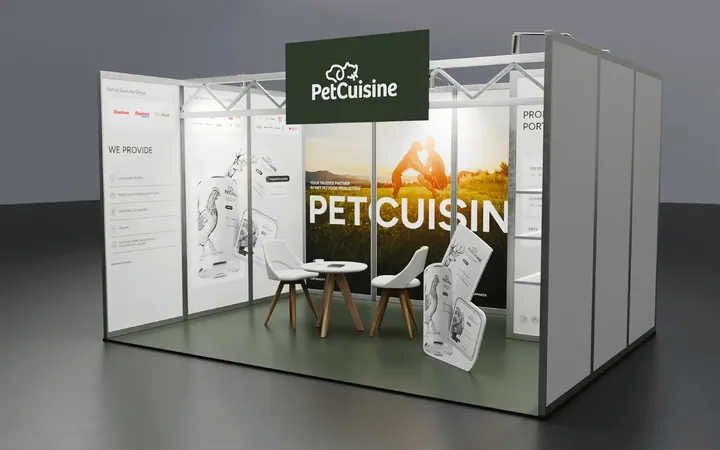
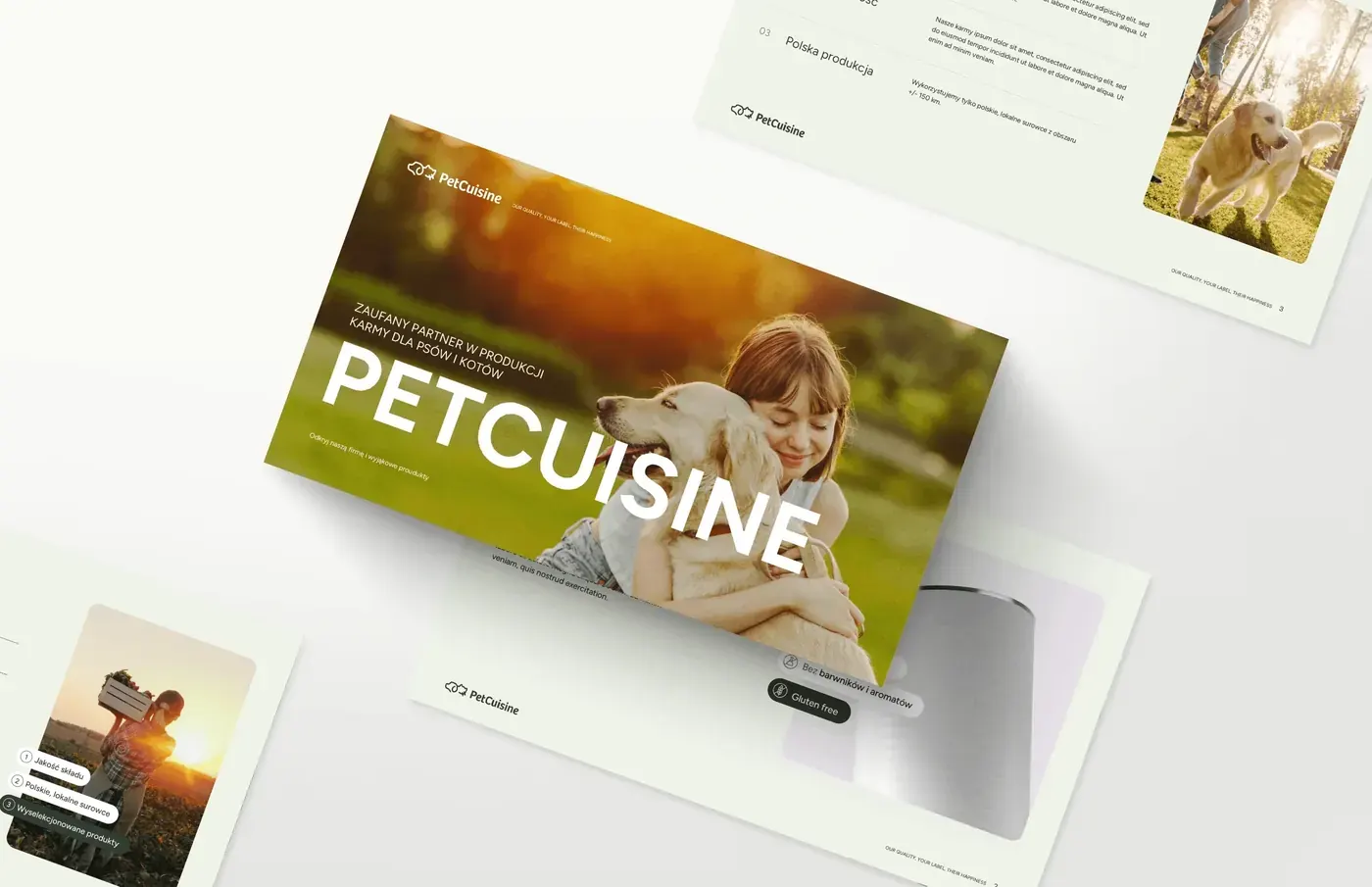 PetCuisine
Pet food catalogue
-
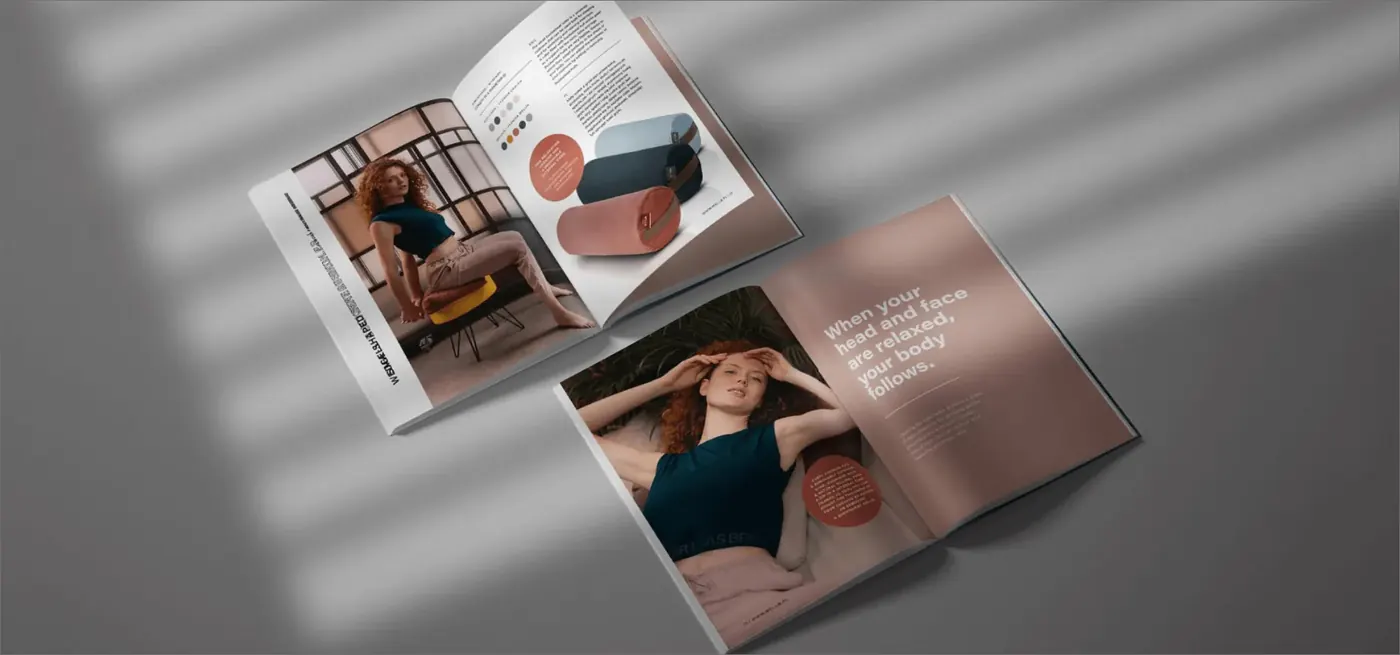 WellB
Product catalogue
-
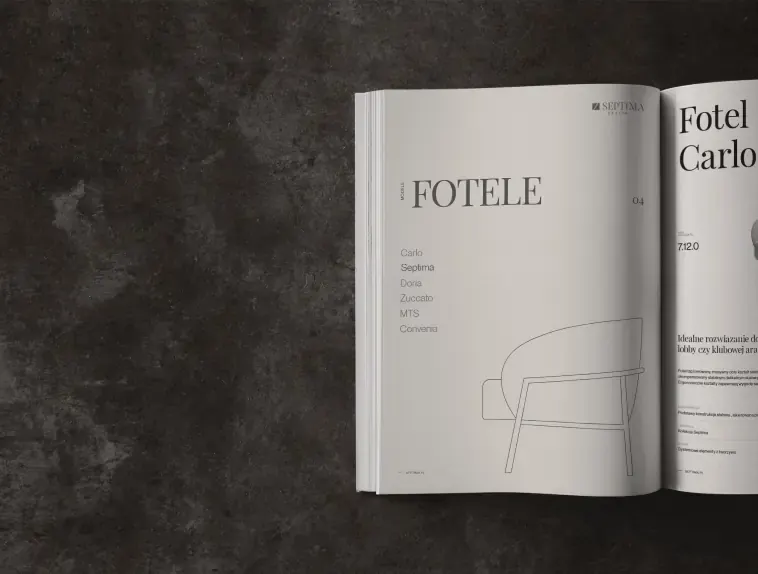 Septima Design
Furniture catalogue
-
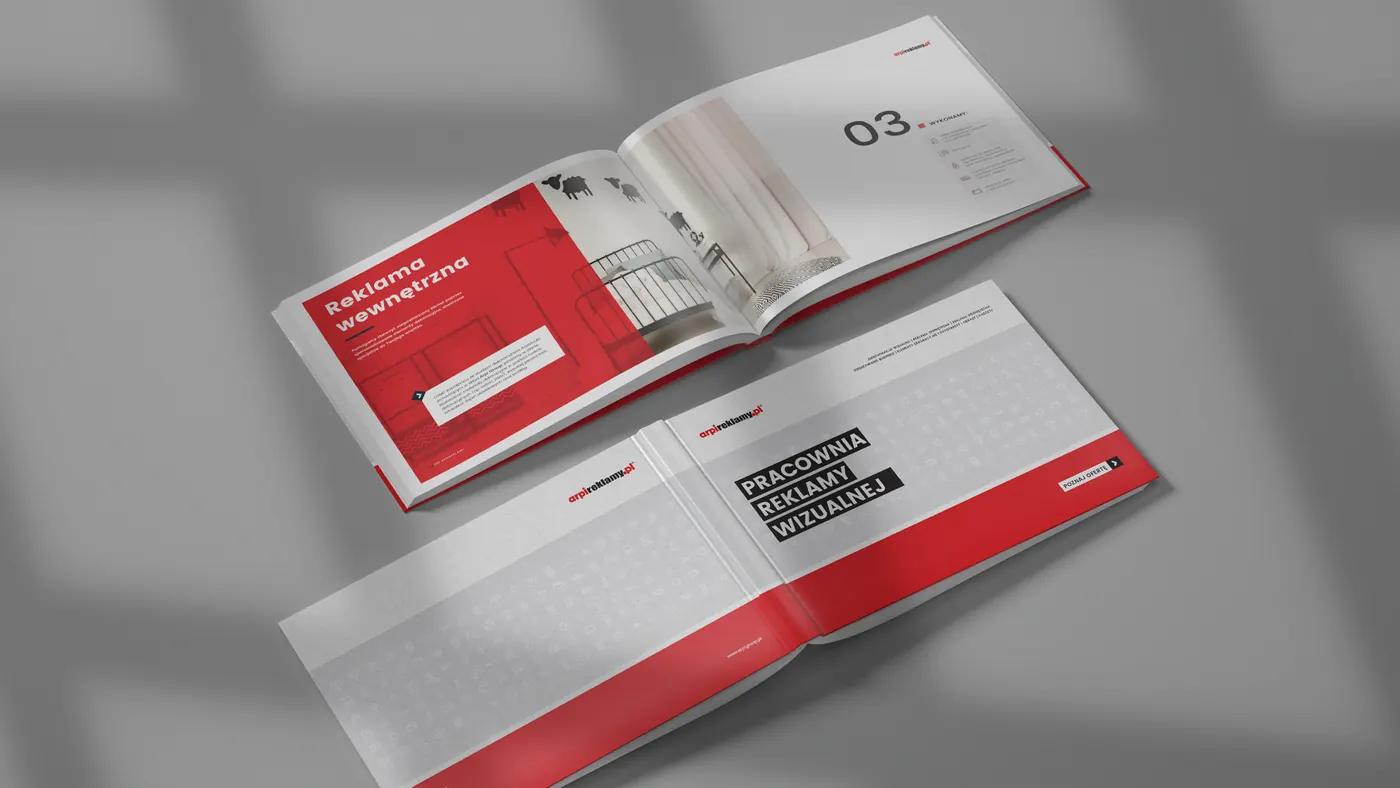 Arpi
Sign-making studio catalogue
-
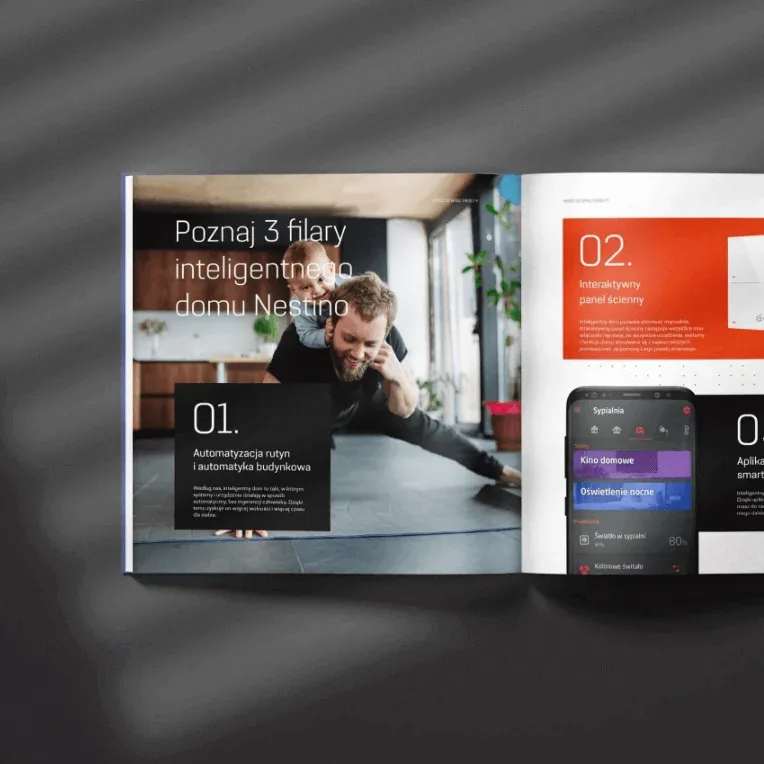 Nestino
Smart home catalogue
-
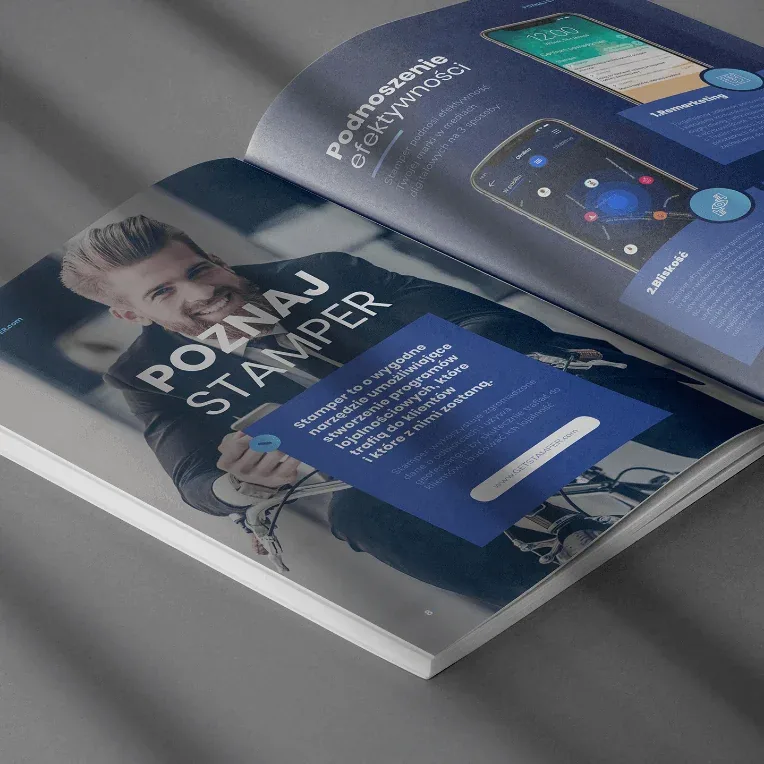 Stamper
Catalogue and e-book
-
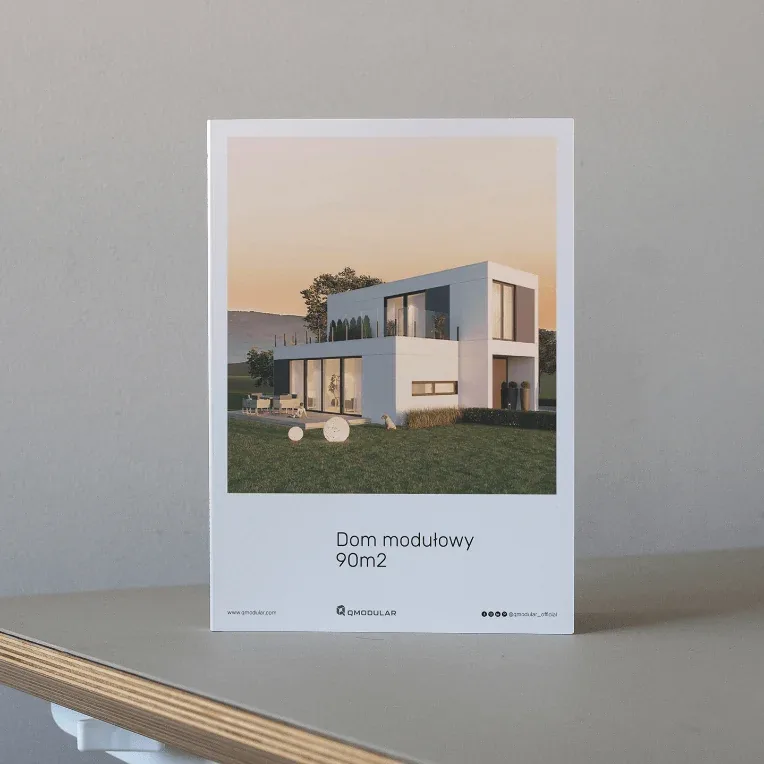 Qmodular
Modular home catalogue
-
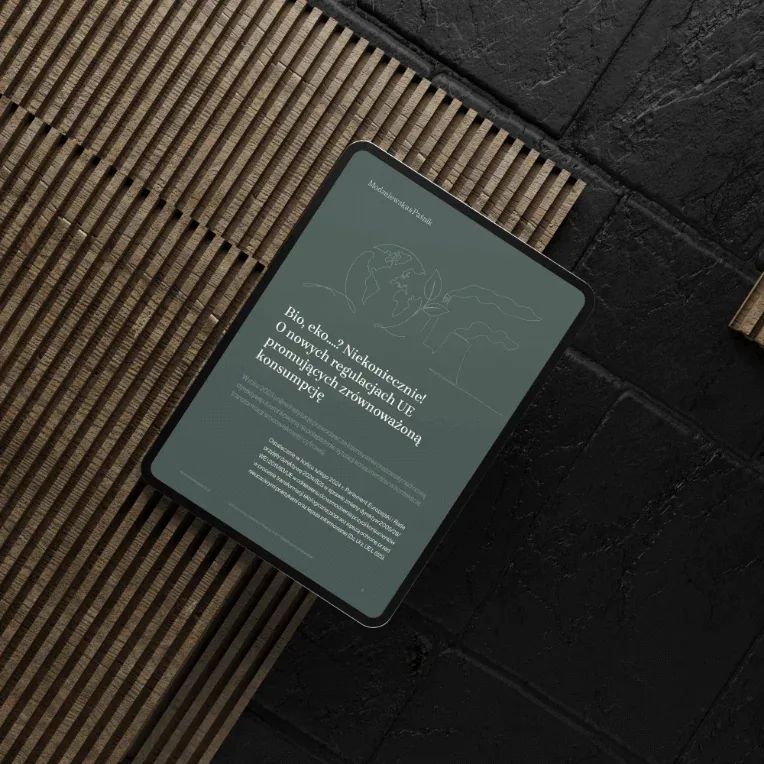 Modzelewska & Paśnik
Law firm e-book
04In motion
Publications that move
A finished catalogue gets a launch video and an online version that's easy to browse on a phone. Manuals come to life as animations.
05Online catalogue
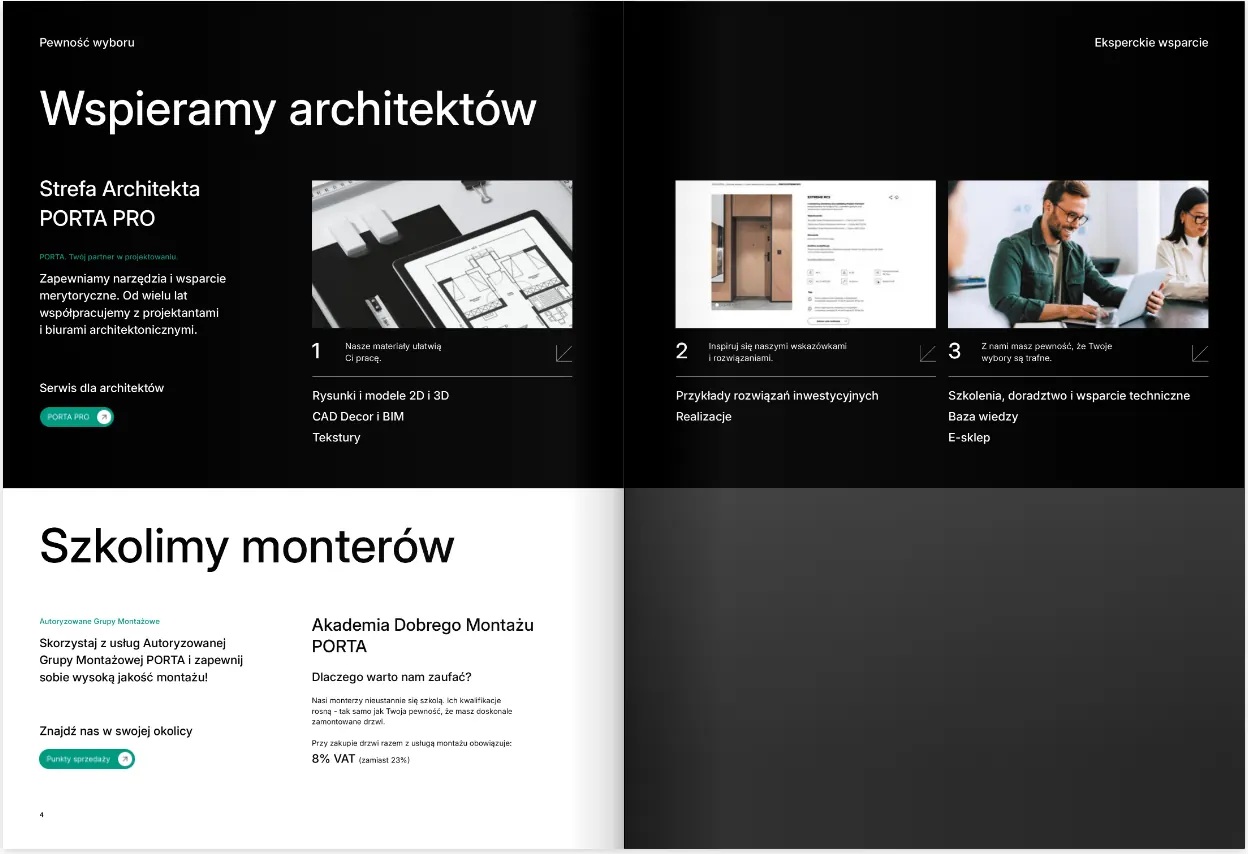
See the interactive Porta catalogue
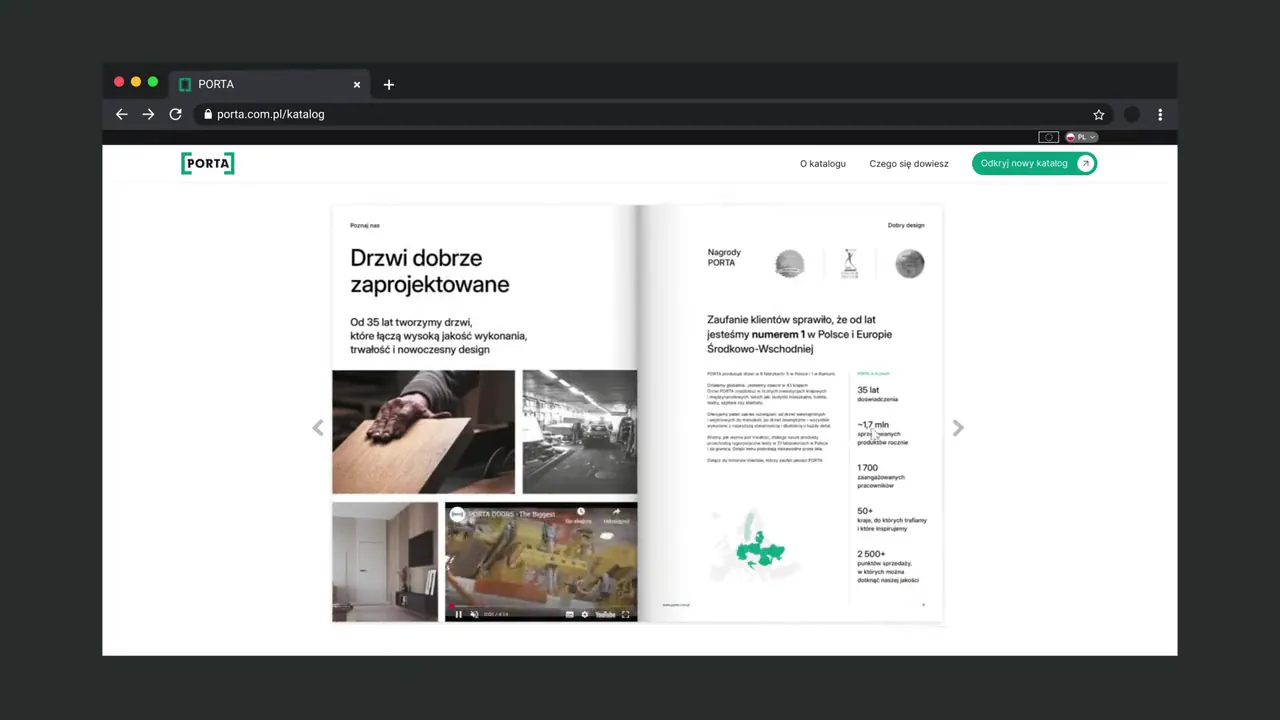
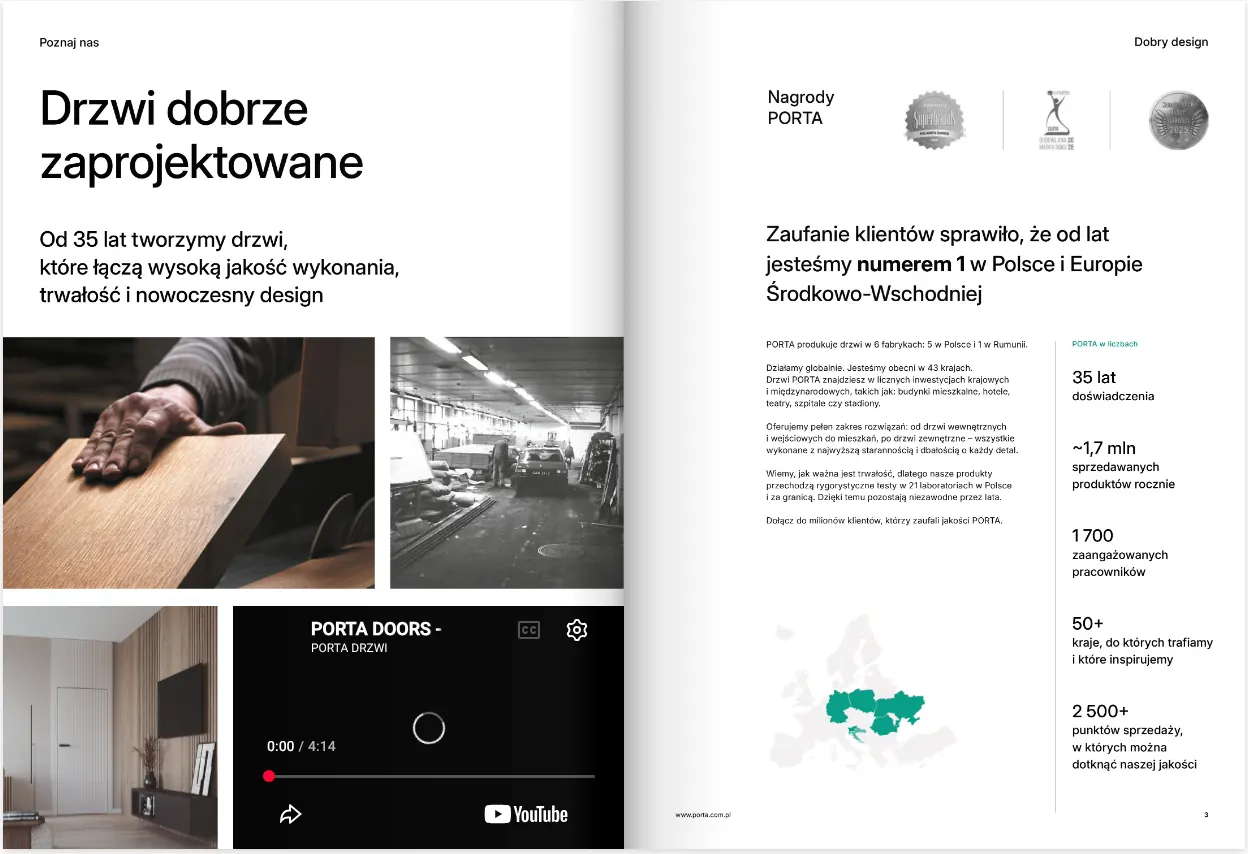
We took the same catalogue that went to the printer and put it online. Pages turn as they do in print, colour samples and door photos zoom in with one click, and the spreads include videos and animations. The catalogue works on a computer, phone or tablet.
- 280 pages
- zoomable colour samples
- videos and animations
- computer, phone and tablet
06Process
From contents page to print file
A leaflet and a catalogue of several hundred pages go through the same stages; only their length changes. Each stage has its own deadline and ends with something your team can review and approve.
- Stage 1 Page plan We start with a talk about purpose and readers, then plan the pages.
- Stage 2 Template pages We design the cover and a few spreads to test the whole system on.
- Stage 3 Full layout We lay out in InDesign, using styles, tables and libraries.
- Stage 4 Proofs and versions Corrections are collected on an annotated PDF, in one list per round.
- Stage 5 Print We prepare files so the printer has no questions.
- Stage 6 Next editions After printing we make the online version and leave a template for the next edition.
Page plan
What we do
We start with a talk about purpose and readers, then plan the pages.
We talk about why the publication is being made, who will read it and where. Then we turn the list of content into a page plan, the information architecture of the whole publication. It shows section openers, product pages, tables and places for photos. At this stage a whole section is easy to move; later it isn't.
At the end of the stage
- Contents
- Page plan
Template pages
What we do
We design the cover and a few spreads to test the whole system on.
We take the hardest cases: the longest product name, the biggest table, a page without a good photo. Once the system handles them, the rest of the catalogue holds no surprises. We lay out the whole thing only after your approval.
At the end of the stage
- Cover
- Template spreads
- Grid and typography
Full layout
What we do
We lay out in InDesign, using styles, tables and libraries.
One style fix runs through every page at once. Tables are linked to your spreadsheets, so a new price in Excel goes into the catalogue without retyping. We create any missing photos, renders, icons and infographics ourselves.
At the end of the stage
- Full layout
- Icons and infographics
- Renders and packshots
Proofs and versions
What we do
Corrections are collected on an annotated PDF, in one list per round.
Language versions, shorter editions and the investor version come from the same file, so they never drift from the original.
At the end of the stage
- Proofreading rounds
- Language versions
What we do
We prepare files so the printer has no questions.
Bleeds, CMYK, spot colours, spot varnish and die lines on separate layers. We help choose paper, binding and finishes and check the proof. We can also handle contact with the printer and take responsibility for the print run.
At the end of the stage
- Print files
- Paper and binding
- Proof check
Next editions
What we do
After printing we make the online version and leave a template for the next edition.
We make an interactive PDF, a flipbook or a launch video. We leave a template in InDesign, and for simpler materials in a tool your team already uses: Canva, Figma or Google Slides. For the next edition, come back to us or prepare it within your own team.
At the end of the stage
- Online version
- Template for future editions
07Scope
What we lay out
We lay out everything on this list as part of our everyday work. Underlined terms are explained in our glossary, translated from printer-speak into plain English.
Publications
- Product catalogue
- Collection catalogue
- Price list
- Company brochure
- Promotional brochure
- Leaflet
- Folded leaflet
- Lookbook
- Annual report
- Management board report
- Quarterly report
- Company magazine
- Trade magazine
- Anniversary album
- Company book
- Assembly manual
- User manual
- Product sheet
- Technical data sheet
- Guide
- E-book
- Invitation
- Sales materials
On the page
- Contents page
- Page layout
- Design grid
- Typography
- Typesetting
- Tables
- Infographics
- Charts
- Icons
- Maps
- Technical drawings
- Step drawings
- Packshots
- 3D renders
- Photo retouching
- Mockups
Print and finishing
Online and in motion
- Interactive PDF
- Flipbook
- Catalogue on a website
- E-book
- Catalogue video
- Animated manual
- Cover animation
- Scrollytelling
- Language versions
- Template for future editions
08From the same shelf
Other services that often go hand in hand
- Company reports Annual and periodic reports for companies listed on the Warsaw Stock Exchange, in a template that copes with figures changing the day before publication.
- E-books Guides and reports for reading on screen, including ones a customer will happily leave an email address for.
- Presentations Company and sales presentations, plus a template your sales team can use to prepare the next ones themselves.
- Packaging Labels, cartons and whole product lines, with files a packaging printer will accept without corrections.
- Motion design Videos and animations, including ones made from finished publications: a catalogue teaser, a cover in motion, step-by-step instructions.
- Advertising materials Roll-ups, backdrops, branded merchandise and ads that stand next to your catalogues at trade fairs.
- Brandbook The brand rules we lay out publications by. If they're missing, we write them down together with your team.
