








Explainer videos and films that explain.
We explain on film what customers ask about most: how a service works, how to use a website and how to install a product. We write the script, draw, record the voice-over and make the language versions.

01Approach
What goes into a great explainer?
A good explainer explains your offer once, then keeps working on your website, at trade fairs and for your sales team. This is how we approach every one, from a few seconds to a few minutes long.
-
Understanding
To explain something, we first have to understand it ourselves. We check what your customers ask about, click through the website, read the service description and ask your sales reps and engineers.
-
One idea
A long description from the offer becomes a few scenes, each saying one thing. Viewers take each one in within seconds, and at the end they know what to do next.
-
The viewer's language
We write in your customers' words. Technical terms stay where viewers use them themselves, and everything else is put into plain language.
-
Material
We start from what you already have: footage, screenshots and a finished voice-over script. If there's only an idea, we write the script, draw, animate in 2D or 3D and record the voice-over.
-
Without sound
A video has to work muted too: on social media, at trade fairs and in the office. Every scene has a short caption, and the most important things are visible in the picture.
-
Versions
One video gives you everything you need: a full version for the website, short cuts for ads, language versions and stills for manuals or presentations. When the offer changes, we replace only the scenes it affects.
-
Guidance
Before we start, it's clear how the work will run and what your team will get at the end. The script and storyboard are approved before animation, because a change to the text costs less than a change to a finished scene.
02Types of video
What needs explaining?
These are the topics companies bring to us most often. For each one we describe what we do and what your team gets, and show a similar video.
A service or programme An offer you can't show in a photo
What we do
We break the service down into scenes: why it exists, who can join, what they get and how to sign up. Abstract ideas such as points, thresholds or deadlines become simple drawings.
What you get
- Script and storyboard
- Video with voice-over or captions
- Short versions for ads
- Stills for the website and mailings
An app or website Why install it and how to use it
What we do
We start with a situation the viewer knows and show how the app solves it: step by step, on real screens. Characters and hands are drawn in the brand colours, and screens are animated the way they actually work.
What you get
- A script built on an everyday situation
- Screen animation
- Captions and language versions
- 1:1 and 16:9 formats
Website launch A launch video and social media versions
What we do
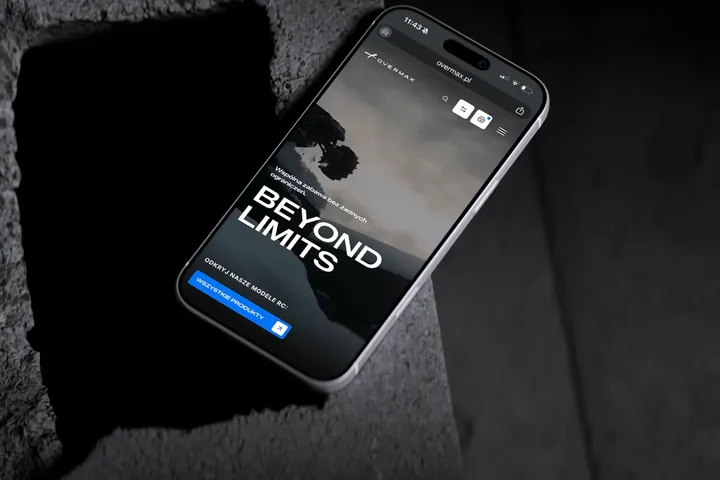
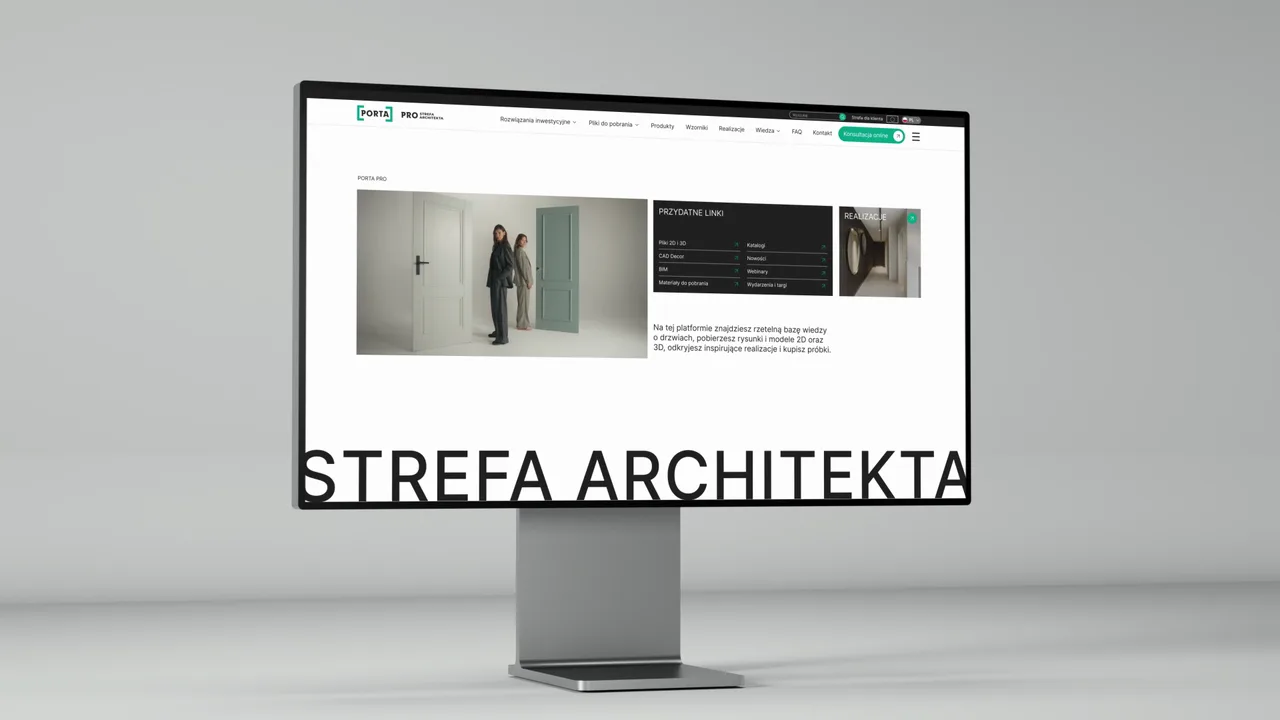
We make a short launch video and versions for social media. We show the main sections on the website's own screens and finish with the address worth visiting.
What you get
- Launch video
- 4:5 and 9:16 versions
- Animations of selected pages
- End card with the address
Installation guide Step by step, in several languages
What we do
We draw each step in a fine line and animate it: hands, tools and the order of movements. The same drawings make up the printed manual, and the video goes on the website, in the online shop and behind a QR code on the packaging.
What you get
- Step drawings
- Animated guide
- Language versions
- Leaflet or printed manual
Short, for social media A few seconds that work without sound
What we do
We cut short versions from a longer video or make them from scratch, with large typography and captions that read without sound. Each one is set in the format of the channel it will play on.
What you get
- 15- and 30-second versions
- 4:5, 1:1 and 9:16 formats
- Captions instead of voice-over
- Video thumbnails
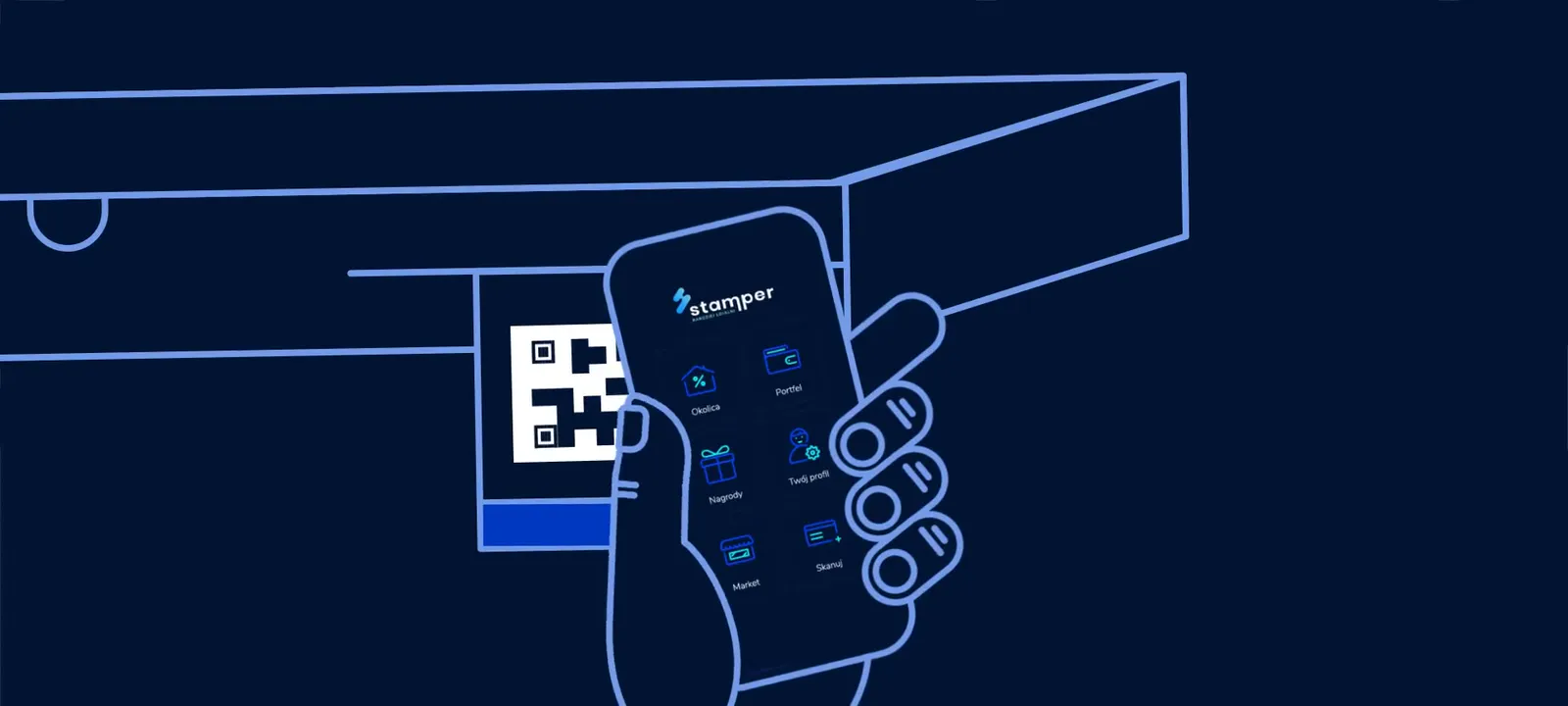 Stamper · loyalty app for restaurants
03Our work
Our videos
9 videos for 6 brands: explainers, how-tos and teasers. Each one has a description and the full version.
- Porta Teaser for the new Architect Zone
- Acer A rewards programme for schools in one video
- Gaz-Błonie A narrated film about LNG stations
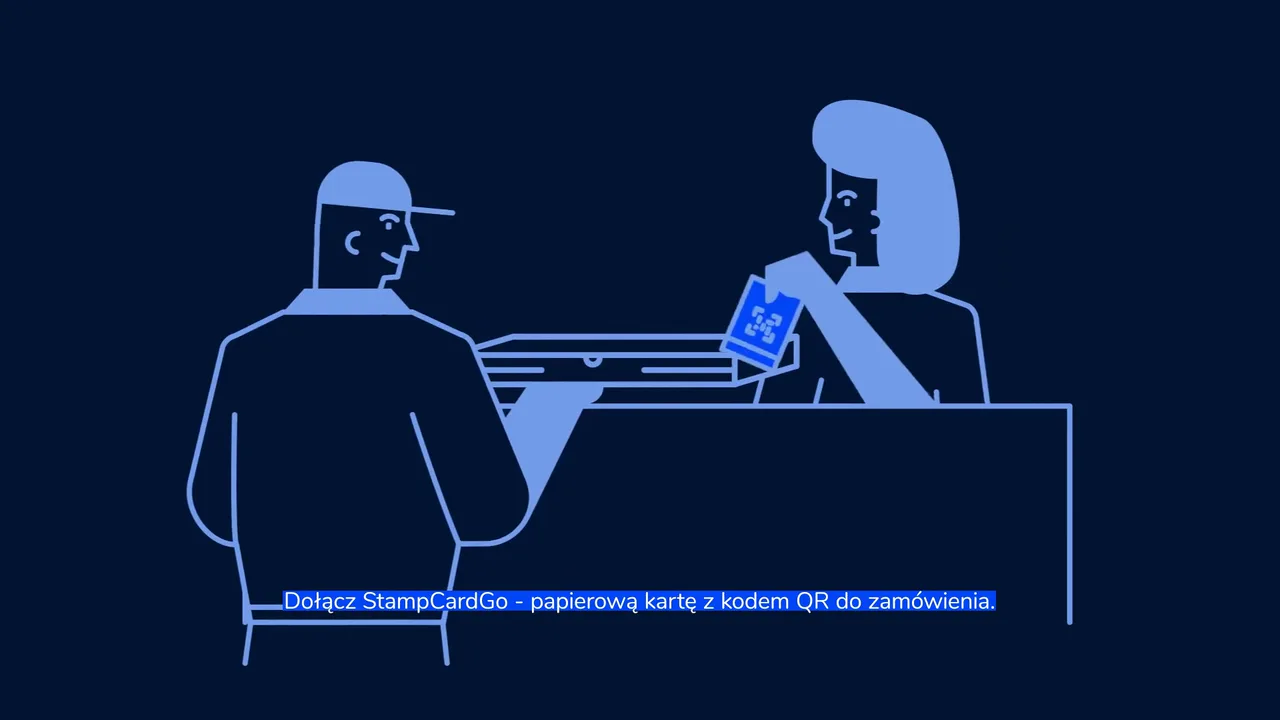
- Stamper A loyalty app for restaurants
- Solar Systems Animated installation instructions
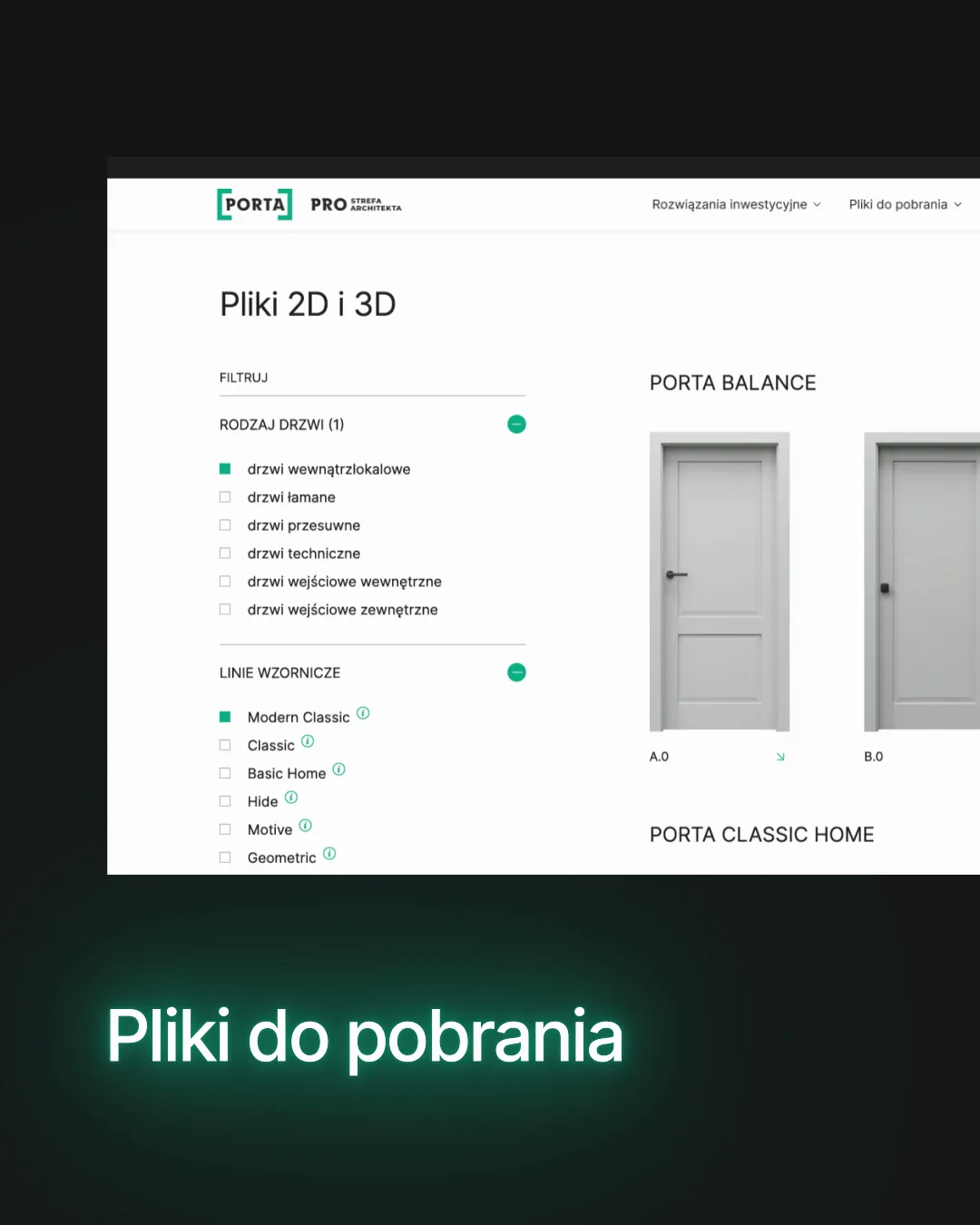
- Porta How the downloads page works
- Stamper A loyalty app for salons
- Paxy A courier service in 15 seconds
- Porta The Architect Zone in 16 seconds
04Scene by scene
How an explainer is built
The video for Acer runs for almost three minutes, yet viewers know what it's about within a few seconds. Each scene adds one more detail.
Acer · A rewards programme for schools in one video See the project Acer
05How we work
From a question to a captioned video
We work in stages and show your team what we've made after each one. You always know what we're doing and why, and when it's easiest to change something.
-
01
Question and viewer
We start with the one question the video should answer, and with who will watch it: a customer, a sales rep, an installer or a new team member. That decides the length, the language and where the video will play.
-
02
Script
We write the voice-over or captions and set out what's visible in each scene. The script is approved before the first drawing is made.
-
03
Storyboard and style
We draw a storyboard and a few frames in the final style: characters, hands, screens and your brand colours. At this stage a change costs the least.
-
04
Voice-over, captions and music
We record the voice-over, choose the music and put together an animatic: sketches timed to the recording. Captions are laid out so the video also works without sound, on social media and at trade fairs.
-
05
Animation
We animate the scenes to the voice-over: movement leads the eye to whatever is being talked about. We set the pace and easing so nothing happens too fast.
-
06
Versions and files
We deliver the video in formats for the website, YouTube and social media, in language versions and in shorter cuts for ads. The drawings from the video work in manuals and presentations too.
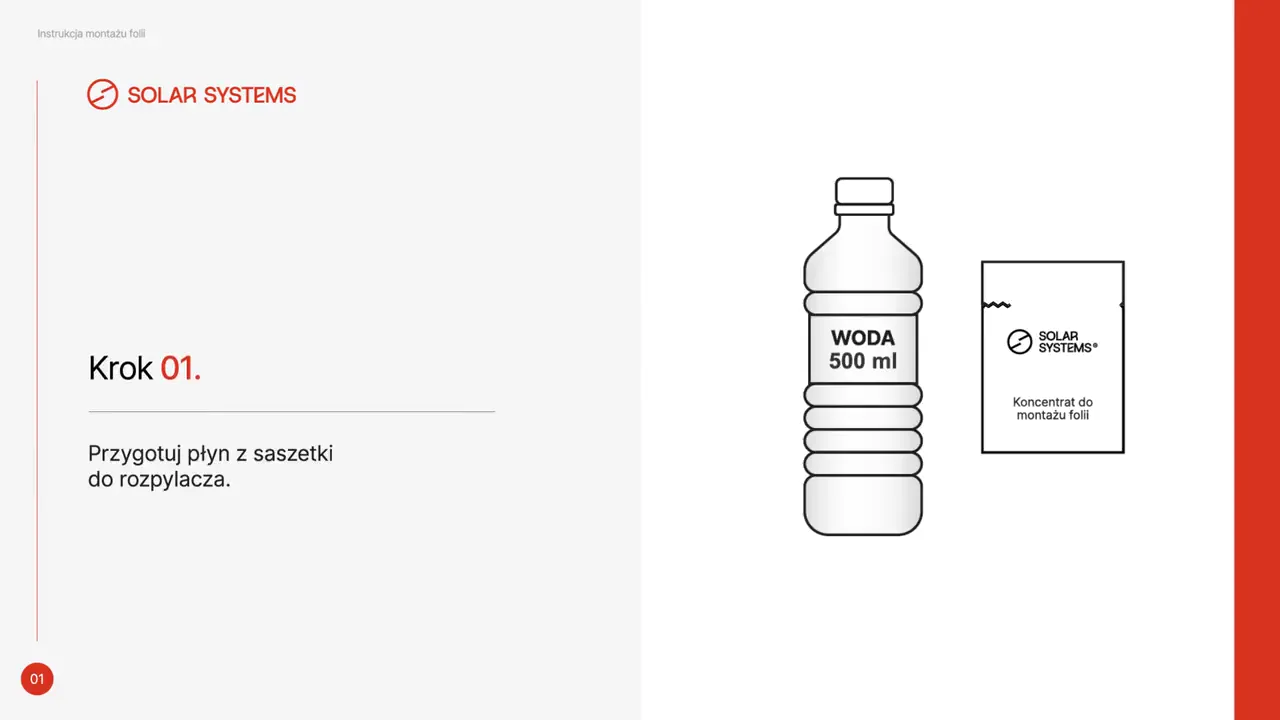 Solar Systems · animated installation guide
06Scope
What we explain on film
We explain services, programmes, apps, websites and product installation. We draw, animate real screens or combine the two, following your brand's rules.
01Services and programmes
- Explainer video
- Service video
- Customer programme video
- Storytelling
- Call to action at the end
Clients we've done this for include
02Apps and websites
- App video
- Screen animation
- Website walkthrough
- Page animations
Clients we've done this for include
03Guides and training
- Animated installation guides
- How-to videos
- CMS panel video guides
- Drawings for printed manuals
Clients we've done this for include
04Launches and teasers
- Website launch video
- Product teaser
- Social media versions
- Kinetic typography
05Sound and versions
- Script and voice-over text
- Voice-over
- Captions
- Music
- Language versions
- 16:9, 1:1, 4:5 and 9:16 formats
Clients we've done this for include
07Before you ask
Frequently asked questions
How long should an explainer be?
As long as it takes to answer one question. Paxy's courier service fitted into 15 seconds, while the programme with six rewards for Acer needed almost three minutes. For ads we make shorter versions from the same material.
Will the video work without sound?
Yes, if it's planned that way from the start. Every scene has a short caption, and the most important things are visible in the picture. On social media and at trade fair stands, videos often play without sound.
Do you record guides for admin panels?
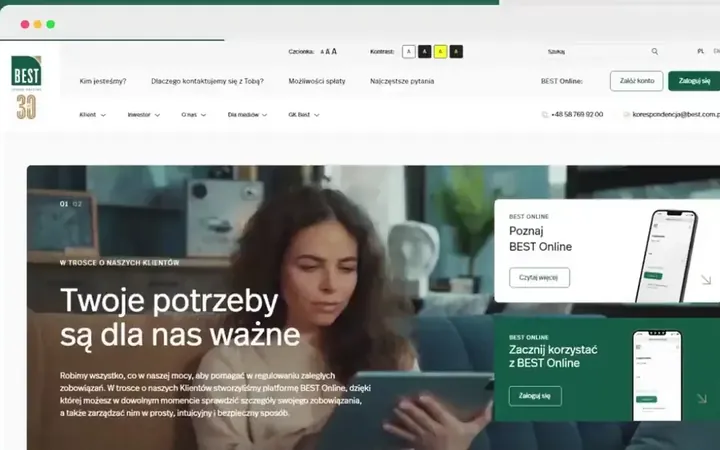
Yes. We recorded four video guides for the panel of the BEST TFI investor website, the Biurokoncept team got a recorded guide to adding products with the configurator, and the Porta team got a how-to video for working in the Porta PRO panel.
We already have footage and a script. Can you just do the editing?
Yes. We edit from what you have: footage, screenshots, presentations and a finished voice-over script. We add captions, title cards and motion that follow your brand's rules. If something's missing, we write the script, draw the scenes and record the voice-over.
Do you make 3D videos?
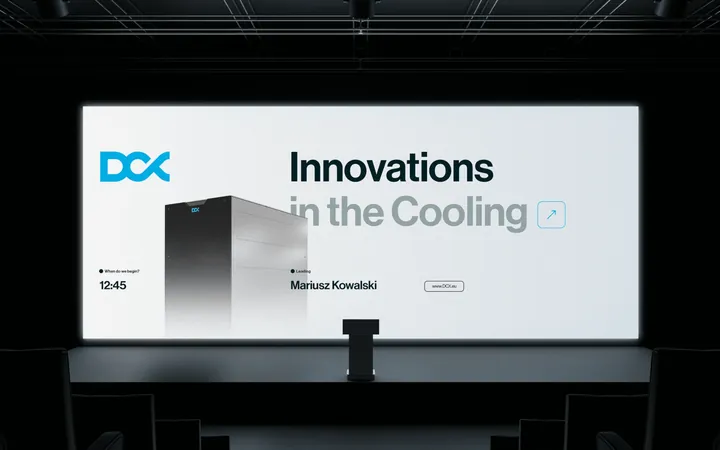
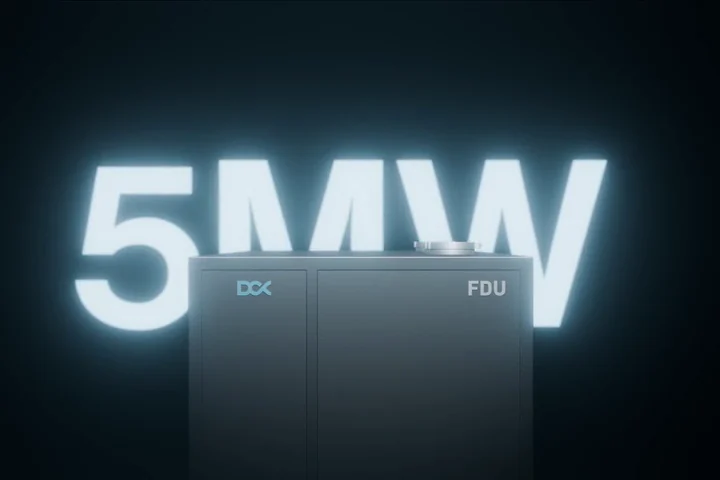
Yes, when you need to show what happens inside a device or how it's assembled. We then animate a model built from CAD files, as in the videos for DCX. A service you can't touch is usually better told with 2D drawings.
Animation or screen recording?
It depends on the subject. A website or app is best shown on real screens, as in the Porta PRO videos. A service you can't see is easier to draw, like Acer's rewards programme or Paxy's deliveries.
Can you make language versions?
Yes. We made the Solar Systems animated guide in Polish, English, German, French and Italian, and the Acer video in English for the UK market. The drawings and motion stay; we change the captions and voice-over.
What do we need to prepare?
A conversation is enough to start: what the video should explain and to whom. Any materials you already have will help, such as a presentation, a service description, screenshots and brand files. We take care of the script, drawings, voice-over and music.
How long does it take?
It depends on the length, the technique and the number of versions. A short social media video takes less time than a several-minute explainer with voice-over in several languages. After the first conversation you get a quote and a schedule with dates for every stage and approval.
Other services
Often go hand in hand with video
- Motion design Animations of logos, products, event screens and posts.
- Presentations Presentations for sales teams and the stage, with video built in.
- Catalogues Catalogues, manuals and leaflets made from the same drawings as the video.
- Websites Websites and online services that we then show in the video.
- UI/UX design App and website screens that show well on film.
- Branding and rebranding The colours, typefaces and rules we draw characters and title cards in.
