













E-book design.
From download to the last page.
We design e-books, guides and reports for reading on screen. We split the content into short chapters, add diagrams and illustrations, and make sure the table of contents leads where it promises. You get a PDF, an EPUB and a print version if needed, plus graphics and a download page to promote it.
Showreel with soundA fluostudio guide
An e-book people read to the end
Five short chapters, one coffee.
Inside
One promise on the cover
The cover has a moment to win the download. A title that says what the reader will gain beats a list of everything inside.
One chapter, one question
Readers arrive with questions. When each chapter answers one of them, the table of contents shows straight away where to look.
- Where do we start?
- How much does it cost?
- Who will do it?
A checklist before layout
We start the layout once the text is final. Otherwise every correction shifts the pages, and the table of contents with them.
“The cheapest correction is the one made before layout.”
Before handing over the text, check:
- Title and subtitle approved
- Text edited, with no “to be added” notes
- Photos and data cleared for publication
- It's clear where the e-book will go: email, website, print
A drawing explains faster
A process described in a paragraph needs reading twice. Drawn in four steps, it's clear at a glance.
- Post
- Landing page
- E-book
- Call
The last page works the longest
Anyone who has read to the end is ready for the next step. Give it to them: a call, an offer or another guide.
What next?
Book a call
fluostudio.pl
A mini e-book made for this page. In a PDF the table of contents works the same way: it takes you straight to the chapter.
01Approach
How we get e-books read to the end
This is how we work on every e-book, from a checklist of a few pages to a guide of several dozen: first the reader and the chapter plan, then the design. At every stage you know what we're doing, why and when.
-
The reader
First we establish who will read it and why. A sales rep, a patient and the head of an investment fund read differently, so length, tone and examples change with them.
-
Chapters
We split the content into short chapters, each answering one of the reader's questions. The table of contents then becomes a list of questions, and it's clear at once where to find the answers.
-
Visuals
A picture says it faster than a paragraph, so we draw processes as diagrams, data as infographics and difficult concepts as illustrations.
-
Margins
We pull the key sentences out into the margins, in larger type. Someone with a minute can skim the e-book in a minute. Someone with a quarter of an hour will read the whole thing.
-
Screen
We design for reading on screen: type size, line length, a clickable table of contents and links. Before handing over the file, we look through it on a phone, a tablet and a computer.
-
Distribution
Finally we add what helps the e-book reach people: promotional graphics and a download page with a short form.
02What we design
What kind of e-book do you need?
These are the ones we design most often. For each: what we do, what you get and a project you can look at.
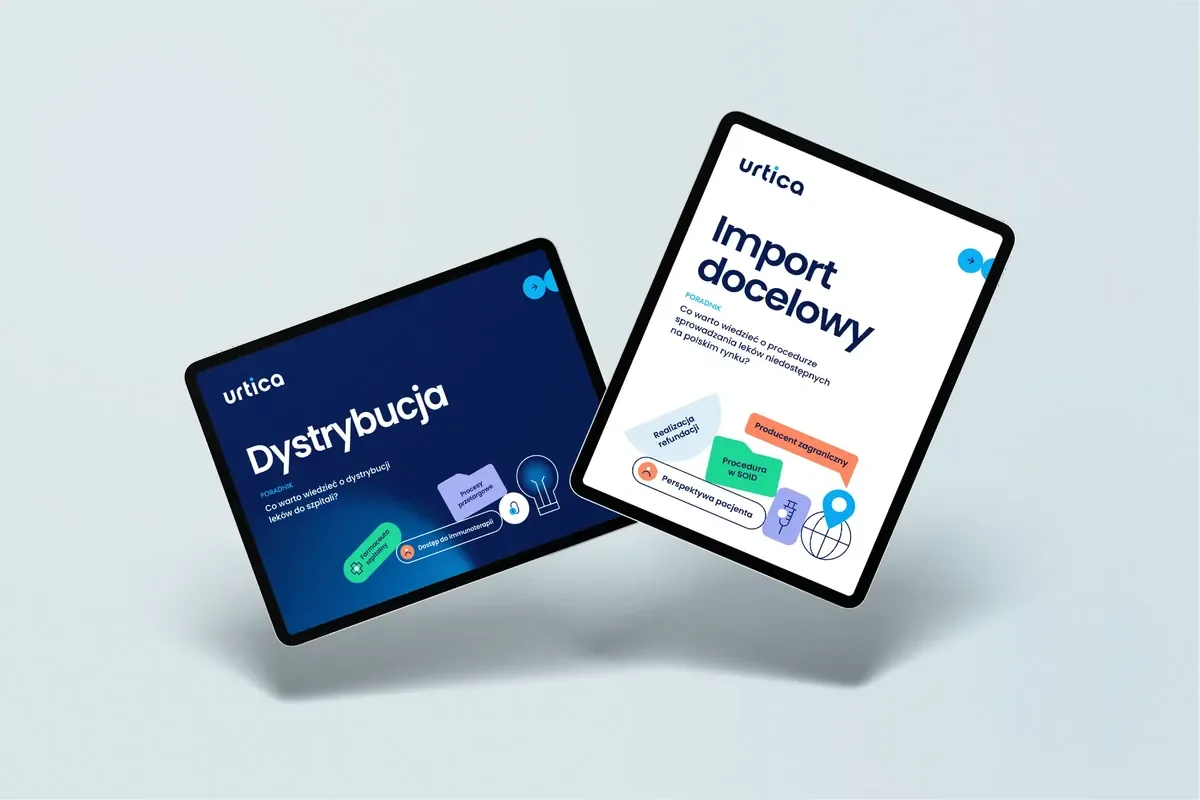
Guides for customers Answers customers look for before they call
What we do
We collect the questions customers ask your sales team: what the procedure looks like, how long it takes, where to start. We answer them one by one, with diagrams wherever a procedure has several steps. Customers save time, and your team saves a few phone calls.
What you get
- A chapter plan built on customers' questions
- Design and layout
- Step-by-step procedure diagrams
- A PDF for screen and a print version
Expert and legal When the subject is complex and the reader is busy
What we do
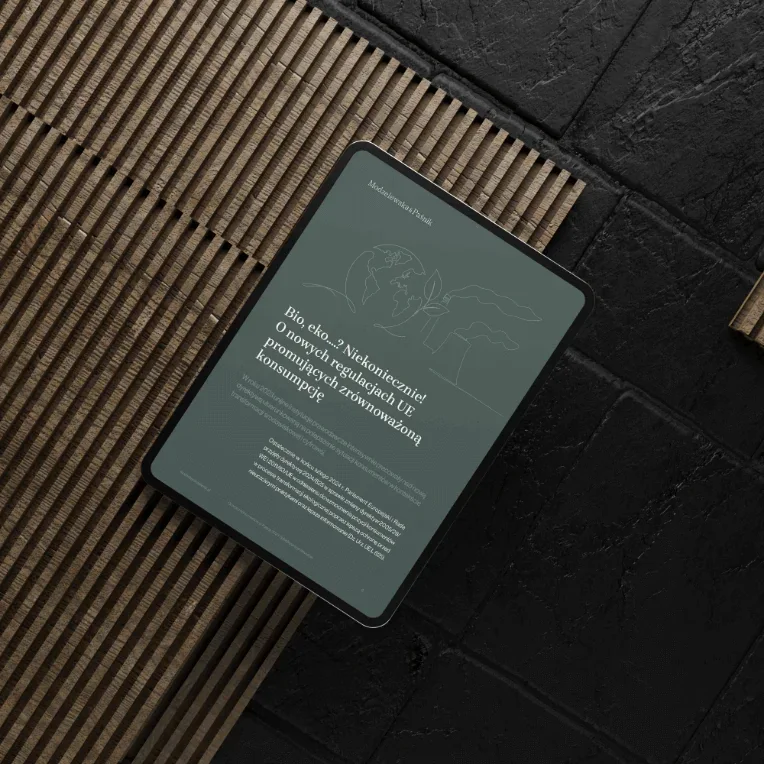
Regulations, standards, changes in the law. We put the argument in order, turn digressions into boxes and set the key conclusions in the margin. The expert still sounds like an expert, but reads like a good article.
What you get
- Complex text split into short parts
- Boxes, footnotes and conclusions in the margins
- A cover and illustrations in the company's style
- A PDF with a clickable table of contents
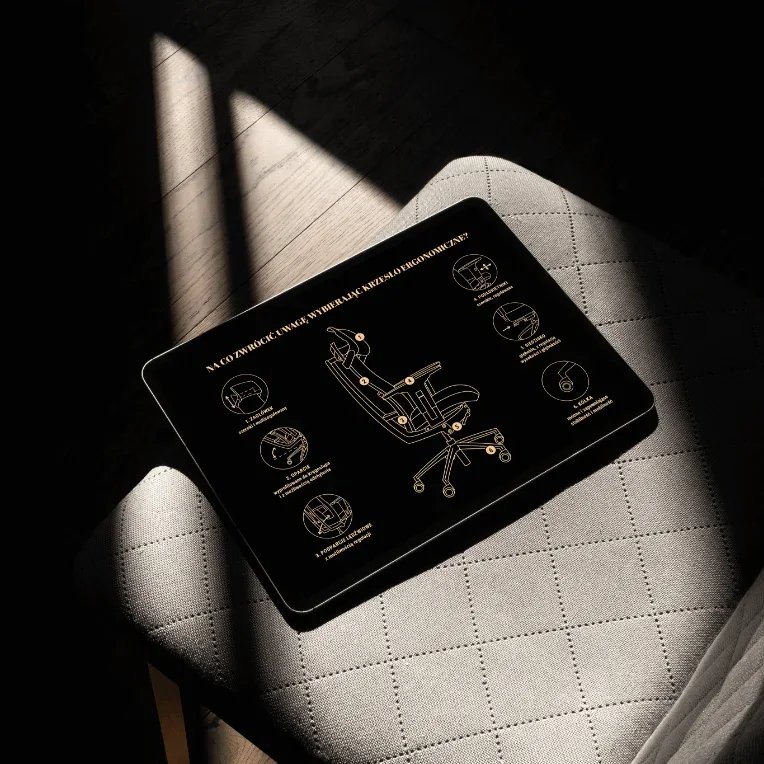
Products and choosing them A guide that helps customers arrive prepared
What we do
What to look for, how to choose, how to take care of it. We lead the reader through the choice step by step, with drawings wherever words fall short. An e-book like this can also be printed and handed over after a meeting.
What you get
- A step-by-step buying guide
- Product drawings and diagrams
- A screen version and a print version
- Promotional graphics
Industry reports and trends Market data presented so people want to quote it
What we do
Research, trends, market overviews. We turn numbers into charts and infographics that can be lifted straight into a post or a presentation. An e-book like this keeps working for a long time: for the sales team, in the media and on the stand.
What you get
- Infographics and charts from your data
- Report design and layout
- Social media graphics with the key figures
- A PDF for screen and a print version
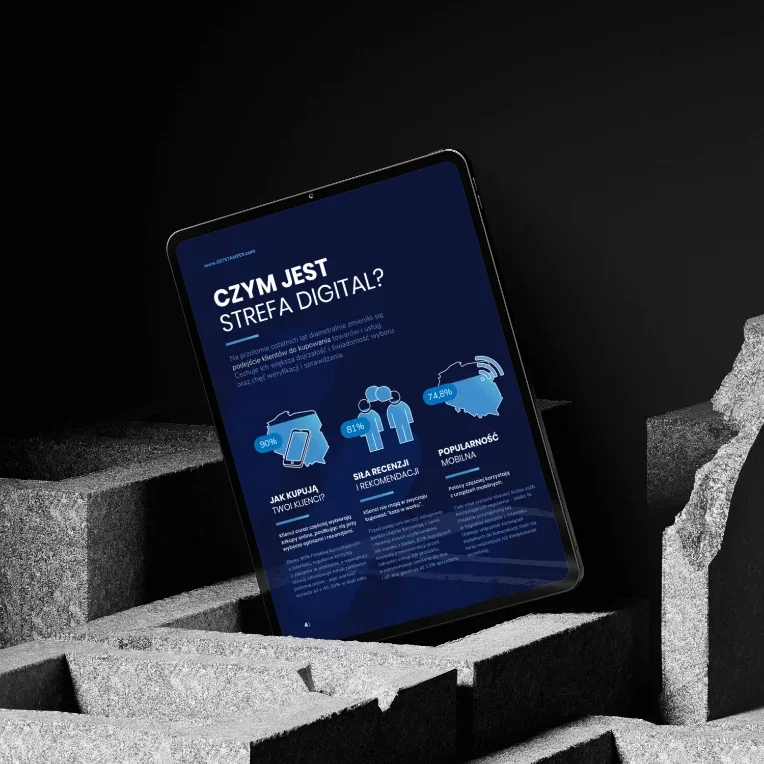
For patients and training Recommendations, instructions and knowledge people come back to
What we do
Aftercare advice, a training programme, a new employee's first week. We write simply, draw the steps and leave breathing space between them. People return to an e-book like this many times, so it has to read well the fifth time too.
What you get
- Step-by-step instructions and recommendations
- Illustrations and diagrams
- A mobile version and a print version
- A template for future materials
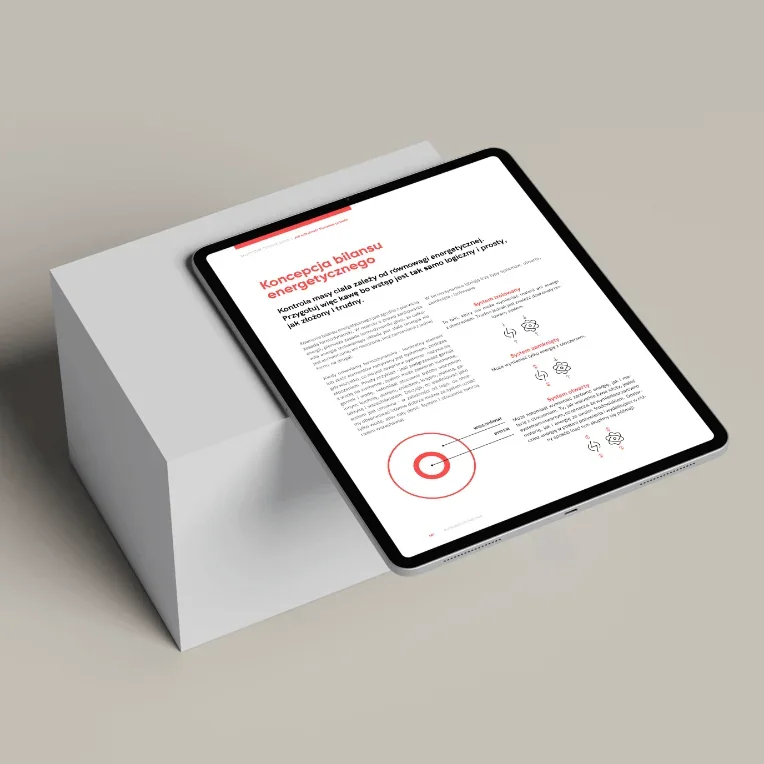
Checklists and short guides A few pages someone will print and pin above their desk
What we do
The shortest form of e-book: a list to tick off, with a short explanation next to each point. It works well as a first step before a conversation and as a thank-you for signing up to a newsletter. We make checklists like these for ourselves too.
What you get
- A checklist of a few pages
- A version to print and one to fill in on screen
- A download page with a form
- Promotional graphics
03Before and after
Same words, a different read.
Most often we receive text written in Word and saved as a PDF: one type size, dashes, notes in the margin. The content stays yours. What we change is how it reads: each chapter has a number, lists can be ticked off, and the key sentence sits where the eye lands on its own.
A checklist before layout
We start the layout once the text is final. Otherwise every correction shifts the pages, and the table of contents with them.
“The cheapest correction is the one made before layout.”
Before handing over the text, check:
- Title and subtitle approved
- Text edited, with no “to be added” notes
- Photos and data cleared for publication
- It's clear where the e-book will go: email, website, print
- The title got a chapter number and a line of its own.
- The dashes turned into a checklist.
- The key sentence moved to the margin, in larger type.
- The “to be added” note went back to the author before layout.
04Formats
One text, three outputs.
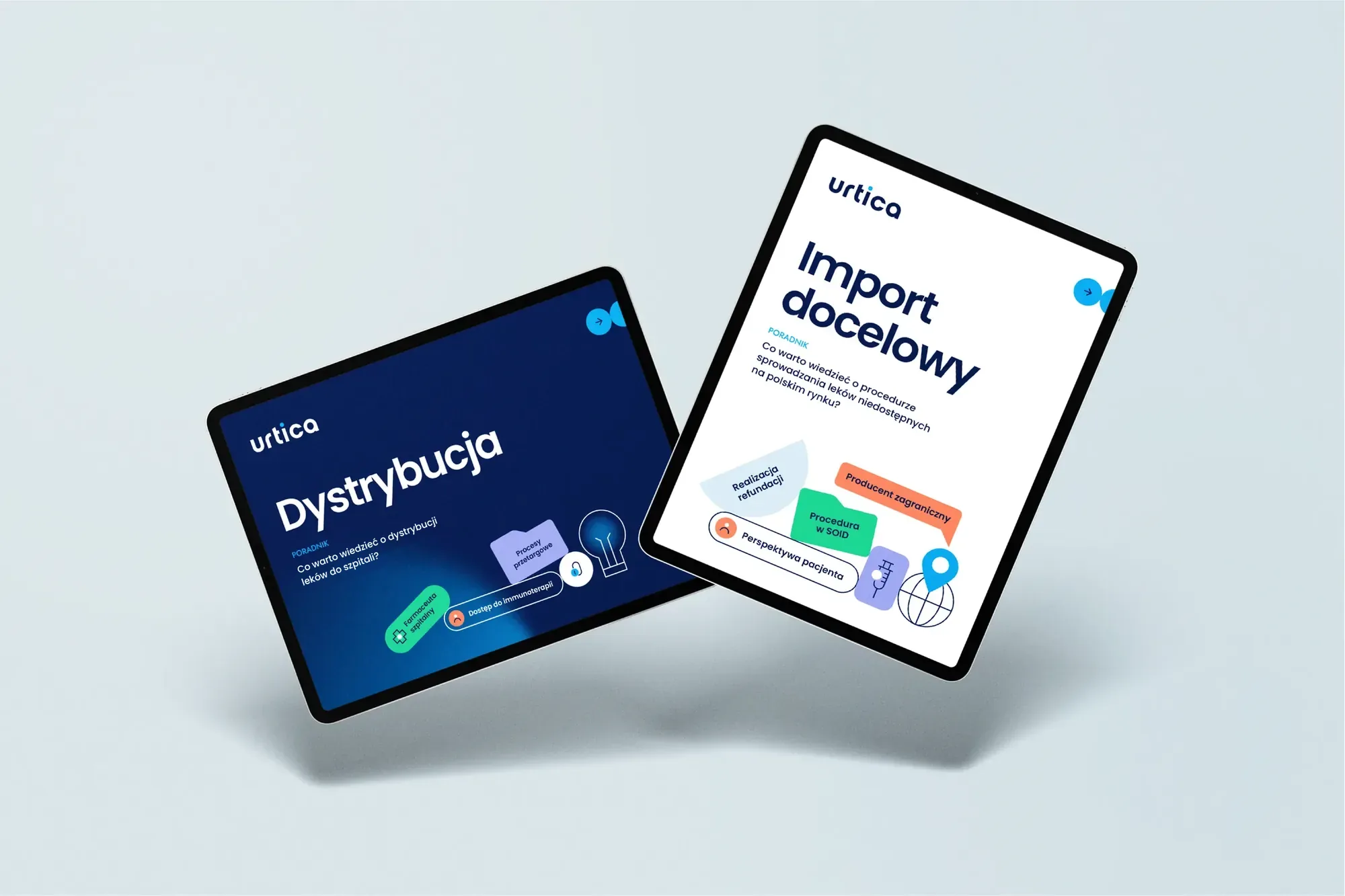
A PDF for screen, an EPUB and a print PDF all come from the same layout. We choose them based on where the e-book will be read: in an email, on an e-reader, on a phone on the tram or on paper at a stand.
Chapter 3
A checklist before layout
We start the layout once the text is final. Otherwise every correction shifts the pages, and the table of contents with them.
“The cheapest correction is the one made before layout.”
Before handing over the text, check:
- Title and subtitle approved
- Text edited, with no “to be added” notes
- Photos and data cleared for publication
- It's clear where the e-book will go: email, website, print
A PDF keeps the layout to the millimetre. On a phone you see the whole page at once, just in smaller type.
An EPUB reflows the text on every screen, and the reader chooses the type size.
-
PDF for screen
The layout stays exactly as we designed it. A clickable table of contents, links and light images, so the file can be sent by email.
-
EPUB
The text adapts to the screen, and readers set the type size themselves. It works well when the e-book is mostly text, read on a phone or an e-reader.
-
Print PDF
A ready print file with bleed and print colours, for when the e-book also needs to go on paper: to a clinic, onto a stand or into a folder after a meeting.
-
Landscape or portrait
An e-book read on a computer sits better in landscape, a printed one in portrait. We choose the format before designing the first page.
05Promotion
An e-book won't download itself.
A good e-book still has to be shown to people. We design graphics for social media and the newsletter, a banner for the website and a download page with a short form. Whoever leaves their address gets the e-book by email straight away, and the contact goes into your database.
-
Post
Graphics for social media and the newsletter, in several formats.
-
Download page
The cover, three reasons to download and a short form.
-
Email with the e-book
Goes out right after sign-up, with a link to the file.
-
Contact in the database
The sales rep knows where to start the conversation.
06Process
From notes to the last page.
Six stages, each ending with something you can review and approve. Before we start, you know how the work will go, when you'll get what and what to expect at the end. For a short checklist the first two stages take no time at all; for a guide of several dozen pages each one is a separate step.
- Stage 1 Goal and reader We agree who the e-book is for and what the reader should do with it.
- Stage 2 Content and chapters We turn notes, articles or an old PDF into a chapter plan.
- Stage 3 Direction We design the cover and a few pages in the final style.
- Stage 4 Layout and graphics We lay out every page and draw the diagrams and infographics.
- Stage 5 Formats and testing We export the PDF and EPUB and check the links on a phone and a computer.
- Stage 6 Promotion We hand over the files, promotional graphics and the download page.
Goal and reader
What we do
We agree who the e-book is for and what the reader should do with it.
We start with a conversation: who will read it, how they'll find the e-book and what they should do afterwards: get in touch, call, buy or simply know more. That decides the length, tone and format.
What you get
- The goal and the reader in two sentences
- Format, length and a quote
- A schedule up to publication day
Content and chapters
What we do
We turn notes, articles or an old PDF into a chapter plan.
We organise the materials you already have, or write the content from scratch with your experts. We split it into chapters, each answering one question, and mark what we'll show in a drawing.
What you get
- A chapter plan built on the reader's questions
- Edited and proofread text
- A list of diagrams, illustrations and photos
Direction
What we do
We design the cover and a few pages in the final style.
On the cover, the table of contents and two or three pages, we set the style: typefaces, colours, the way diagrams are drawn and room for the margins. When the brand has an identity, we follow its rules.
What you get
- The cover and a few pages in the final style
- A style for diagrams, icons and illustrations
- A decision on the direction before the full layout
Layout and graphics
What we do
We lay out every page and draw the diagrams and infographics.
We lay out the e-book page by page: titles, lists, quotes in the margins, diagrams, infographics and illustrations. We make sure the text is comfortable to read on screen and every chapter starts where the table of contents says it does.
What you get
- All pages ready for review
- Diagrams, infographics and illustrations
- Rounds of corrections with a list of changes
Formats and testing
What we do
We export the PDF and EPUB and check the links on a phone and a computer.
We prepare the files: a PDF for screen with a clickable table of contents and links, plus an EPUB and a print PDF if needed. We open every version on a phone, a tablet and a computer, click every link and make sure the file is small enough to email.
What you get
- A light PDF for screen, with links
- An EPUB and a print PDF, if needed
- Files checked on several devices
Promotion
What we do
We hand over the files, promotional graphics and the download page.
You get the e-book in every format you ordered, graphics for social media and the newsletter and, if ordered, a download page with a form. The open files stay with you, so the next edition will go faster.
What you get
- The e-book in every format
- Graphics for social media and the newsletter
- A download page and open files
07Questions
Before you get in touch.
What format will we get the e-book in?
Usually a PDF for screen, with a clickable table of contents, links and light images, so the file can be sent by email. When the e-book is mostly text to read on a phone, we add an EPUB, and when it needs to go on paper, a print PDF.
Can you write the content too?
Yes. We can start from notes, blog articles, a webinar recording or a conversation with your expert. We put together the chapter plan, write and edit, and your expert checks the technical details.
How long does an e-book project take?
We prepare a short checklist in a few days. An illustrated guide of several dozen pages takes longer, depending on how ready the text is and how many rounds of corrections it needs. When the launch has a date, we plan the schedule backwards from it.
How will we know what stage the project is at?
From day one you have a schedule: what will be ready at each stage, when, and what we need from you. After each stage we show the result and explain the decisions behind it, and we keep you posted on progress, including when the text is waiting with your expert.
Can you help us collect contacts through the e-book?
Yes. We design a download page with a form and promotional graphics, and the e-book can go out by email right after sign-up. There's more about pages like this under landing pages.
Can you draw illustrations and infographics?
Yes, it's our favourite part. We draw processes as diagrams, data as infographics and difficult concepts as illustrations in the brand's style. When needed, we add photos or 3D visualisations.
Can the e-book be updated later?
Yes. We design it so that a new figure or an extra chapter doesn't throw the rest of the pages out of place. We'll prepare the next edition from the same file and, if you like, hand over a template in Canva or Figma so your team can fix small things themselves.
Can you prepare language versions?
Yes. We design the layout with room for longer translations, and lay out each version separately, with the hyphenation and quotation marks proper to that language.
How much does an e-book cost?
We quote every e-book individually. The price depends on the number of pages, whether the text is ready, how many illustrations and infographics it needs, the formats and whether a download page is needed. You get a quote after a short call and a look at your materials.
