












PL

Contact

Tell us what brings you here

Got a minute?

Answer a few questions so we know more. At the end you'll see an initial diagnosis.

Anita, Creative Director, co-founder

Rather talk right away?

A free 30-minute consultation with Anita, the studio's co-founder.

Book a call

Write or call

hello@fluostudio.pl
+48 726 220 596

A website with a configurator, where customers build their own product.

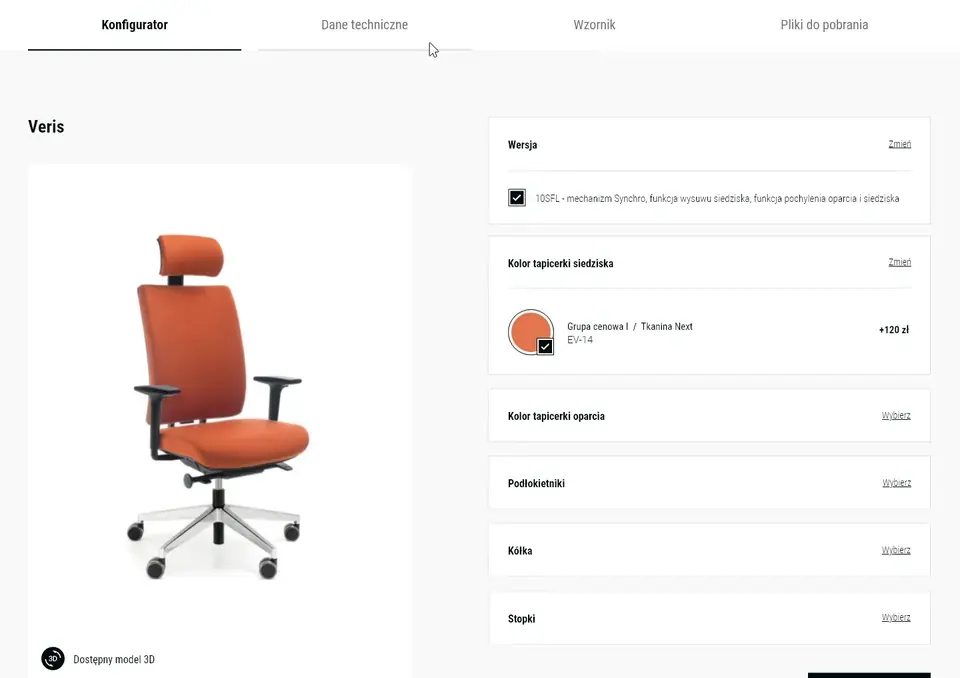
Customers choose the size, colour and extras, see their version and send an enquiry with the full configuration. Sales reps know what they're discussing from the first message, and hundreds of variants fit into one configurator.

01Starting point

Why is your product hard to order?

A configurator makes sense when a product comes in many versions and customers want to see theirs. These four situations are where we started.

“Our product has hundreds of variants, and we can't photograph every one.”

A configurator that shows the customer's version

Customers see the product in their own version, with the chosen size, colour and finish, so a photo shoot of every variant is no longer needed. For office furniture we connect the pCon configurator, which takes models from manufacturers' data.

What we do

  • A selection of the features customers ask about most.
  • A configurator on the product page, on desktop and mobile.
  • An enquiry with the full configuration that goes to a sales rep.

A similar project of ours

Biurokoncept

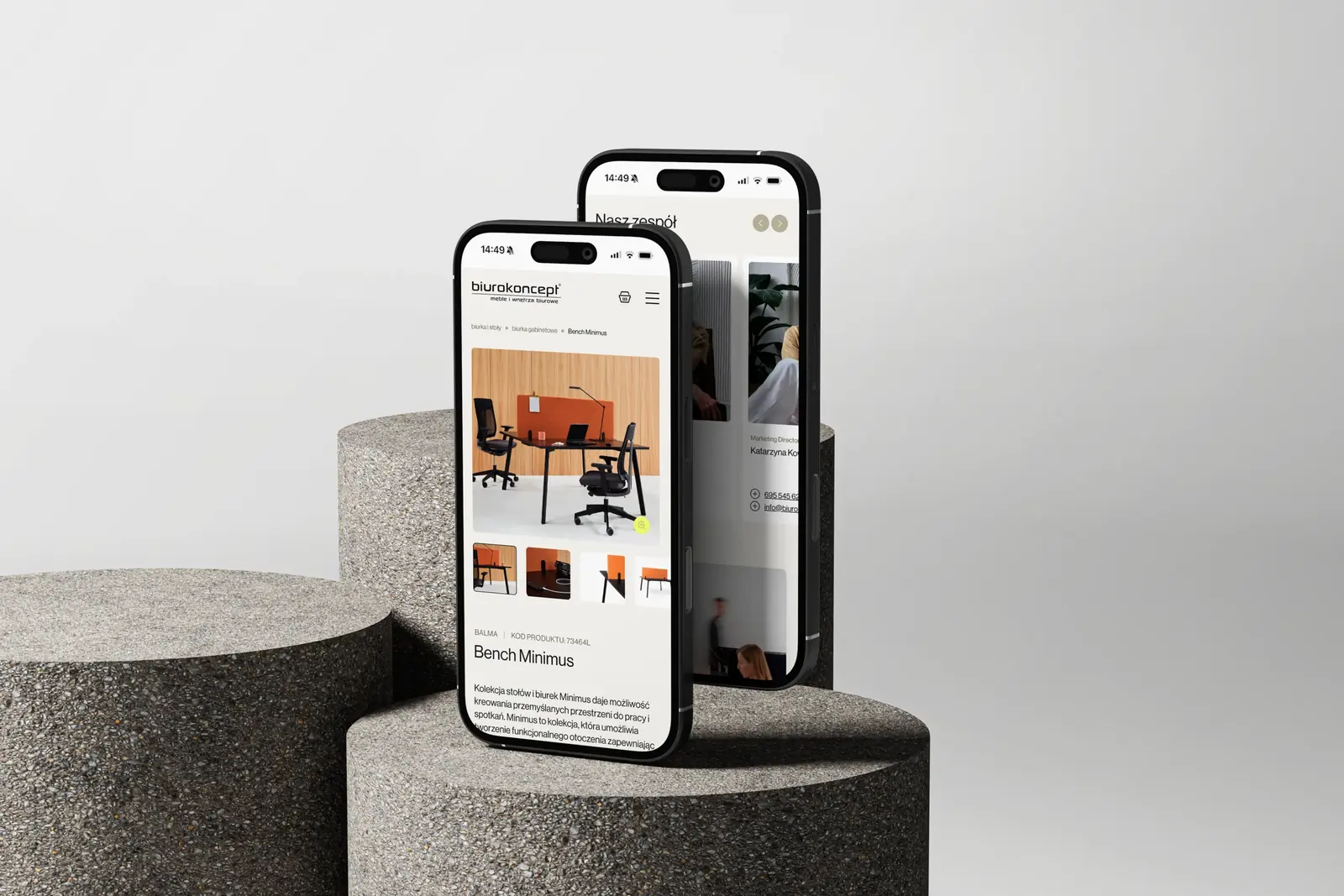
On biurokoncept.pl customers choose a space, a product and its version, and Biurokoncept receives an enquiry with the full configuration: size, top colour, frame and extras.

See the project Biurokoncept

Similar projects

“Each of our products is different, so one configurator won't do.”

One structure for very different products

We look for what the products have in common: versions, materials, colours and extras. From that we build one configurator structure, and each product shows only the options it has.

What we do

  • A review of the products and their features before design starts.
  • One options structure where each product shows only its own.
  • A swatch pop-up where customers see only their own options.

A similar project of ours

The configurator on an armchair product page in the Hana Design website design.

Hana Design

Hana Design's furniture range was very varied, and the configurator had to fit every piece. We designed one structure for it, in a site with around 2,000 product pages.

See the project Hana Design

Similar projects

“Our customers don't know much about furniture and are afraid of choosing wrong.”

Every option shown as a picture

Customers don't need to know the names of fittings or types of fronts. Each option is shown as an icon or a drawing, the size is set with a slider, and the furniture changes as it moves.

What we do

  • Icons for every option, drawn in the same line style as the product.
  • Size sliders that show the change straight away.
  • The same line style in the shop and in the assembly instructions.

A similar project of ours

Itodi

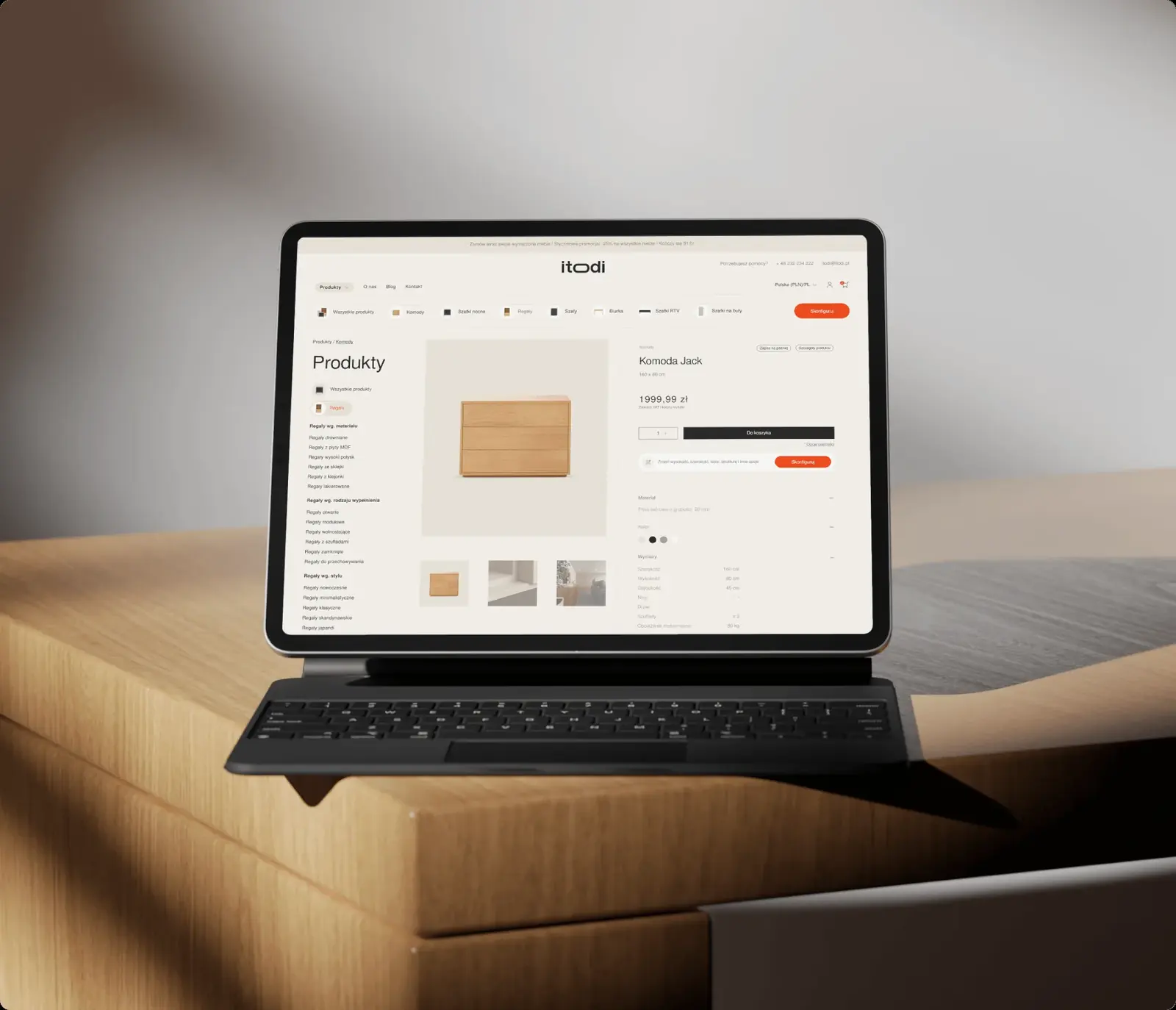
Width, height, fronts, base, colour. We designed the itodi shop and configurator so nobody needs to know about furniture, and drew the configurator's 18 icons in the same line style as the furniture in the instructions.

See the project Itodi

Similar projects

“Partners ask the same things in every email: type, packaging, flavour.”

Step-by-step choices, with an enquiry at the end

When a product is made to a partner's order, the configurator works like an online print shop: the partner clicks through the steps, and the enquiry arrives with every answer in place. The sales rep doesn't need to ask about the basics.

What we do

  • Steps in the order partners make their decisions.
  • Packaging and flavour variants shown as pictures.
  • An enquiry with a ready list of choices.

A similar project of ours

PetCuisine

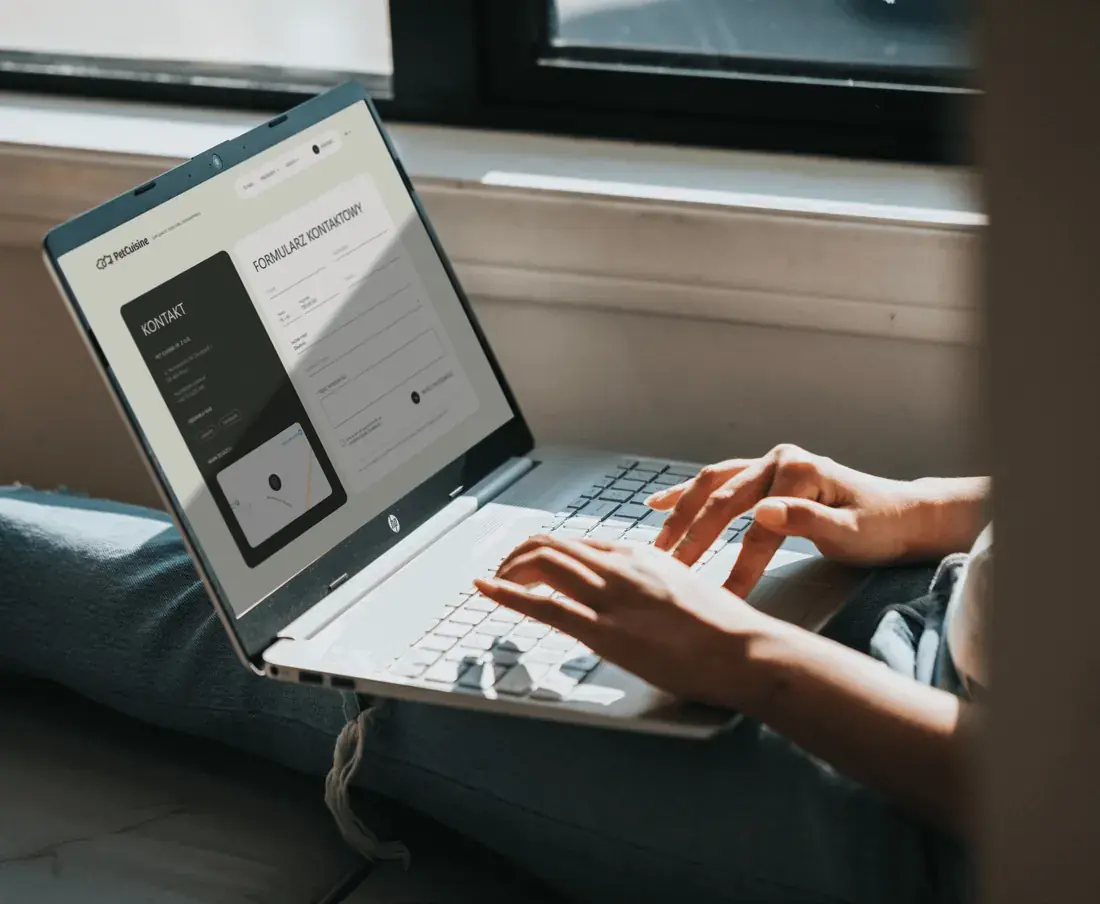
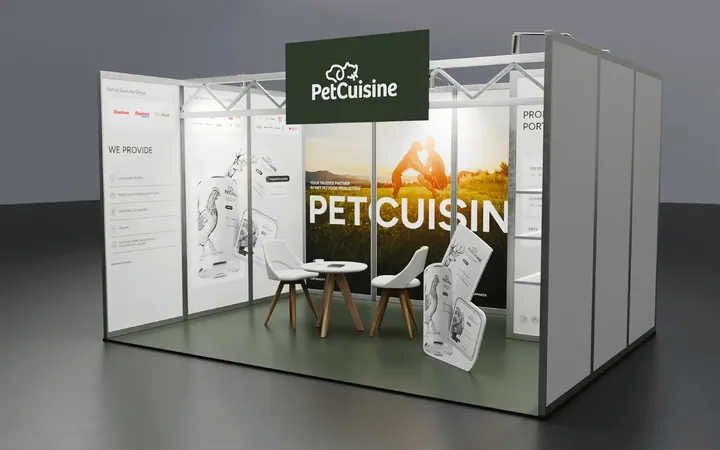
The client wanted a simple website where partners choose a product as they would at an online print shop: click the pet food type, packaging and flavour, then send an enquiry. That became the PetCuisine product site, with 12 flavours and bulk packs.

See the project PetCuisine

Similar projects

02What you get

A configurator you can maintain

A configurator is only as good as the data behind it. So it comes with filters, files for architects and a panel where your team adds new products on its own.

An enquiry with the full configuration

The enquiry works like a cart, but instead of going to payment it goes to a sales rep, with all the customer's choices. Several products can go into one enquiry.

Example On the Hana Design website customers chose variants from the swatch book, collected products in an enquiry and sent it straight to a sales rep. Hana Design
Filters built on data you can maintain

A configurator doesn't always provide attributes for filters and comparison. So we agree which data your team will fill in for each product and design the filters around that data only.

Example pCon provides the model, but not the attributes for filters and comparison. So on biurokoncept.pl we simplified the filters to what can be maintained: manufacturer, space and colour. Biurokoncept

Models and downloads next to the product

Architects and interior designers want to drop the product into their own designs. So next to the product page we put 2D and 3D models, textures and the brand catalogue, and nobody has to ask for them.

Example Next to the Hana Design configurator were technical data, a swatch book and downloads: 2D and 3D models in DWG, 3DS and SKP, the brand catalogue and textures. Hana Design

New products without a developer

Your team adds a product in the panel and connects the configurator to it on its own. After launch we train the team to do this and leave a recorded guide.

Example The Biurokoncept team got training and a recorded guide on how to add a product and connect the configurator to it on their own. Biurokoncept

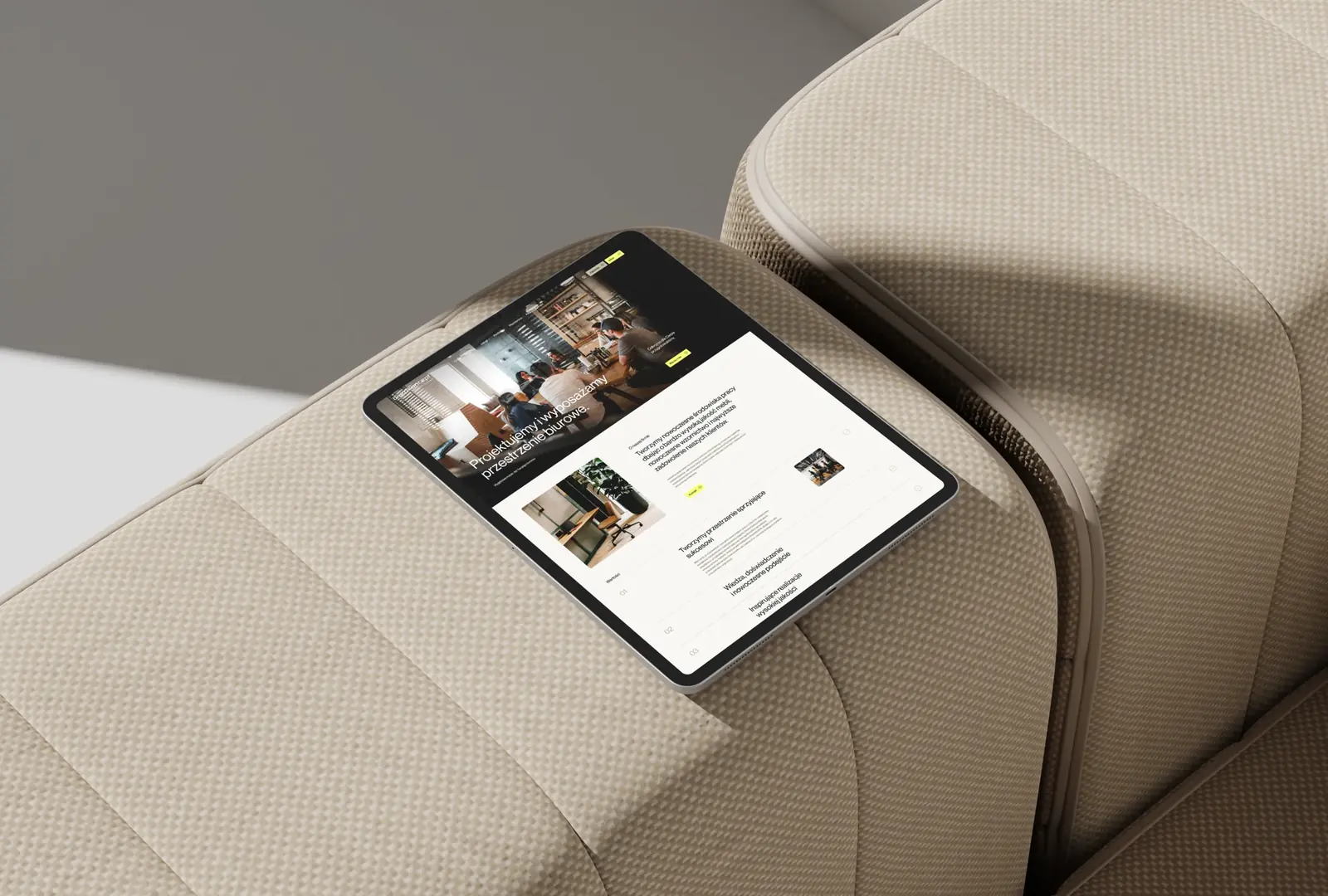
The biurokoncept.pl website on a tablet leaning against an upholstered armchair.

03Projects

Configurators we've built

We designed and built the Biurokoncept and PetCuisine configurators, and earlier the one for Hana Design. The itodi configurator is a design only.

All projects

04Scope

What goes into a website with a configurator

Customers see sliders and colours. Underneath are the rules that make sure the product can actually be made, the product data and the panel. Terms that sound technical are explained in plain words in our glossary.

Configurator

  • Product configurator
  • Options structure
  • Rules for combining options
  • Option icons and drawings
  • Size sliders
  • pCon configurator

We've done this for clients including

Enquiry and sales

  • Enquiry with the full configuration
  • Several products in one enquiry
  • Step-by-step selection
  • Connection to the shop

We've done this for clients including

Data and files

  • Product data and attributes
  • Filters
  • 3D rendering
  • 2D and 3D models to download
  • Textures and catalogues

We've done this for clients including

Panel and support

  • WordPress
  • Panel for adding products
  • Recorded guide
  • Hosting
  • Backups

We've done this for clients including

05Questions

Questions about configurators

Does the configurator have to be 3D?

No. Photos or renders of the variants are often enough, and a 3D model makes sense for products customers want to see from every side. For office furniture we connect the pCon configurator, which has models from manufacturers' data.

Will customers see the price of their version?

They can, if the price can be calculated from their choices. For made-to-order products, an enquiry with the ready configuration, answered by a sales rep, usually works better.

How does the configurator know what can be combined?

From rules we write down with your production or sales team: which sizes are available, which options exclude each other and what comes as standard. Customers see only the options that fit their choice.

Can we add new products to the configurator ourselves?

Yes. The Biurokoncept team adds products in the panel and connects the configurator to them on its own, following a recorded guide.

Does the configurator work on phones?

Yes, we design it for desktop and mobile from the start. On phones the options sit below the product, in the order they're chosen.

Where does the enquiry with the configuration go?

Wherever someone will answer it: the sales team's inbox or the system you use. The enquiry carries all the customer's choices, so the sales rep doesn't need to ask about the basics. When customers can also buy straight away, we connect the configurator to an online shop.

06Other types of websites

What other websites do you build?

Website types often overlap: a company website gains a shop or a configurator, and a campaign landing page is built from the blocks of a site that's already live.

Get in touch

Fill in the form or email us at:

hello@fluostudio.pl

Prefer to call?

+48 726 220 596

arrow form contact

"*" indicates required fields

This field is used for validation and should be left unchanged.

Cookies

With your consent, we use Google Analytics and Hotjar to see how people use the site, and Google Ads to measure how well our ads work. Without consent, the site works just the same. You can change your choice at any time under “Cookie settings” in the footer. Details are in our privacy policy.

Cookie settings

Necessary Always on

The fluo_zgoda cookie remembers this choice for 12 months. Cloudflare Turnstile protects the forms from bots.

Plausible counts visits without cookies or personal data, so it works regardless of this choice.