













Web apps instead of spreadsheets and emails.
We design and build partner portals, client panels, configurators and tools for departments. We start with a process that now goes round in spreadsheets and emails, and finish with an app where everyone can see what to do next.
01 / 04 Acer UK Partner portal See the project
01Approach
How we make an app the company actually uses
An app the team quietly abandons for the old spreadsheet changes nothing. That's why we design it together with the people who will work in it.
-
Process
We start with how the work gets done today: who enters what, who they pass it to and where things get stuck. Management knows how the process should look, and the team knows how it really looks, so we talk to both.
-
Roles
Everyone sees their own: sales reps their clients, managers the whole team, partners only their own orders. We set permissions at the start, because adding them at the end can knock over half the project.
-
The most frequent task
Whatever someone does dozens of times a day has to be the fastest. Rare features can wait a level down.
-
Data
We check where the app will get its data from and where it will send it: to warehouse software, a CRM, an online shop. For Design Optyk we wrote an app that reads stock levels from the warehouse software in the stores and passes them to the online shop.
-
Wireframe
First comes a clickable wireframe with real data from your spreadsheet. We show it to the people who will use the app before anyone writes any code.
-
States
We also design what never shows up in a presentation: an empty list, missing permissions, an import error and a hundred rows instead of five.
-
Code
We build it ourselves or hand the design over to your developers with a specification and a design system. During implementation we answer their questions.
-
Growth
The first version has whatever the process can't start without. From there we take small, sure steps and add features as we see how people use it. That's also how we build MVPs for new products.
02What we build
What work should your app take over?
Each of these apps takes a different job off people's hands, so we design each one a little differently.
Partner portal Partners and distributors take what they need themselves
What we do
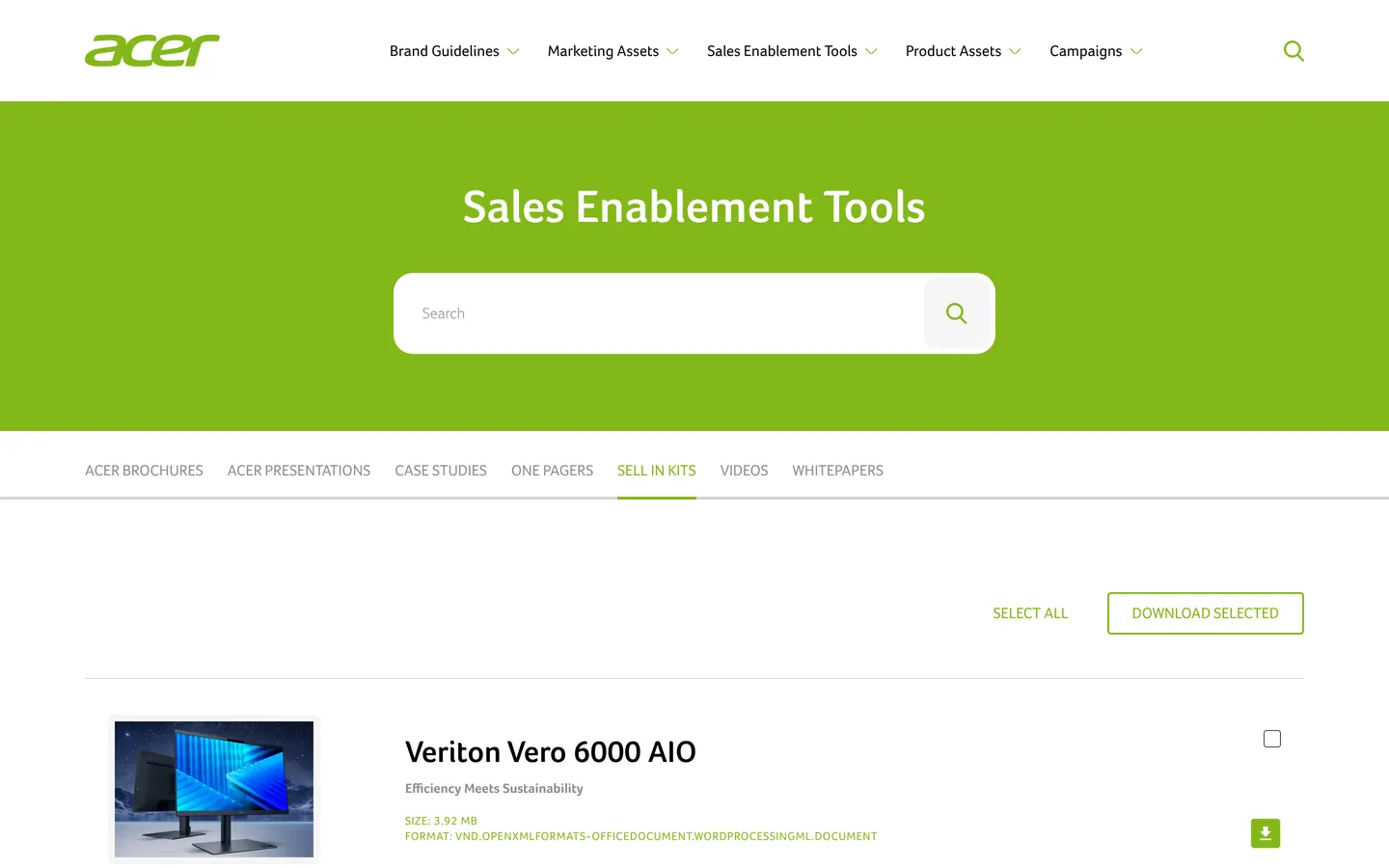
Brand materials, product photos, presentations and price lists in one place, with search and bulk downloads. We start from the requests that now reach you by email and turn them into the portal's menu.
What you get
- Materials and permissions organised
- Search and filters
- Bulk downloads
- A panel for adding materials
Client panel Orders, documents and quotes after logging in
What we do
Customers log in and check an order's status, download a document or go back to their quote themselves. We start with the questions customers most often call you about, because those go on the panel's first screen.
What you get
- Login and roles
- Order list with statuses
- Documents to download
- Notifications about next steps
Departmental tool A process from spreadsheets and emails in one place
What we do
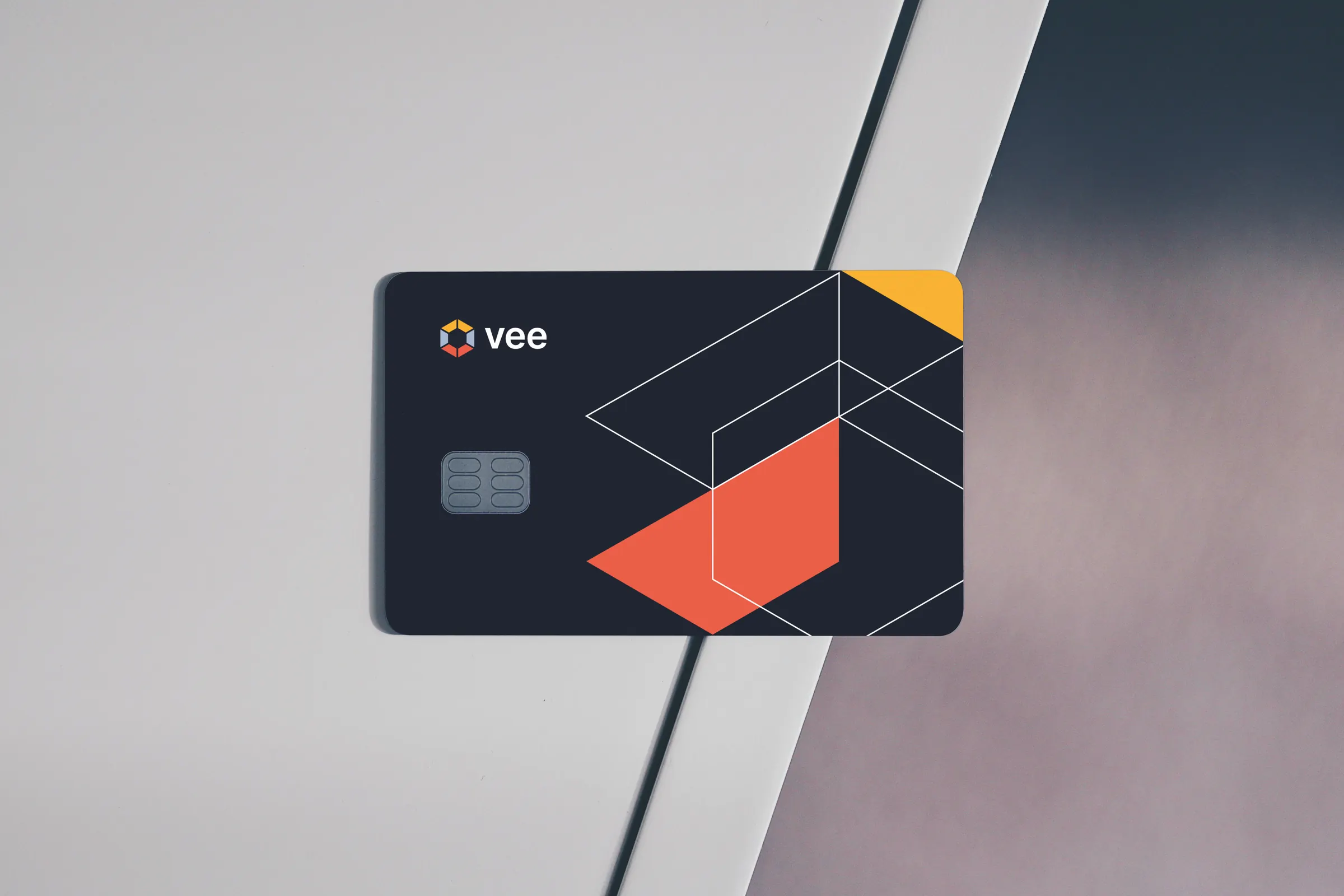
Requests, complaints, internal orders, approvals. The tool takes everyone through the same steps, shows who a case is waiting on and sends deadline reminders by itself. For Vee we designed and built apps for its customers and tools for its team.
How a spreadsheet becomes an app
What you get
- A map of roles and steps
- Tables, forms and statuses
- Approvals and reminders
- Reports and data export
Similar projects
Configurator and calculator Customers build a product or work out repayments themselves
What we do
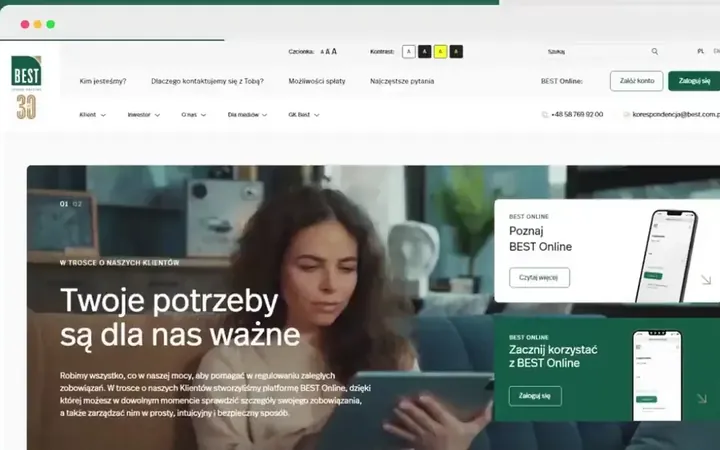
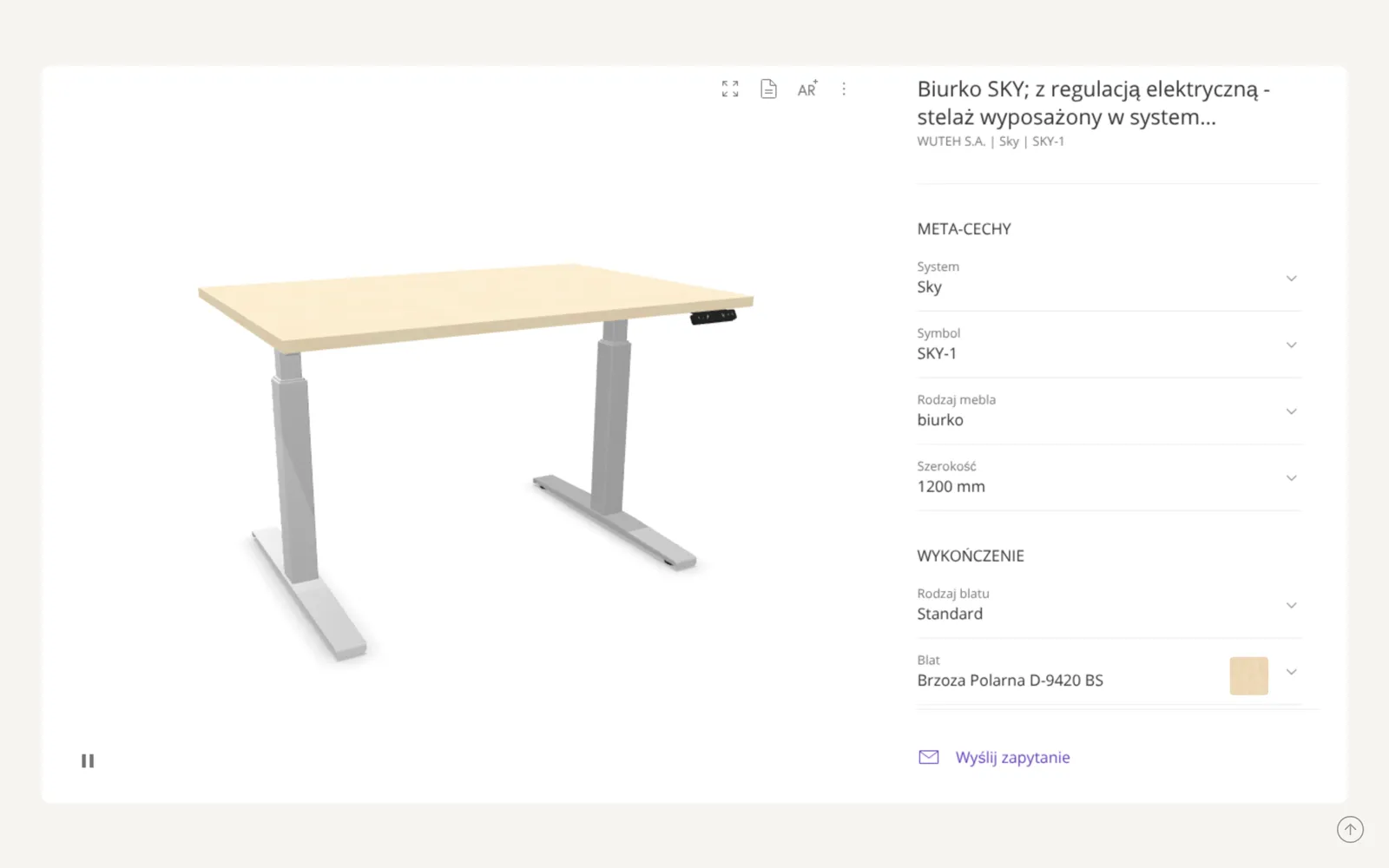
The customer picks a size, material or variant and sees the result straight away. At the end there's a cart or an enquiry with the full configuration, so the sales rep doesn't start the conversation from zero. For Grupa BEST's sites in Bulgaria and Romania we designed a repayment calculator.
What you get
- Steps and choice logic
- Live preview or result
- Hints next to options
- An enquiry with a ready configuration
Similar projects
System integration Data moves from one program to another by itself
What we do
When someone types the same data by hand in two places, we write an app that does it for them: it reads stock, orders or prices from one system and passes them to another. It also watches for errors and flags anything that doesn't match.
What you get
- A map of data and sources
- An app that connects the systems
- Error notifications
- A history of transferred data
AI-assisted automation Repetitive work across hundreds of products
What we do
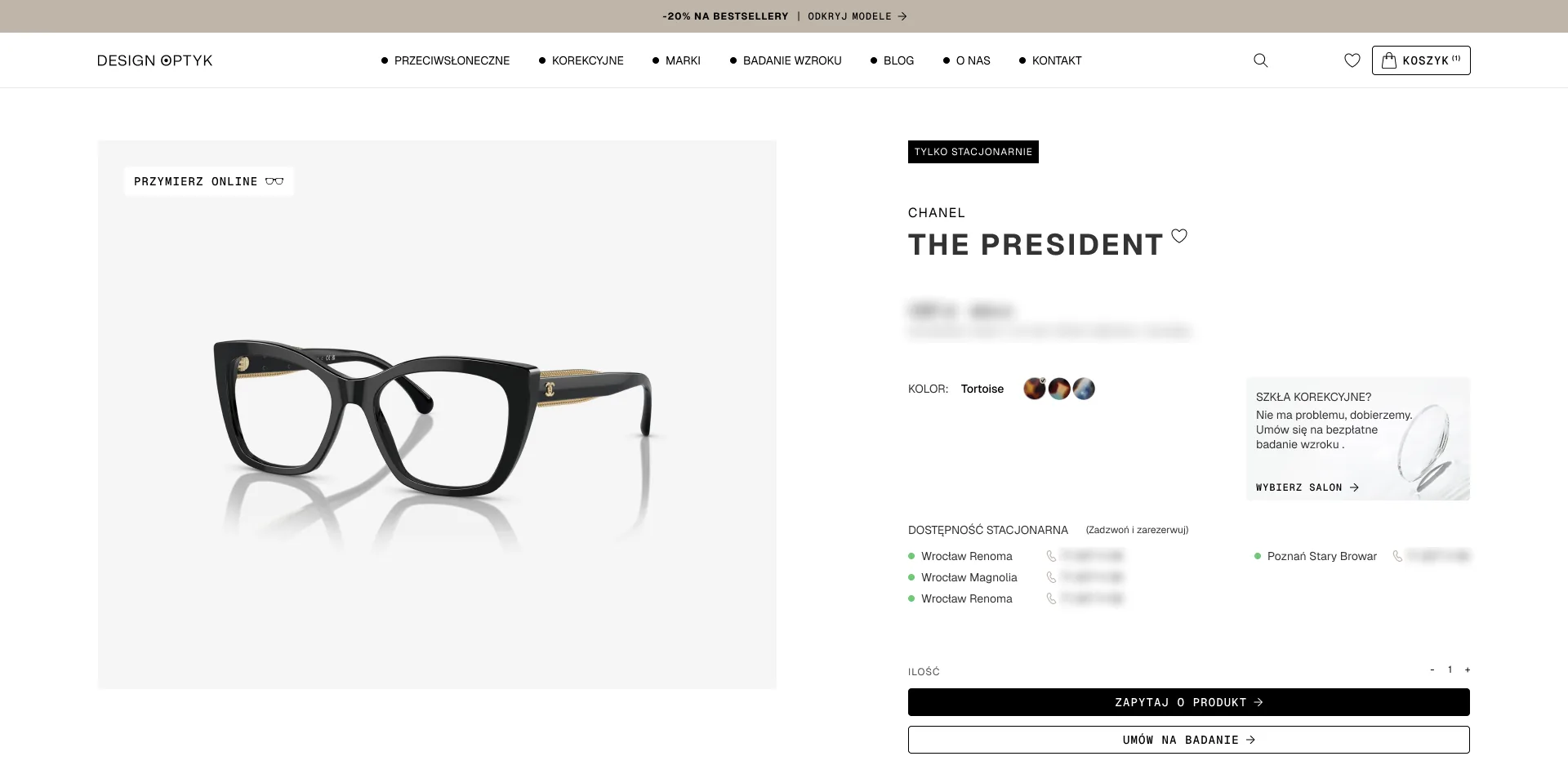
We fill in descriptions, categories and attributes for hundreds of products with the help of AI, and a person checks every result. That's how we described over 500 spectacle frames in the Design Optyk shop, and nine filters agreed with the client started to actually filter.
What you get
- Rules and attribute dictionaries
- An automated tool for describing data
- Manual checking of results
- Import into the shop or system
03From spreadsheet to app
How a claims spreadsheet becomes an app
Take a furniture manufacturer handling claims from its distributors. Today they go round in a spreadsheet and in emails, and each department handles them a little its own way. First we map out the process, then we design an app that takes everyone through the same steps.
First, the spreadsheet as it is
We start with the file the process runs on today. The colours, comments and notes in the margin say the most, because they show what people are missing.
Then the process
From talks with the departments we map out the steps, the roles and the places where cases get stuck today. Each step gets an owner, a deadline and a condition for moving on.
Finally, the app
The same claims in one place, with statuses, deadlines and a next-step button. Try approving the replacement in the highlighted claim.
This month 23 claims
Chest of drawers K-80: scratch on the front
-
“Who's handling it?”
In the spreadsheet
The “Who” column holds a name with a question mark, or nothing.
In the app
Every claim has an owner and a deadline, and the “Waiting for me” list shows what needs doing today.
-
“What stage is it at?”
In the spreadsheet
Everyone types the status their own way: “waiting”, “in progress”, “ok?”.
In the app
Statuses come from one list, in process order. The next-step button changes them, so there's no room left for “ok?”.
-
“Where are the photos?”
In the spreadsheet
In Ania's email, if anyone still has it.
In the app
Photos and documents are attached to the claim. The distributor adds them in the claim form.
-
“Who changed this?”
In the spreadsheet
The file goes round by email in several versions, and each one is “final”.
In the app
One list for everyone, and a history on every claim: who changed what and when.
-
“How many were there this month?”
In the spreadsheet
Someone counts them by hand before the meeting.
In the app
The counter keeps count by itself: claims by status, product and distributor.
In practice
That's how we started the Partner Marketing Hub for Acer UK. Every partner request for a logo, product photo or presentation was handled by hand by someone at Acer UK. In workshops we gathered what took the most work, and that became four sections of the portal, a search and bulk downloads.
See the Acer UK project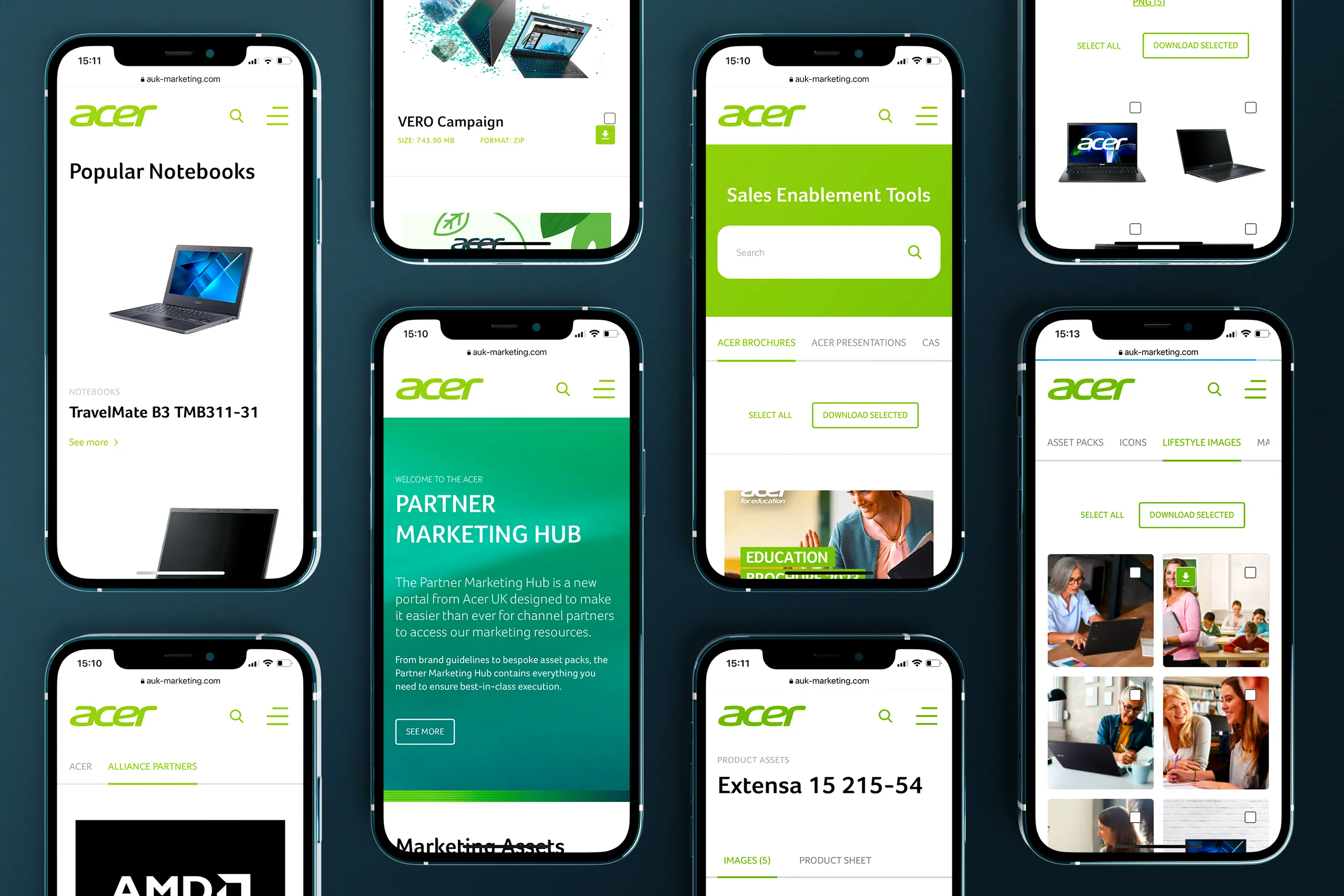
04Process
From workshop to an app people work in
We work in stages, to a schedule agreed before the start, and after each stage we show what's been made. You can start with the design alone and add development later, or take the whole thing at once. On smaller projects we combine some of the stages.
-
Etap 1: Workshops and process map
We write down who takes part in the process, what they enter, who they pass it to and where cases get stuck today. We talk to you, to the team that does this work every day, and to the IT department that will maintain the app.
What you get
- A map of the process and roles
- A list of data and systems to connect
-
Etap 2: Views, roles and permissions
We lay out which views make up the app, who sees and approves what, and what happens automatically. This is where the decisions that are hardest to change later get made.
What you get
- A map of views and permissions
- Paths for the main tasks
-
Etap 3: Clickable wireframe
The main paths with real data from your spreadsheets, still without colour. The people who will use the app go through it, and only after their feedback do we close the scope of the first version.
What you get
- A clickable wireframe
- The scope of the first version
-
Etap 4: Interface and design system
We show the direction on the view where people will spend the most time, usually a list with filters. Repeated elements become a component library with states, which later features draw on.
What you get
- Desktop and mobile views
- A design system with states
-
Etap 5: Development and integrations
We build the app and connect it to your systems, or hand the design to your developers with a specification and answer their questions. Before launch we move the data over from the spreadsheets.
What you get
- A working app or a specification
- Data moved over from the spreadsheets
-
Etap 6: Launch and growth
We launch the app, train the team and record video guides. After launch we collect feedback and add new features, because the real list of needs only appears once people start using it.
What you get
- Training and video guides
- A plan for the next versions
05Questions
Frequently asked questions
How is a web app different from a website?
A website is for reading; an app is for working: logging in, entering data, approving and coming back to what's left to do. A web app runs in the browser, so nobody has to install anything, and a new version reaches everyone at once. More in our glossary entry on web apps.
Where do we start if the process runs in a spreadsheet today?
With that spreadsheet. It shows what data you collect, who fills it in and what people add in the margins because something is missing. Based on that we draw the first wireframe and show it to the team straight away.
Will the app connect to our systems?
Usually, yes. At the start we check what your systems make available and in what format. For Design Optyk the app reads stock levels from the warehouse software in the stores, and orders, prices and new products go to the shop via BaseLinker.
Do you build apps yourselves or only design them?
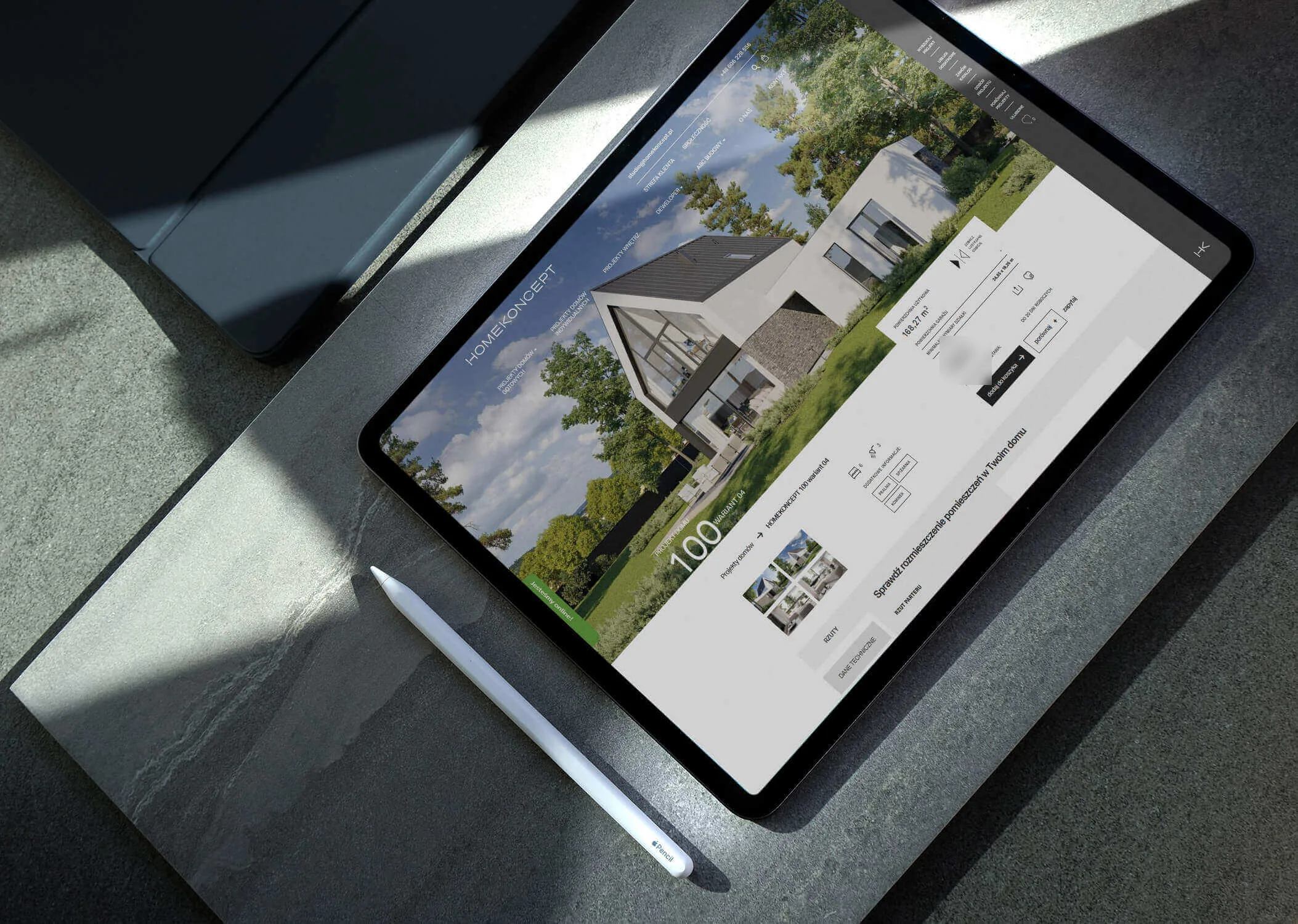
Both. For Vee we designed and built web apps, including the Vee Suite panel for confirming appointments at clinics. We designed the HomeKoncept site for the client's developers, with views for two screen widths and for phones.
How many features should the first version have?
Enough for the process to run without the spreadsheet. The rest goes into a development plan and gets added once it's clear what people actually use. More on our MVP page.
Who will add content and users?
Your team, in the panel. We show how it's done and record guides. Biurokoncept got a recorded guide on adding a product and attaching a configurator to it without a developer, and we recorded four video guides for the BEST TFI panel. We can come back to developing the app together at any time.
How do you keep data secure?
We design roles and permissions from the first wireframe: who sees which data, who can change it and what stays in the history. We agree the server, backups and login method with your IT department before we start coding.
Will the app work on a phone?
Yes, we design views for desktop and mobile. On a phone, whatever people do in the field or on the go comes first, such as checking a status or approving a request.