


Graphic design and design services.
People look first and read later.
We design everything your customers, partners and employees see: from a business card to a 280-page catalogue, from a social post to a stand at the world's largest trade fairs. Then we organise it all into a system that makes every new piece faster to produce.
Showreel with sound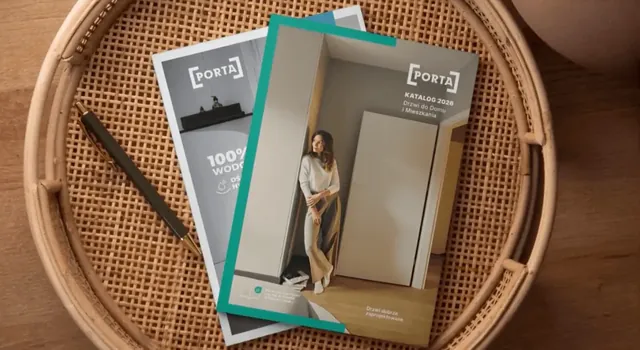

01Approach
How we make visuals work for your company
This is how we work on every job, from a single leaflet to a system of materials for a group of several brands: analysis first, then design, in small, sure steps. At every stage your team knows what we're doing, why and when.
-
Purpose
Before the first line is drawn, we establish who will look at it and what they should do next: call, order, invest or simply remember the brand. That decides the format, length and tone.
-
Order
We organise the content before we start decorating it. The most important things are visible at once, and the details wait where someone will look for them.
-
Visual power
Data becomes charts, processes become diagrams, and products become photos, renders and illustrations. Whatever is missing, we create ourselves, from icons to 3D visualisations.
-
Brand
Every piece follows from your identity, even when someone else designed it. Where rules are missing or have drifted apart, we start with branding.
-
Scale
One design is carried across every format, variant and language. One layout gives you posts, banners, roll-ups and trade fair screens, and one label grows into a whole product line.
-
Speed
Whatever comes back every week becomes a template, and repetitive work goes to automation. The tenth piece takes less time than the first, and your team doesn't queue for a designer.
02What we design
What materials do you need?
These are the ones clients order from us most often. For each: what we do, what your team gets and a similar project. Everything else, down to packing tape, is in the full range below.
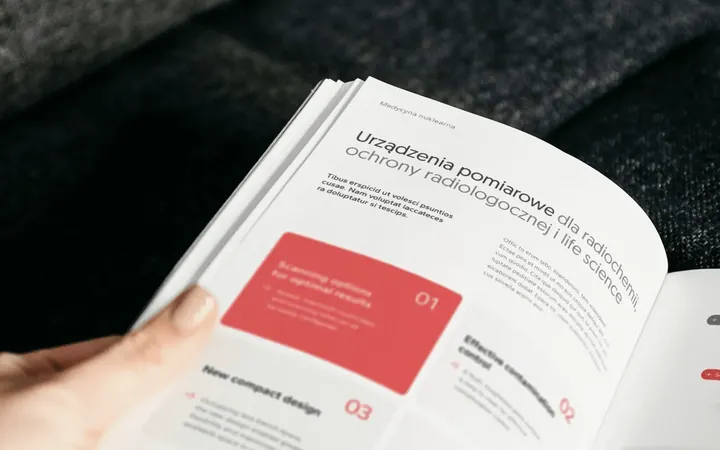
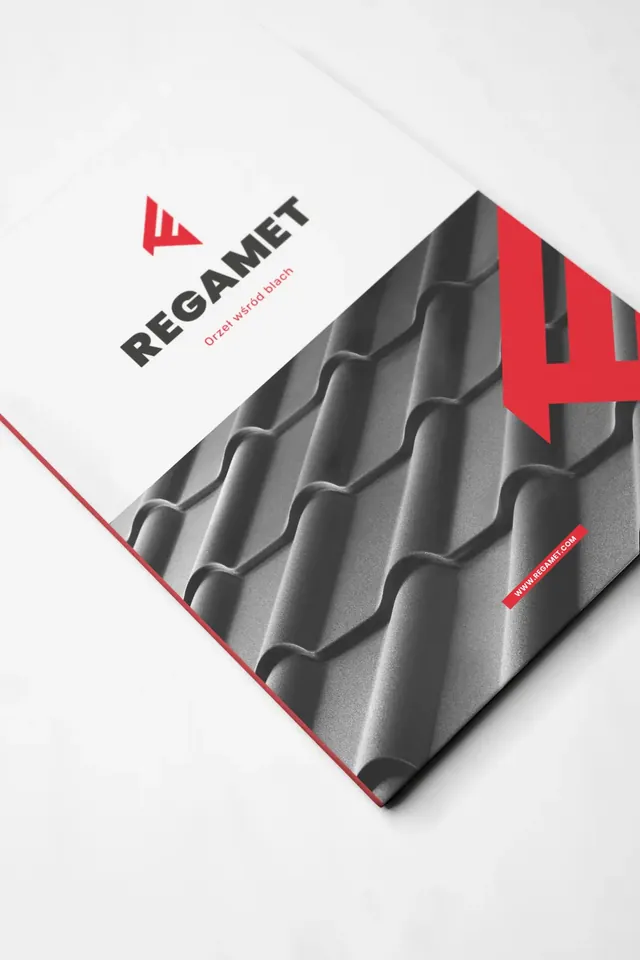
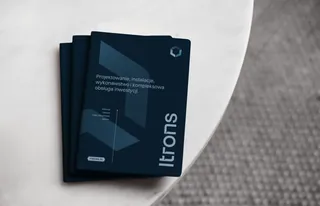
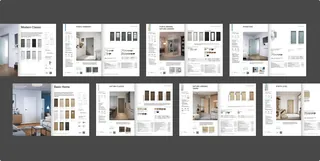
Catalogues and publications Catalogues, brochures, albums, magazines and manuals
What we do
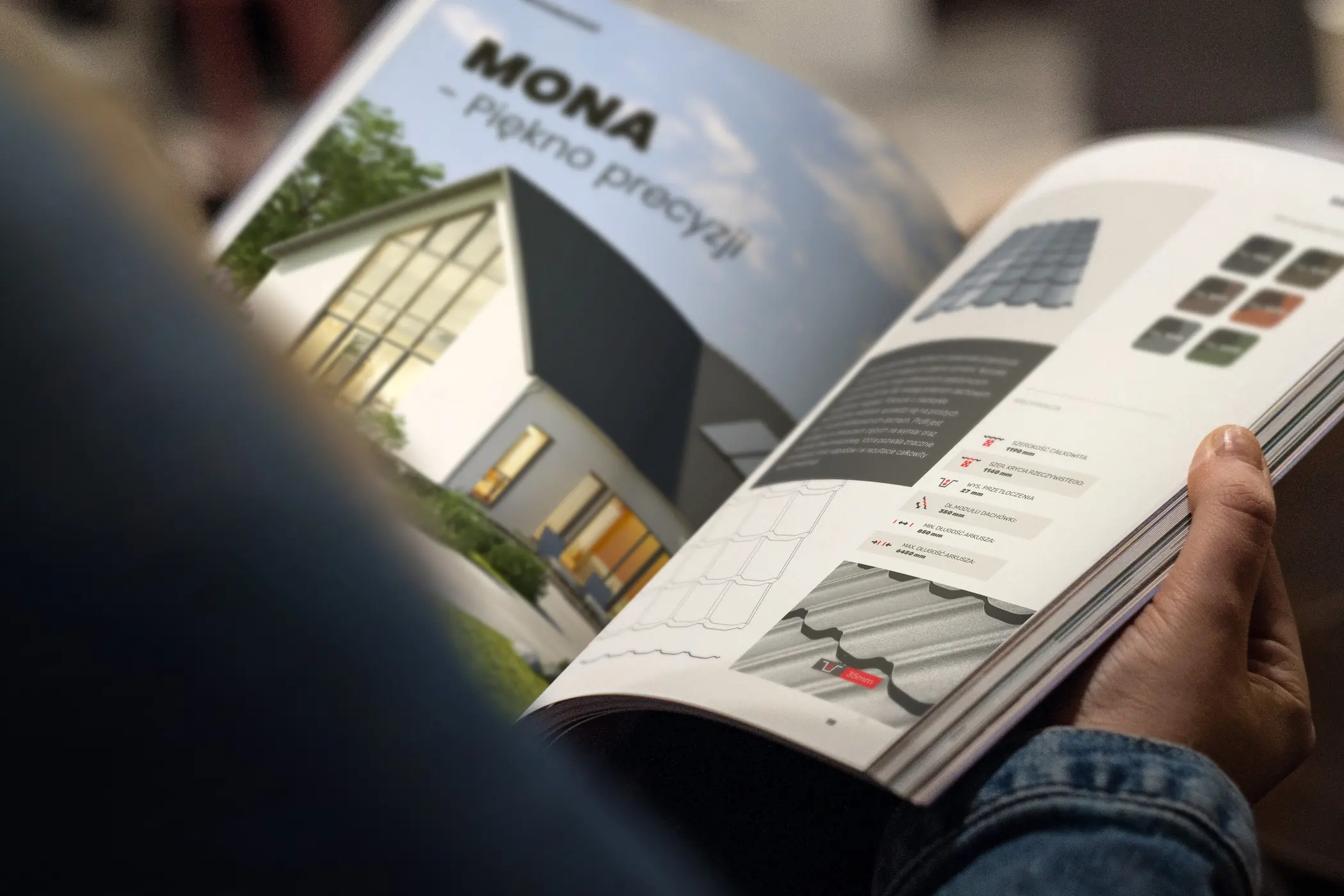
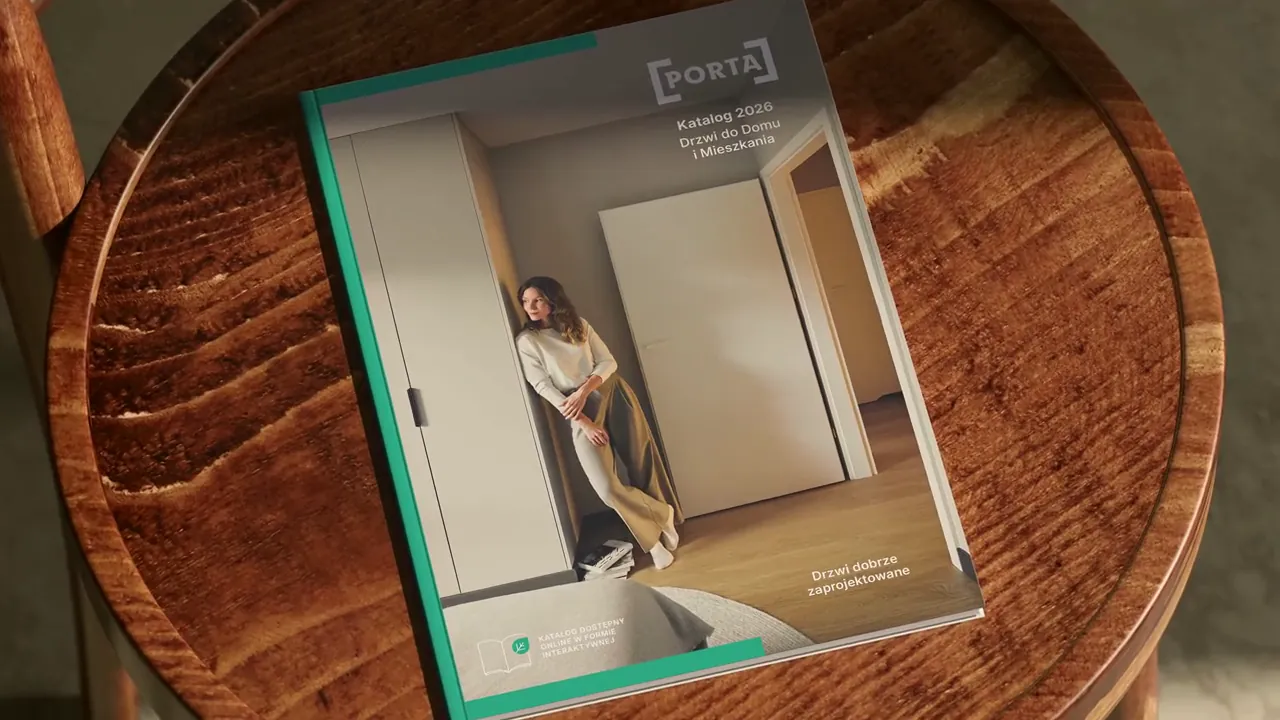
We organise the offer so customers get to their product quickly and sales reps have everything to hand. We design product pages, tables, icons and diagrams, then lay out the whole thing for print and online.
What you get
- Section structure and product page
- Icons, tables and diagrams
- Print-ready files
- Interactive PDF or online catalogue
Similar projects
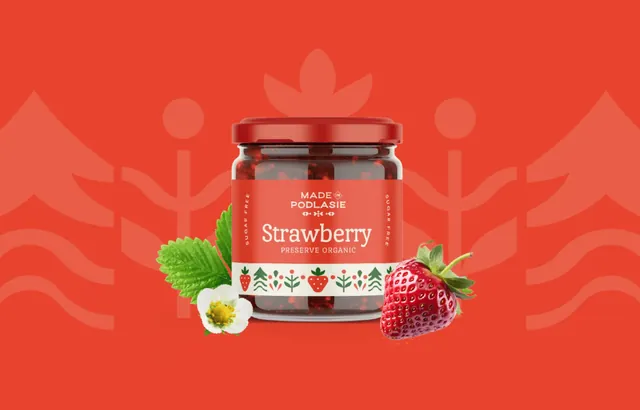
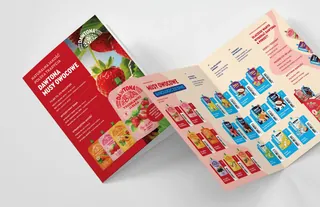
Packaging and labels From a single label to a whole product line
What we do
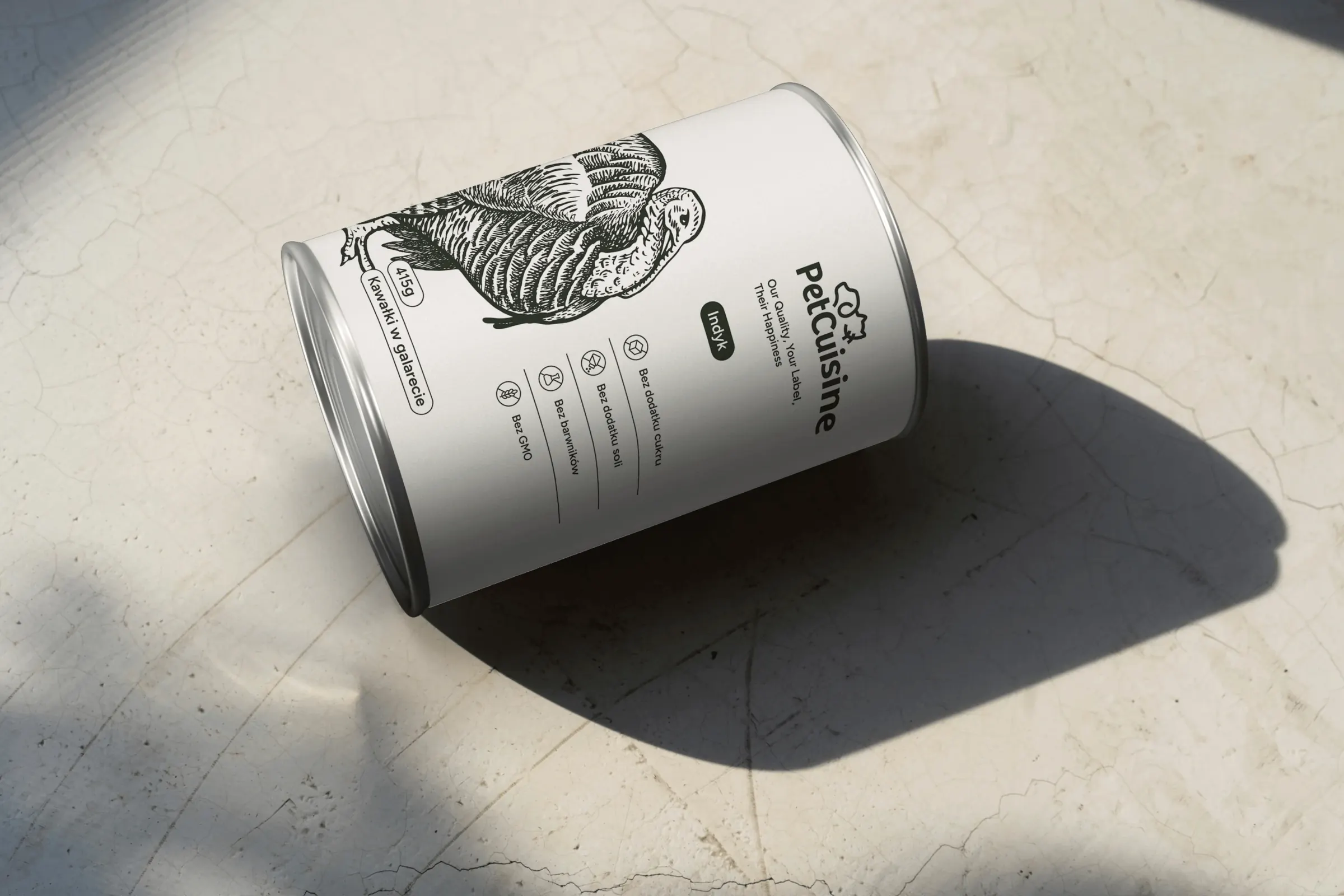
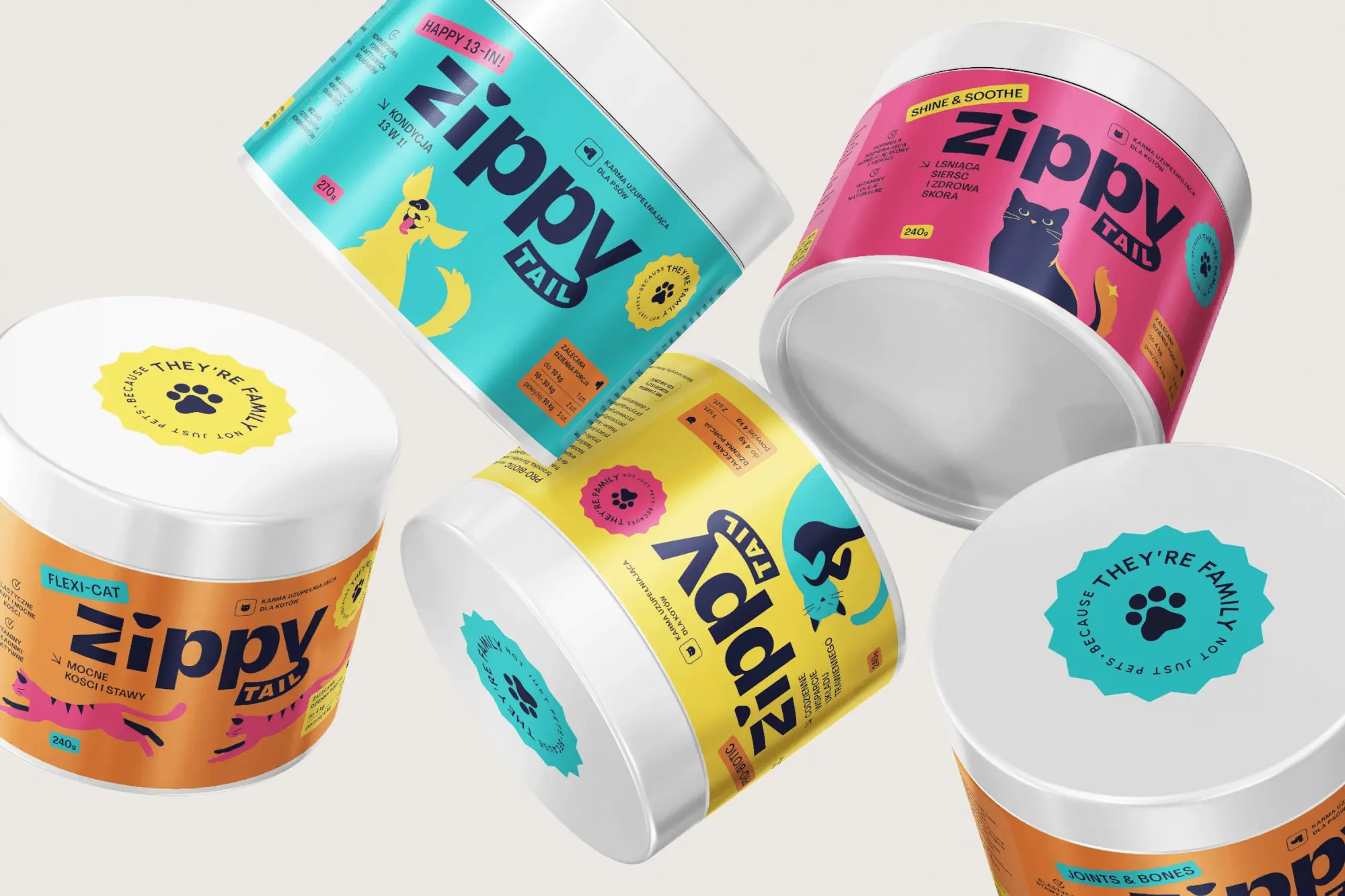
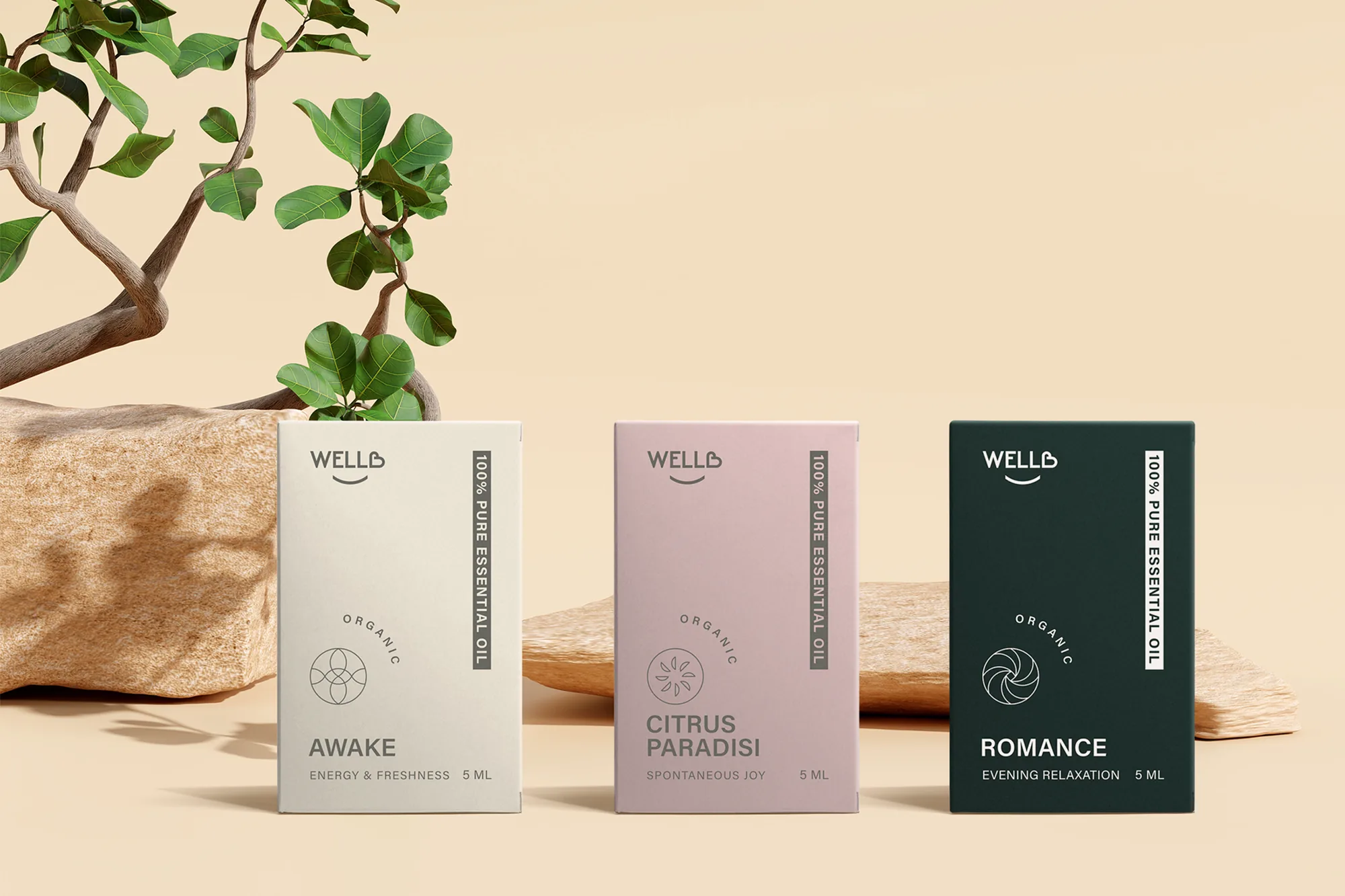
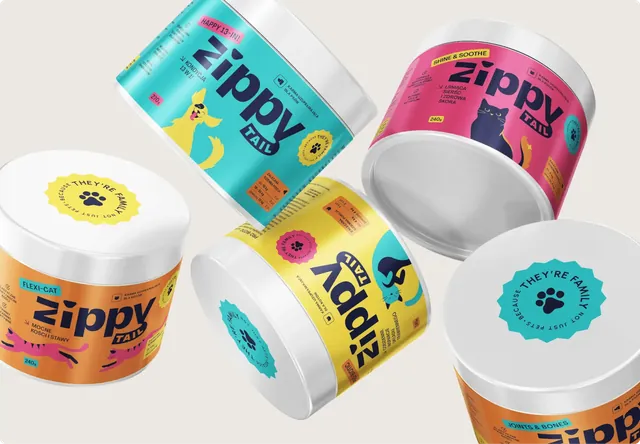
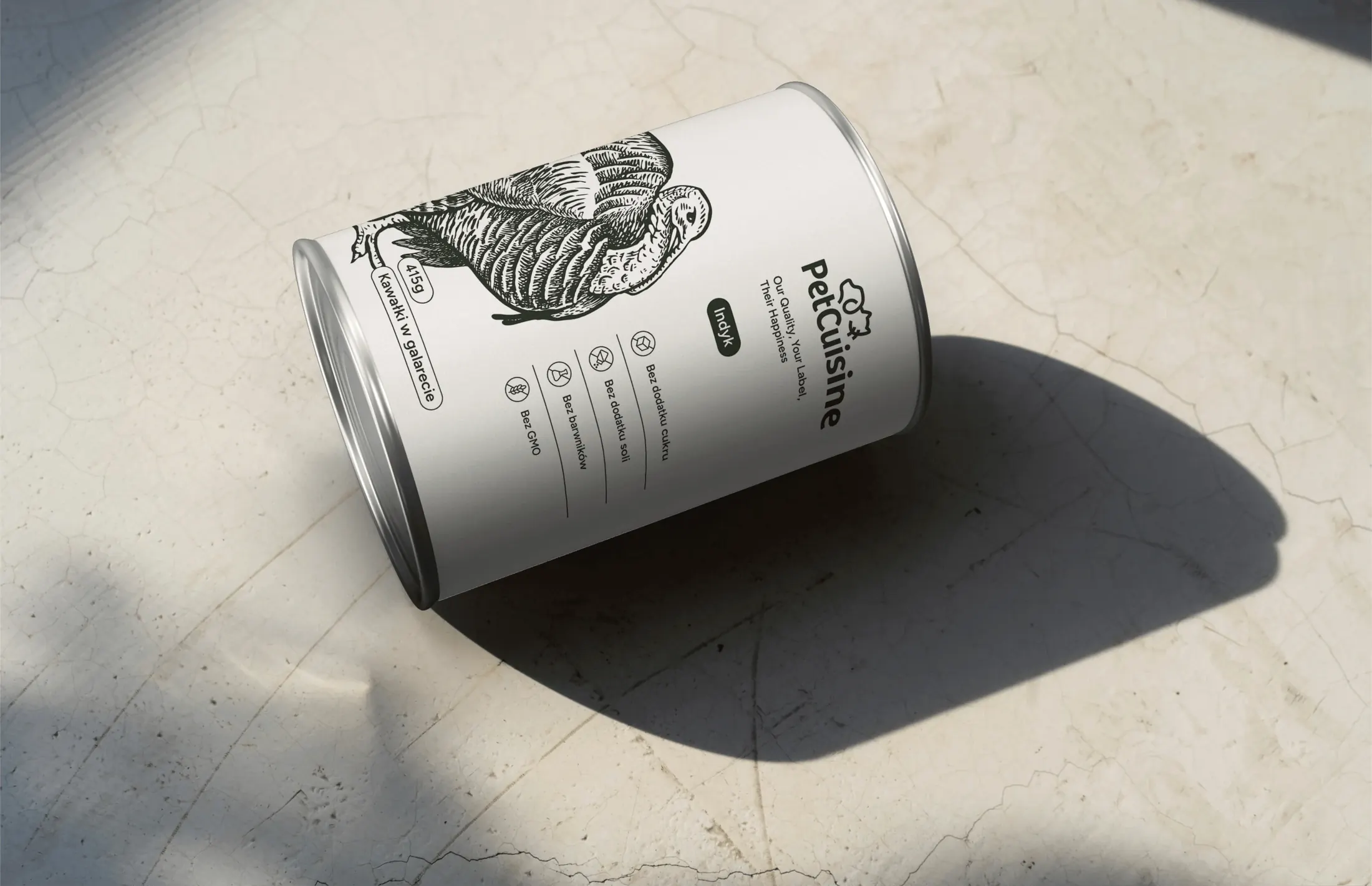
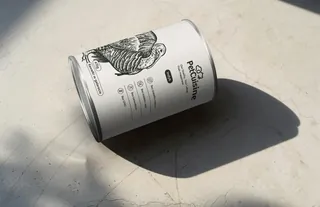
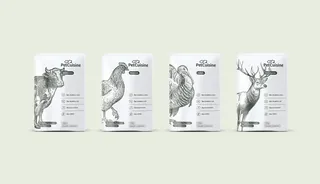
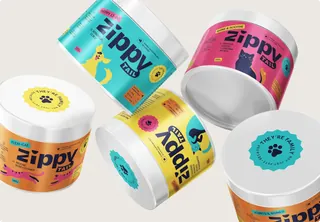
We design packaging that stands out on the shelf and says at once what's inside. One system covers every flavour, variant and format, and files are prepared for the specific printer.
What you get
- Packaging or label design
- Variants for flavours and formats
- Visuals for sales and online shops
- Print-ready files
Similar projects
Company reports Periodic and annual reports in one brand template
What we do
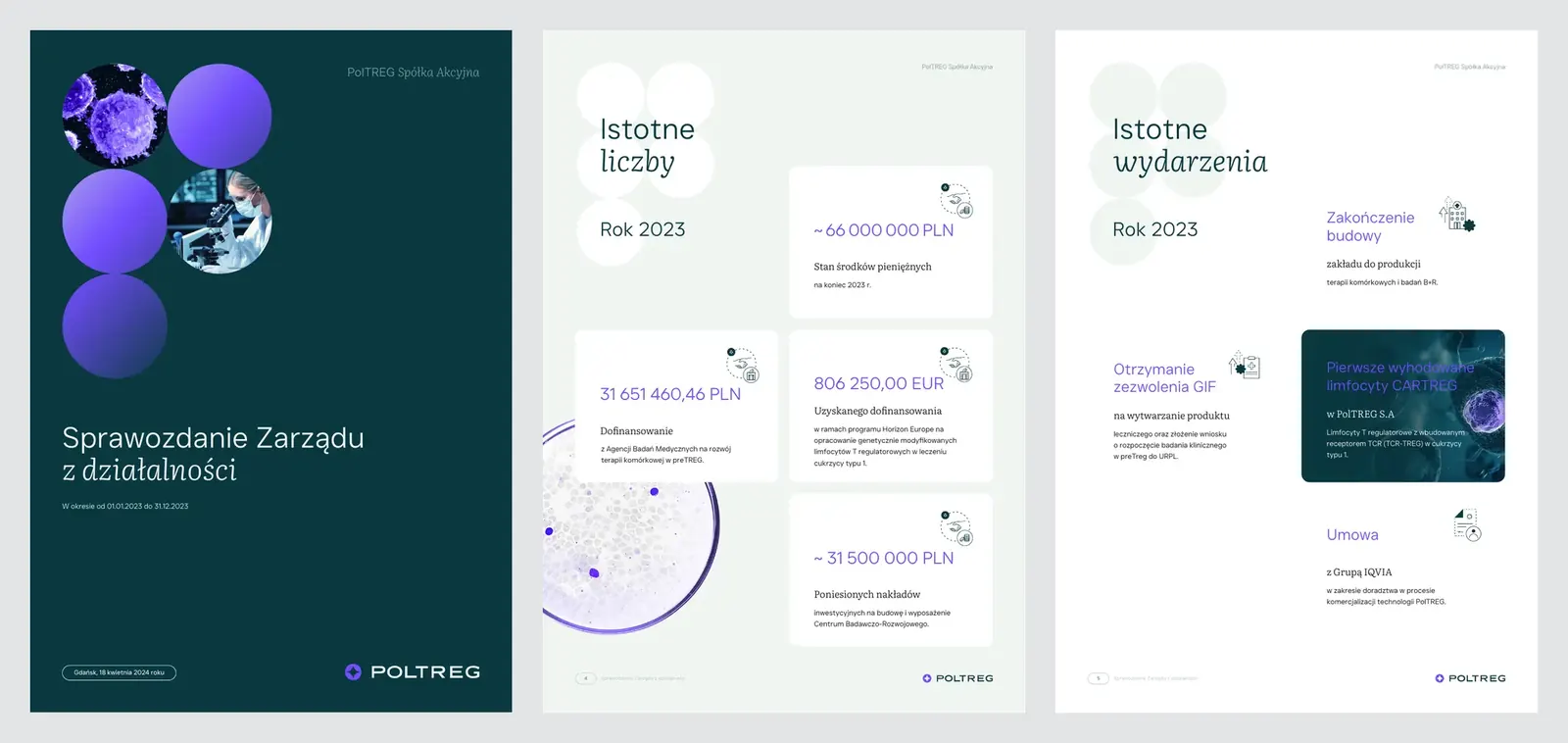
We design a report template in the company's identity and lay out each new edition in it, quarterly, half-year and annual. No walls of text, just simple tables, charts and plenty of white space.
What you get
- Report template in the company's identity
- Layout of each new report
- Financial charts and tables
- Files for publishing and print
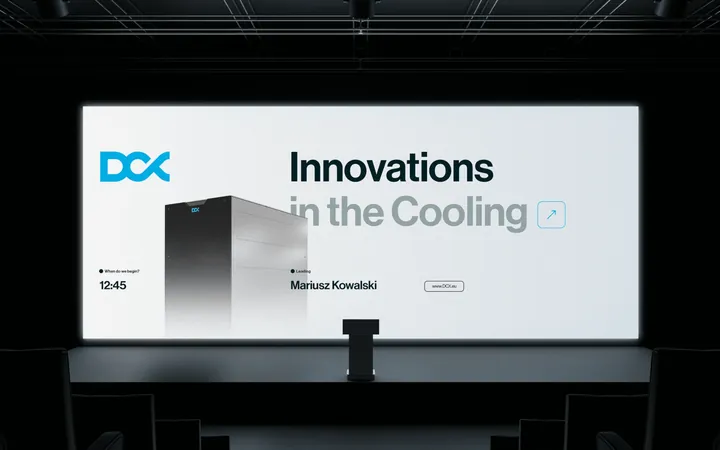
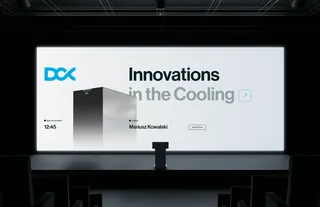
Presentations For the stage, client meetings and investors
What we do
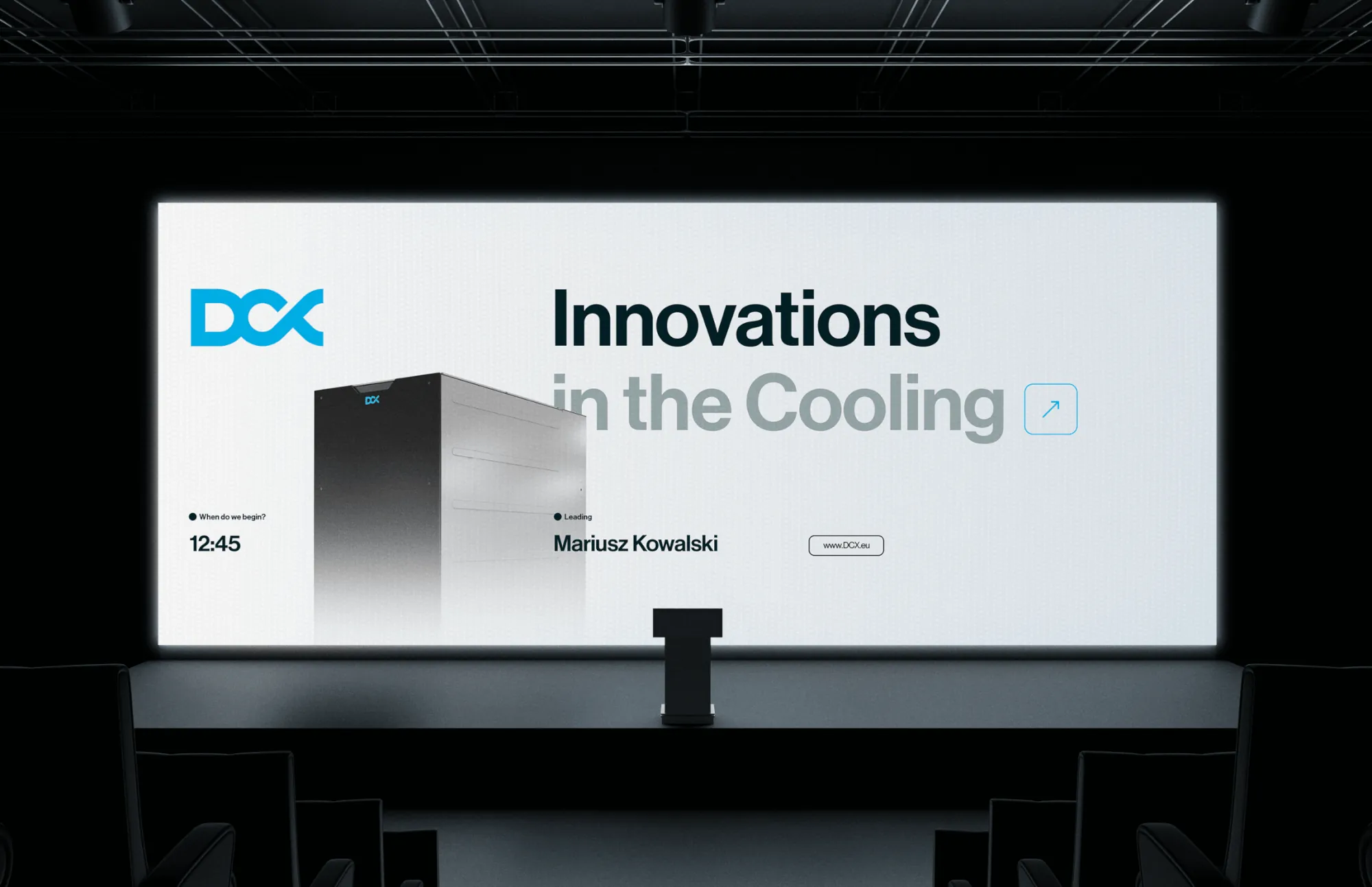
We start with what the speaker needs to say, and only then design the slides. One idea per slide, a diagram where a table is tempting, and photos that actually show something. Your team gets a template for preparing the next talks themselves.
What you get
- Presentation design
- Diagrams, charts and icons
- Template with slide layouts
- Version in PowerPoint, Google Slides, Figma or Canva
Similar projects
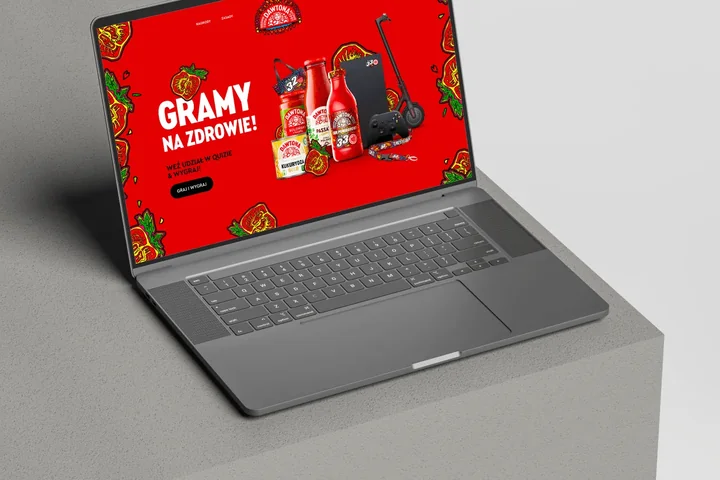
Campaigns and social media Posts, banners, ads and mailings in every format
What we do
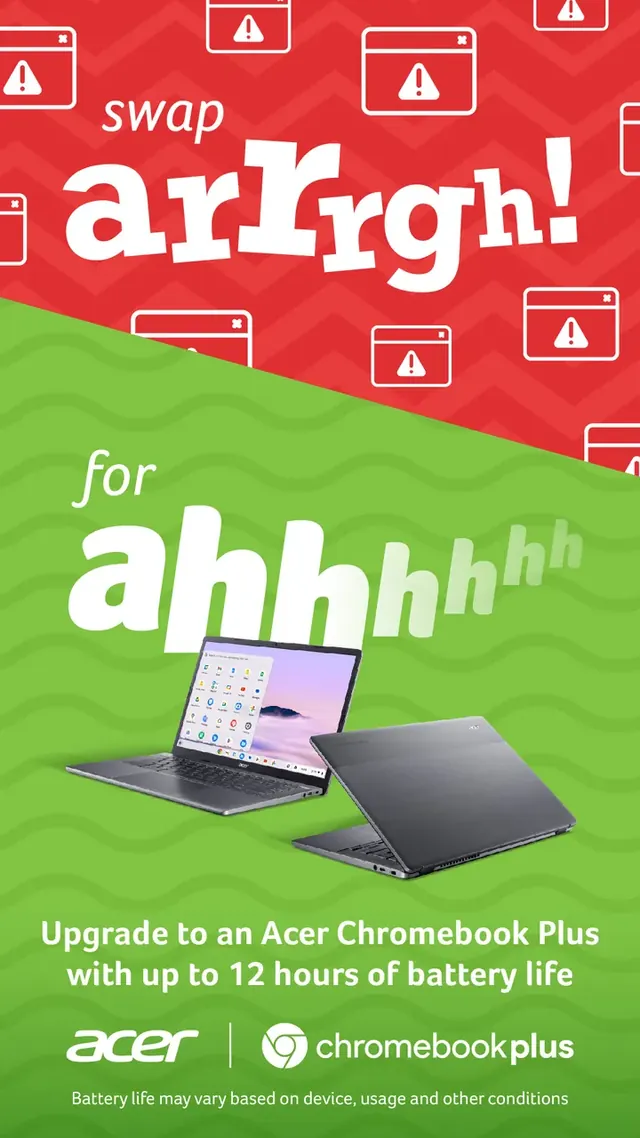
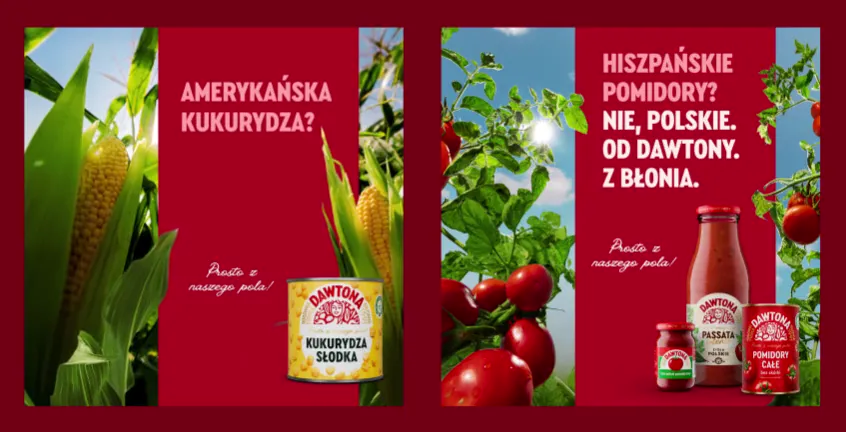
We design a campaign once and adapt it to every place it needs to appear: posts, stories, banners, billboards and mailings. For everyday posts we leave templates, so marketing doesn't wait for a designer for every announcement.
What you get
- Campaign key visual
- A full set of social media and ad formats
- Animated versions of posts and banners
- Post templates in Figma or Canva
Similar projects
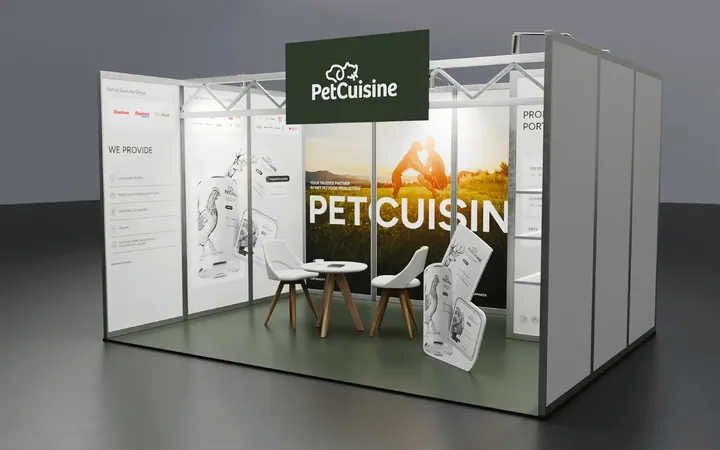
Trade fairs and events Stands, roll-ups, invitations and everything for one evening
What we do
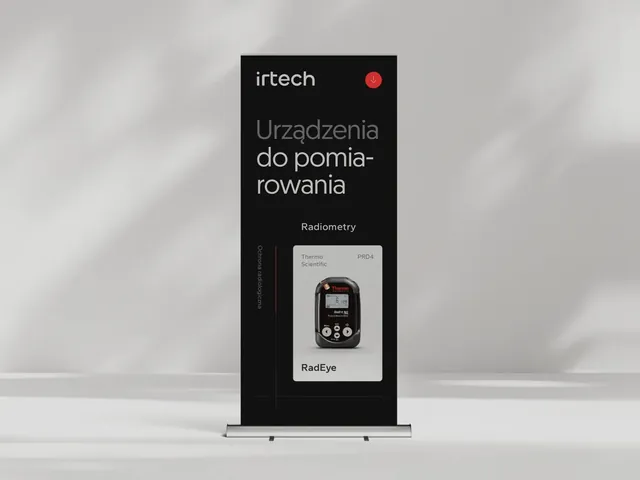
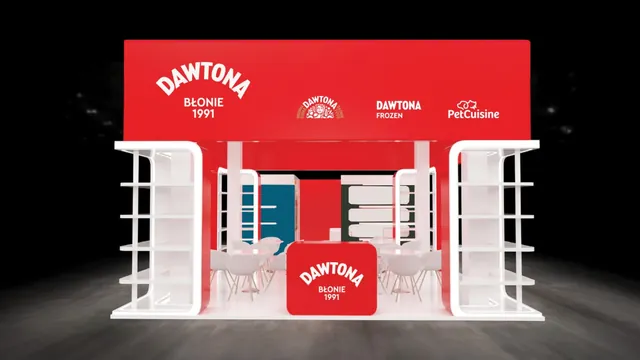
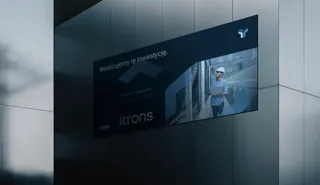
We design everything that needs to stand, hang or end up in guests' hands: the stand, backdrop, roll-ups, invitations, name badges and screens. We keep an eye on dimensions and print deadlines, and prepare materials in the languages of the event.
What you get
- Stand and backdrop design
- Roll-ups, leaflets and name badges
- Invitations and materials in several languages
- Stage screens and presentations
Similar projects
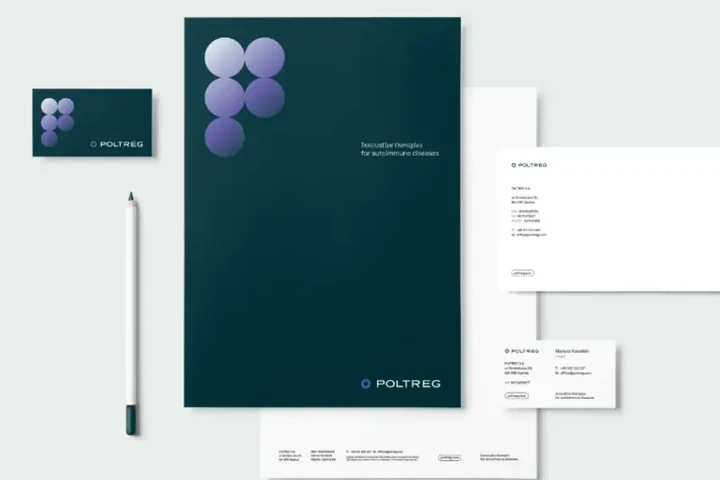
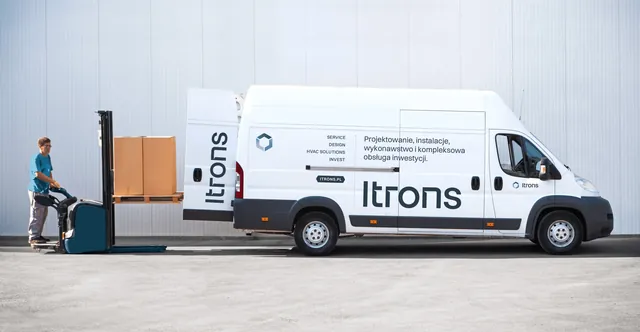
Company essentials Business cards, letterheads, folders, clothing and vehicle wraps
What we do
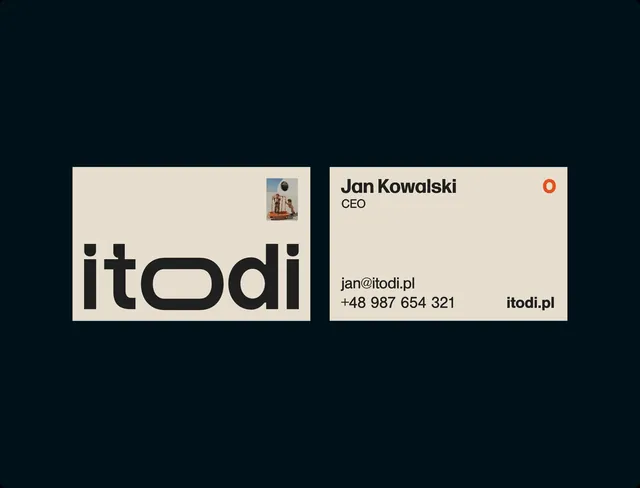
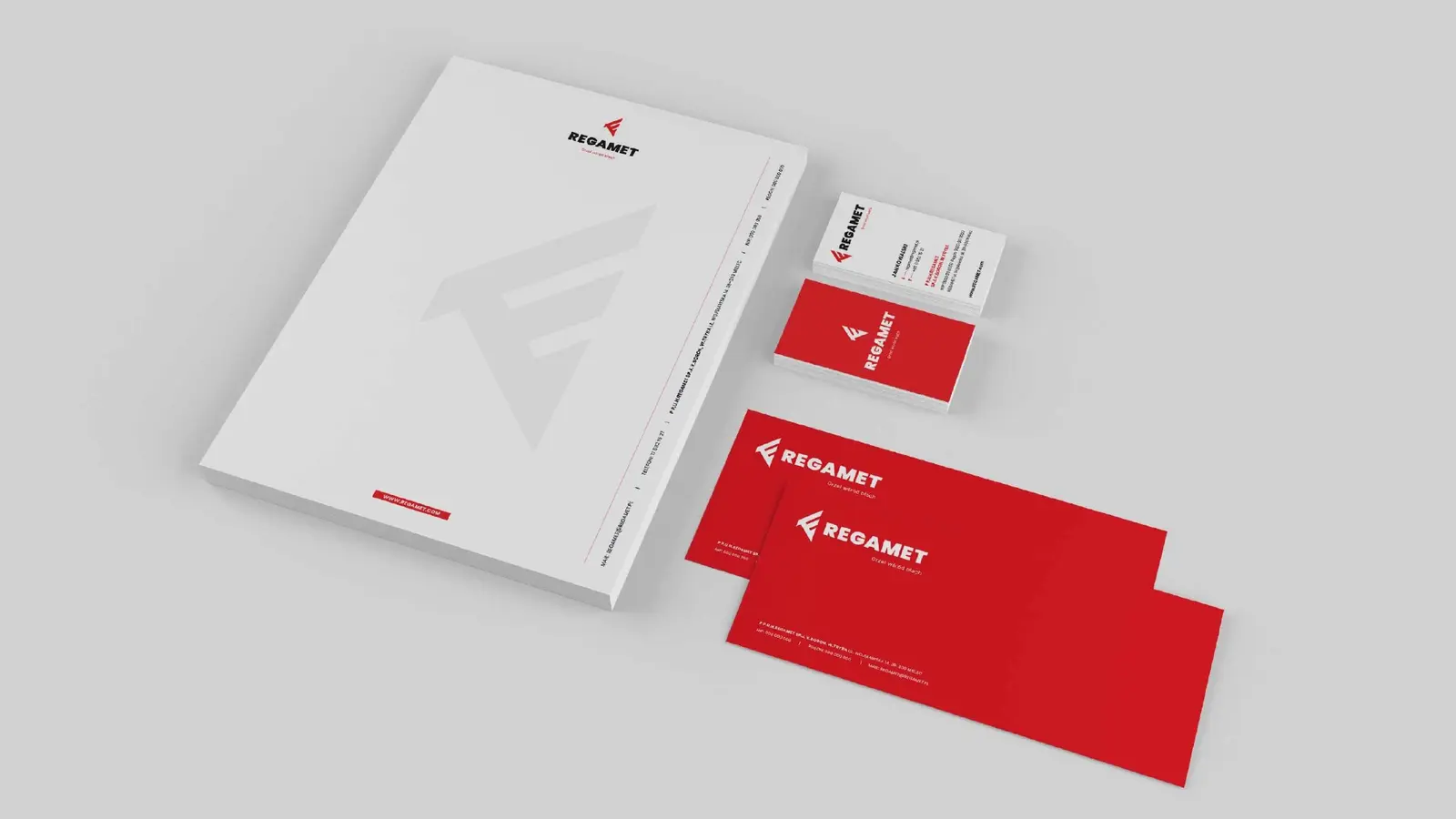
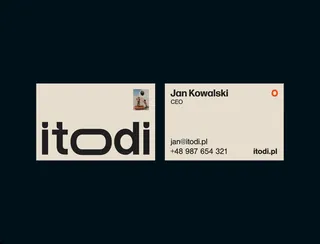
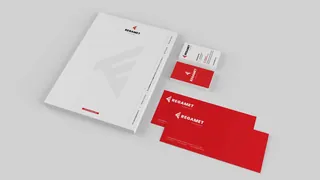
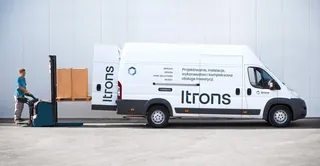
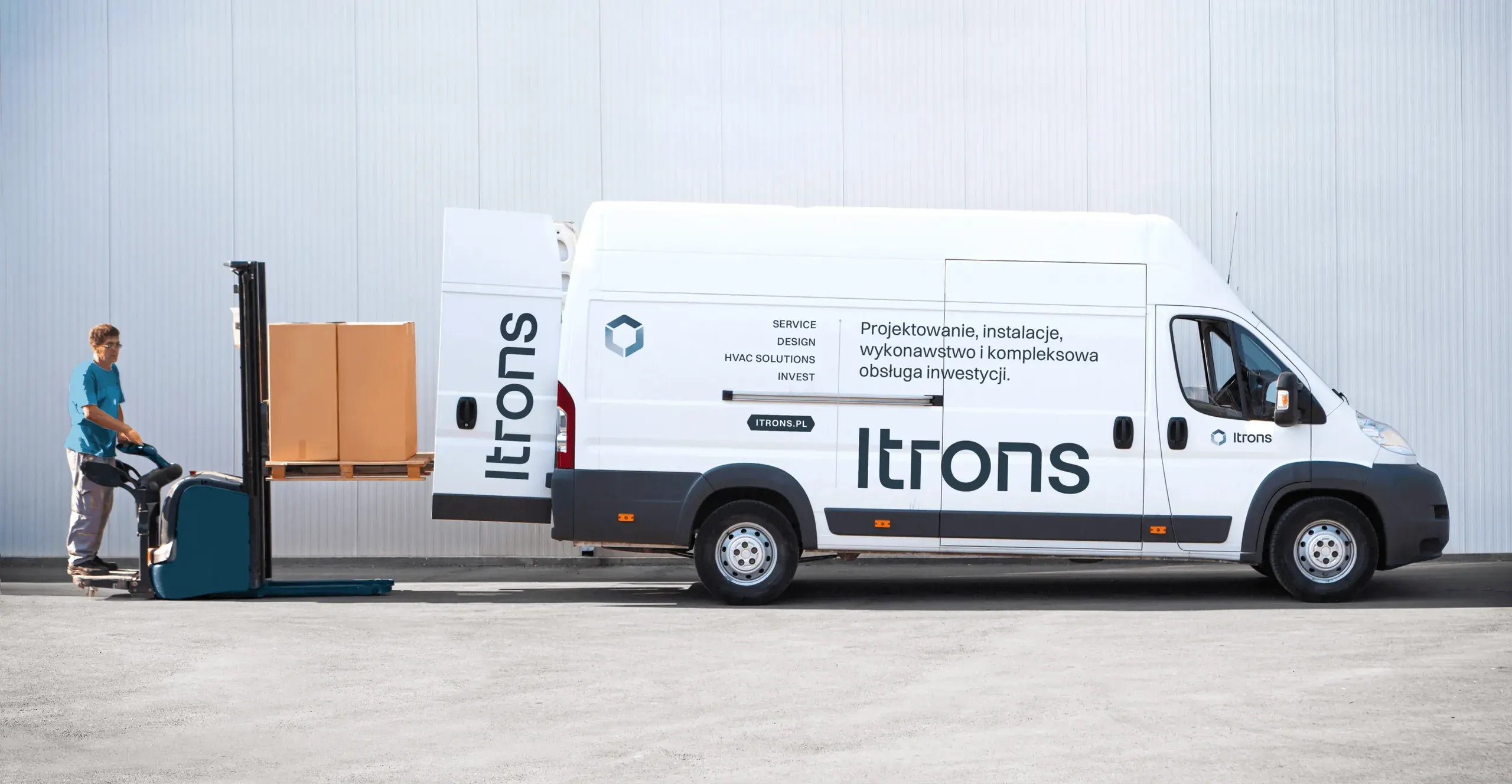
We design everything a company uses day to day: business cards, letterheads, folders, notebooks, name badges, clothing and vehicle wraps. Files are prepared for print and production, and documents that change often come as editable templates.
What you get
- Business cards, letterheads and envelopes
- Folders, notebooks and name badges
- Clothing, merchandise and vehicle wraps
- Editable document templates
Similar projects
Animation Logos in motion, product launches, posts and videos
What we do
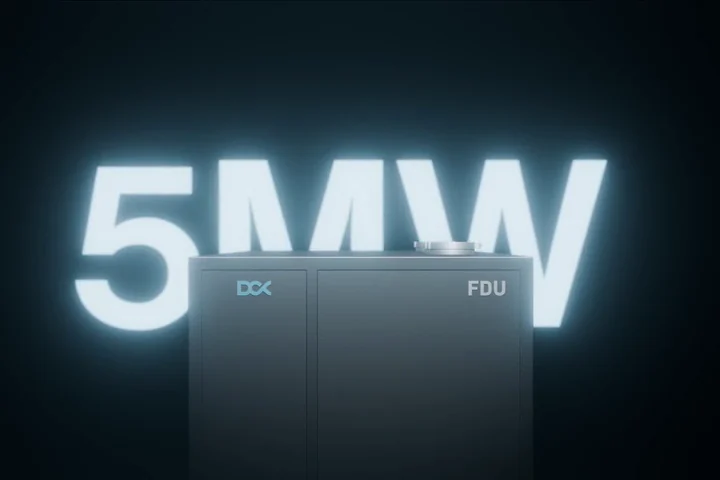
We animate identities, products from CAD files, posts and explainer videos, short films that show how something works. One animation gives you every format you need, from a social media ad to a trade fair screen.
What you get
- Logo and identity animation
- 3D product animation
- Explainer video
- Versions for social media and screens
Similar projects
E-books Company know-how in a form people want to read
What we do
We organise the content, split it into short chapters and add diagrams, icons and illustrations. The e-book is easy to read on a phone or a computer and, when needed, has a print version too.
What you get
- Content and chapter structure
- Design and layout
- Illustrations, icons and diagrams
- Interactive PDF and print version
Similar projects
03Full range
Everything you can see.
This is a cross-section of what crosses our desks: from a business card to a sign on a building, from packing tape to a drinks menu for an anniversary gala. Every item has a real example.
50 types of material, each with an example
Everyday company
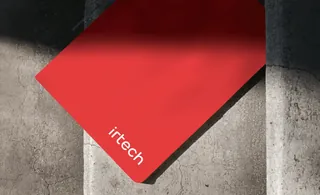
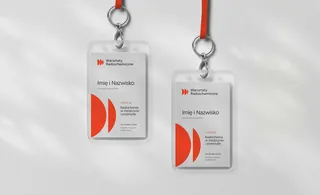
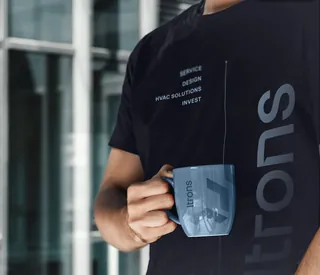
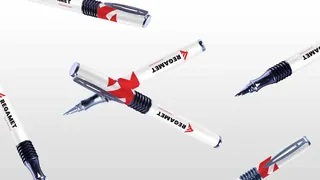
Sales and marketing

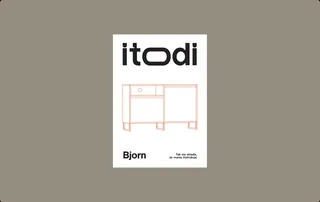
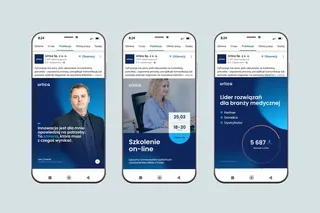
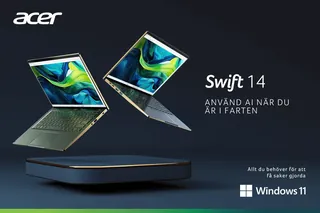
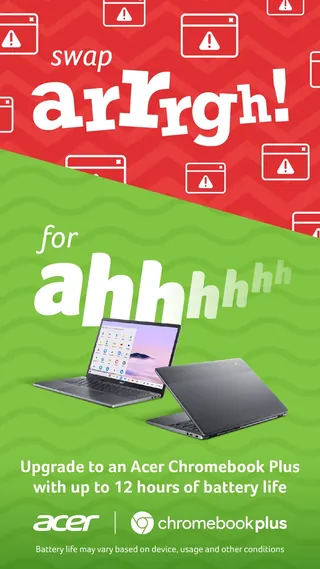
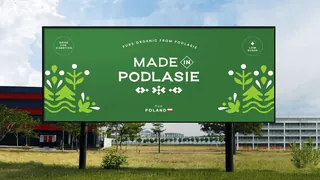
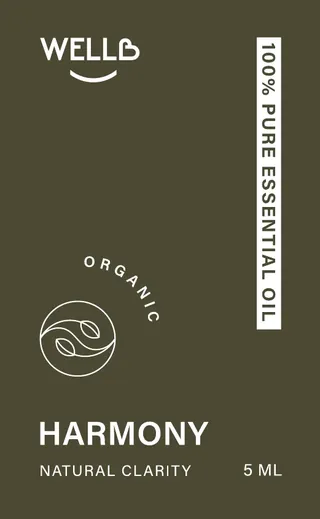
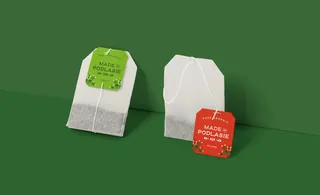
Shelf and parcel

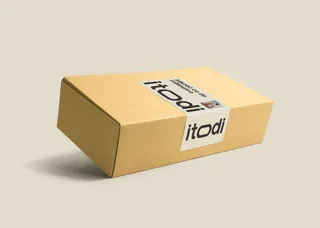
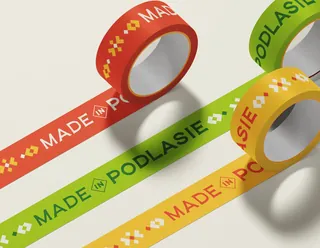
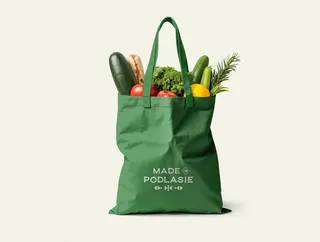

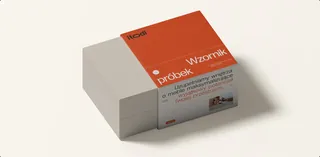
Trade fairs and events
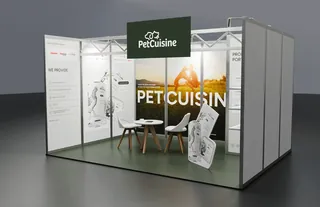
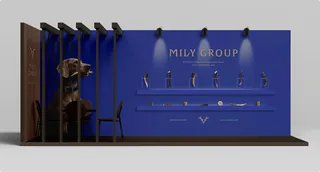
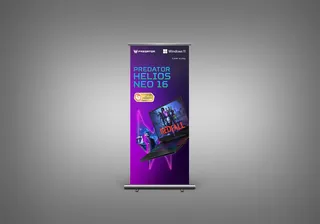
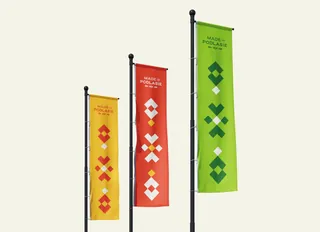
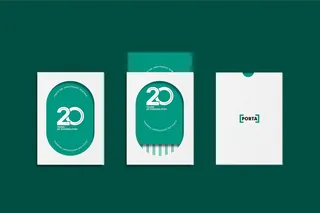
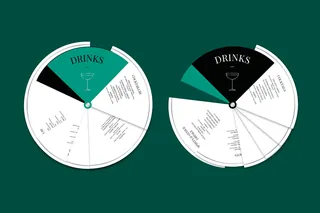
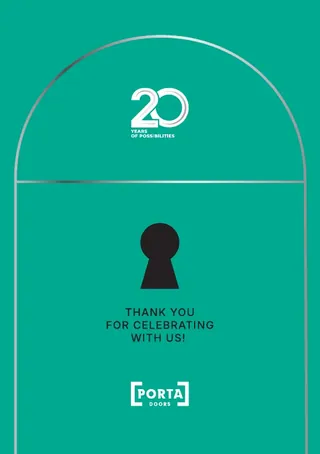
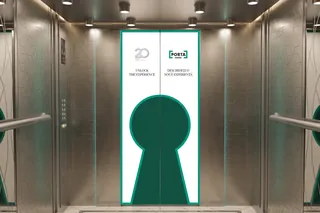
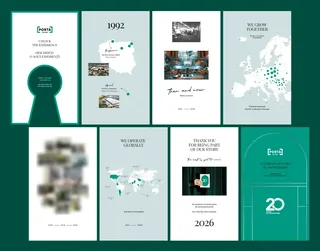
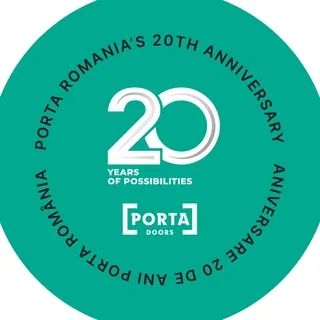
Image and motion
-
 Logo animations
Urtica
-
 Animated posts
Grupa Dawtona
-
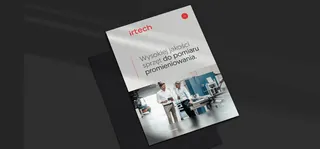
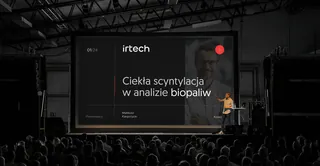 Stage screens
irtech
-
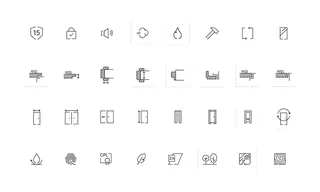 Icons
Porta
-
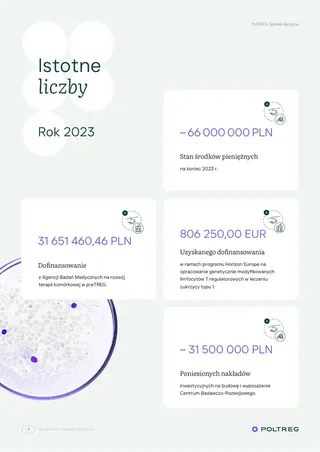 Infographics
PolTREG
04Brand kit
A self-assembly brand.
A large company needs materials faster than anyone can design them: quotes, posts, webinar invitations, slides for tomorrow's meeting. That's why for marketing and sales teams we make brand kits: a limited set of ready-made elements in programs the team already knows.
Everyone builds their own material from them, and the brand stays the brand. A sales rep, someone from HR and a person on their third day in marketing can all follow the kit, so a post or a quote takes a few minutes, with no brief and no waiting.
Try it on our brand
This is how a template from the kit works: change the format, headline, graphic and colour, and the layout, margins and logo take care of themselves.
Template preview Post · 1080 × 1080 pxStory · 1080 × 1920 pxBanner · 1200 × 628 px
Rules built into the template
- The logo always in the same place, with clear space
- The headline fits itself to the frame
- Only colour pairs from the brand palette
- The same margins in every format
We build tight graphic systems, so bulletproof they're hard to break.
What's in the kit
- Logo versions for light and dark backgrounds, with clear space
- Colours with codes for screen and print
- Typefaces with a simple rule: which for headings, which for body text
- Brand photos, icons and graphics in one library
- Ready layouts: posts, stories, banners, a quote, an invitation, slides and an email signature
- Templates in PowerPoint, Google Slides, Canva, Figma, Word or InDesign
- A short guide: what can be changed and what's best left alone
- Team training and a numbered package of files
We work in programs your team already knows
- PowerPoint
- Google Slides
- Canva
- Figma
- Word
- InDesign
Kits our clients use
-
 Dawtona Group
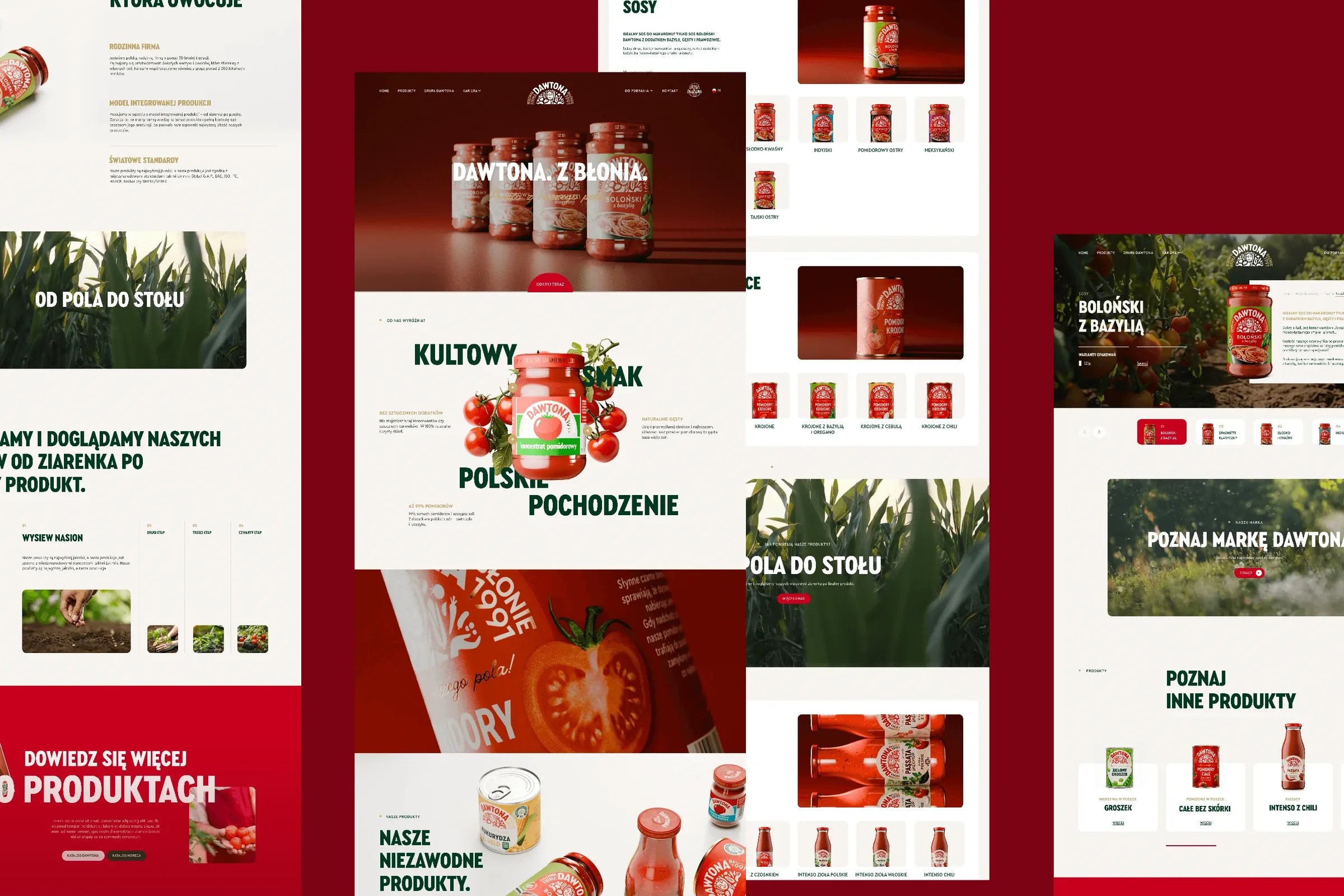
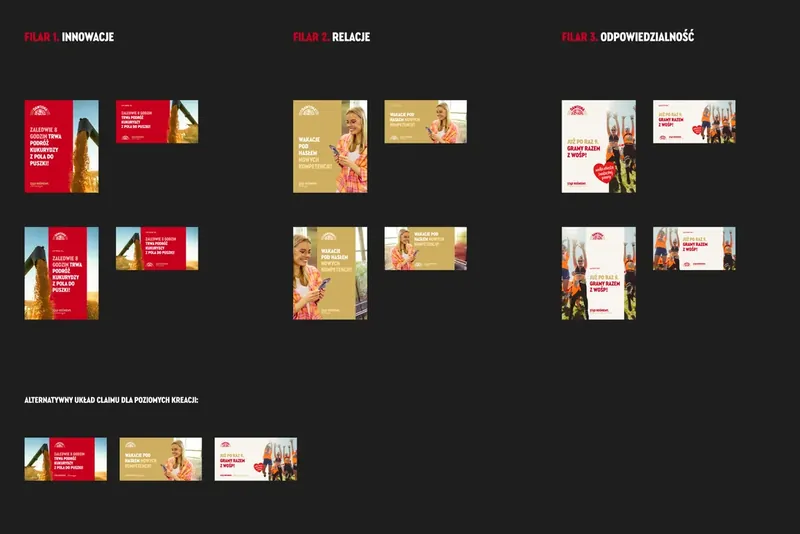
23 post templates in Figma. Dawtona's in-house marketing designers copy a template, change the text and photo, and make new posts without us.
-
 irtech
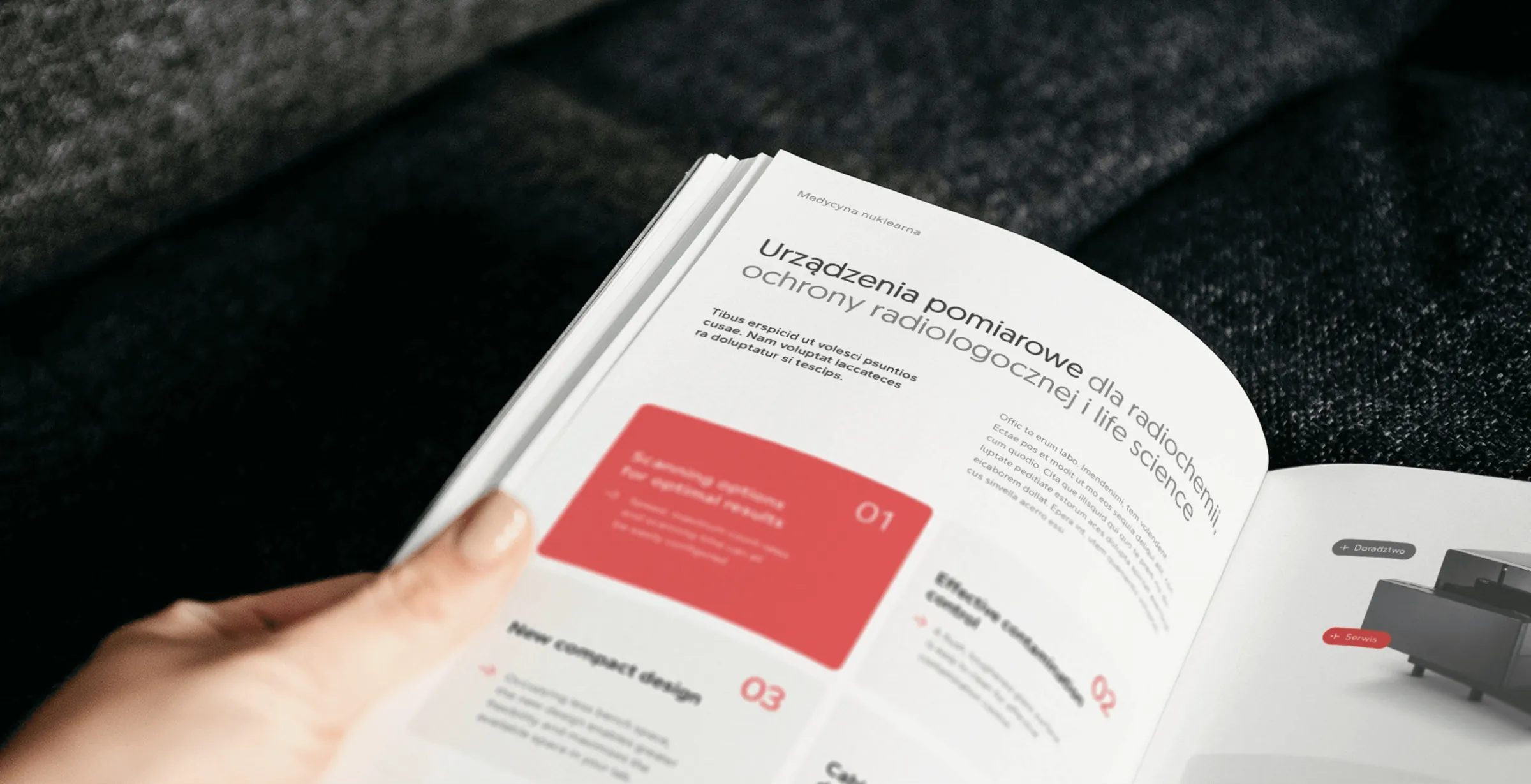
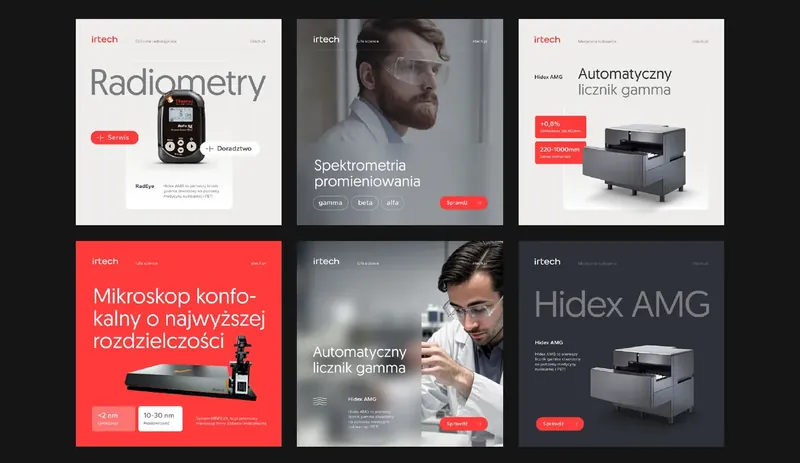
Over 20 materials as templates the team edits themselves. Plus a package of 14 numbered folders and training on editing without breaking the layout.
-
 Acer
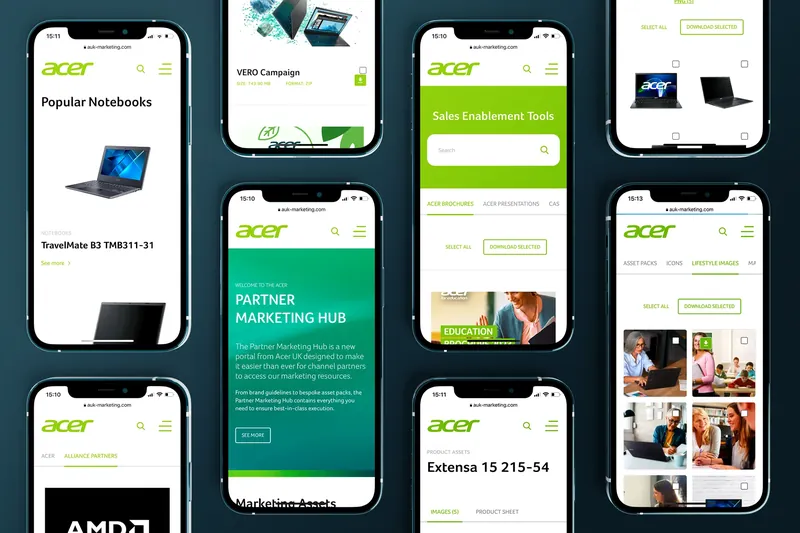
Partner Marketing Hub. Acer resellers search it and download the brand's sales materials themselves, several files at a time if they need to.
-
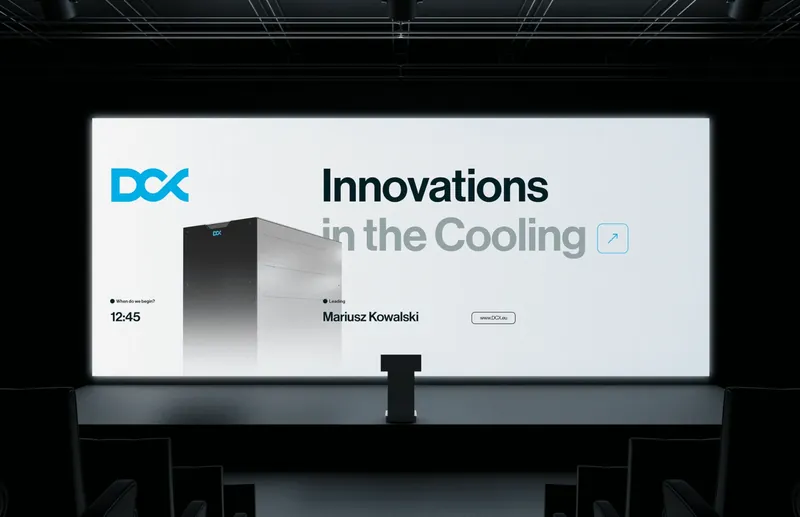 DCX
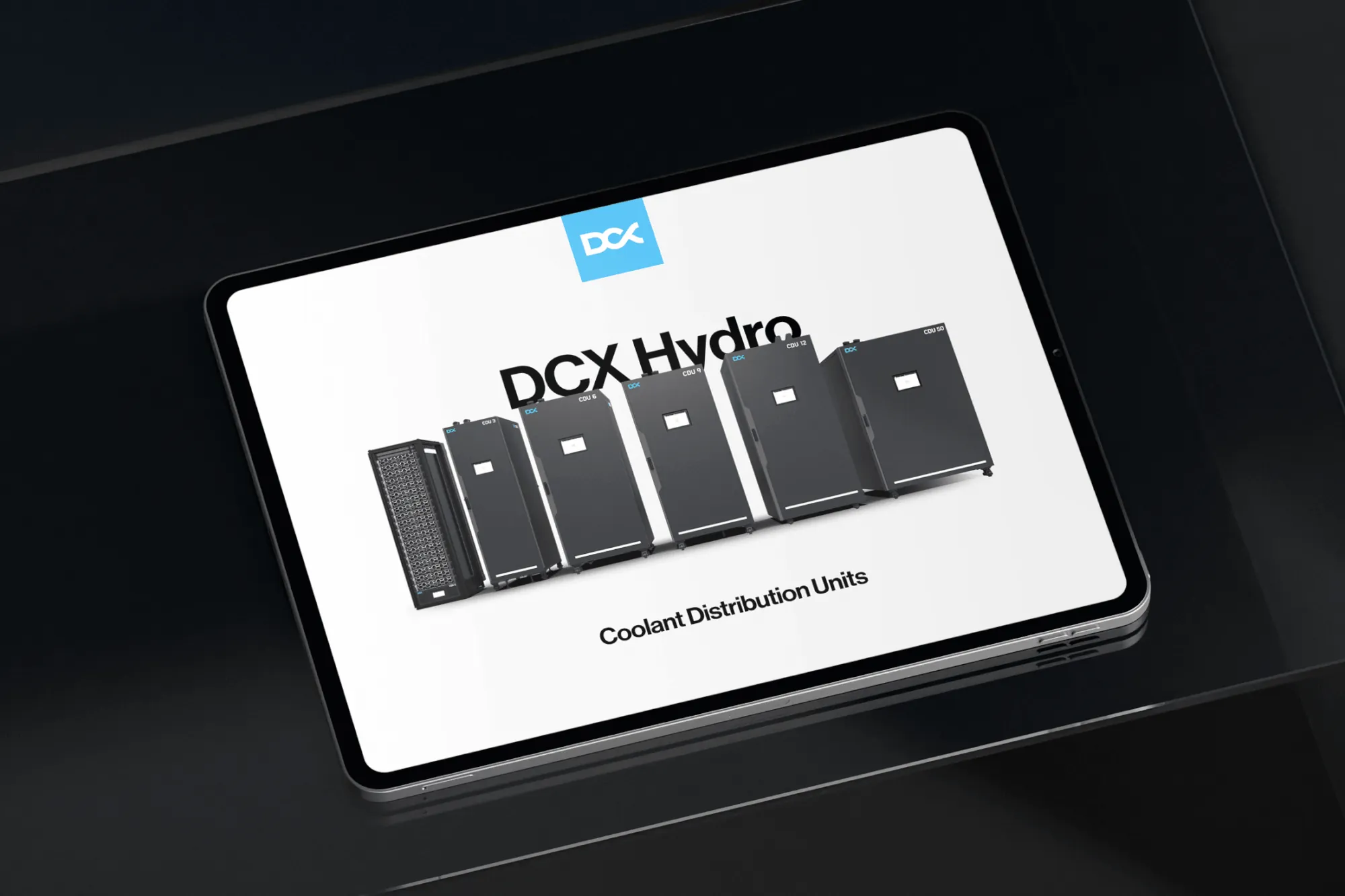
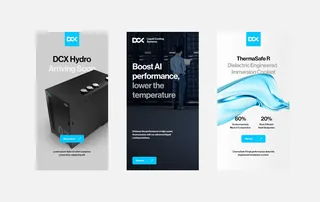
Slide layouts in PowerPoint. The team got them together with their conference presentation, so they prepare the next talks themselves.
-
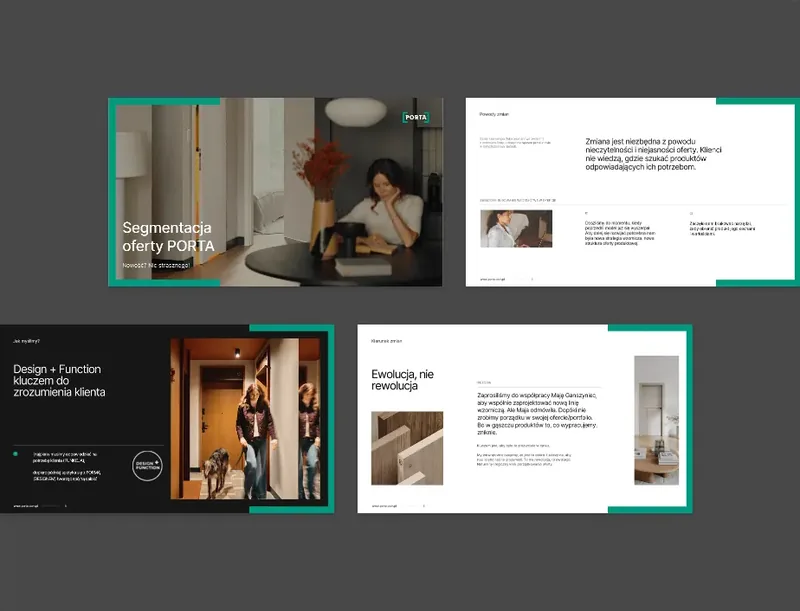 Porta Drzwi
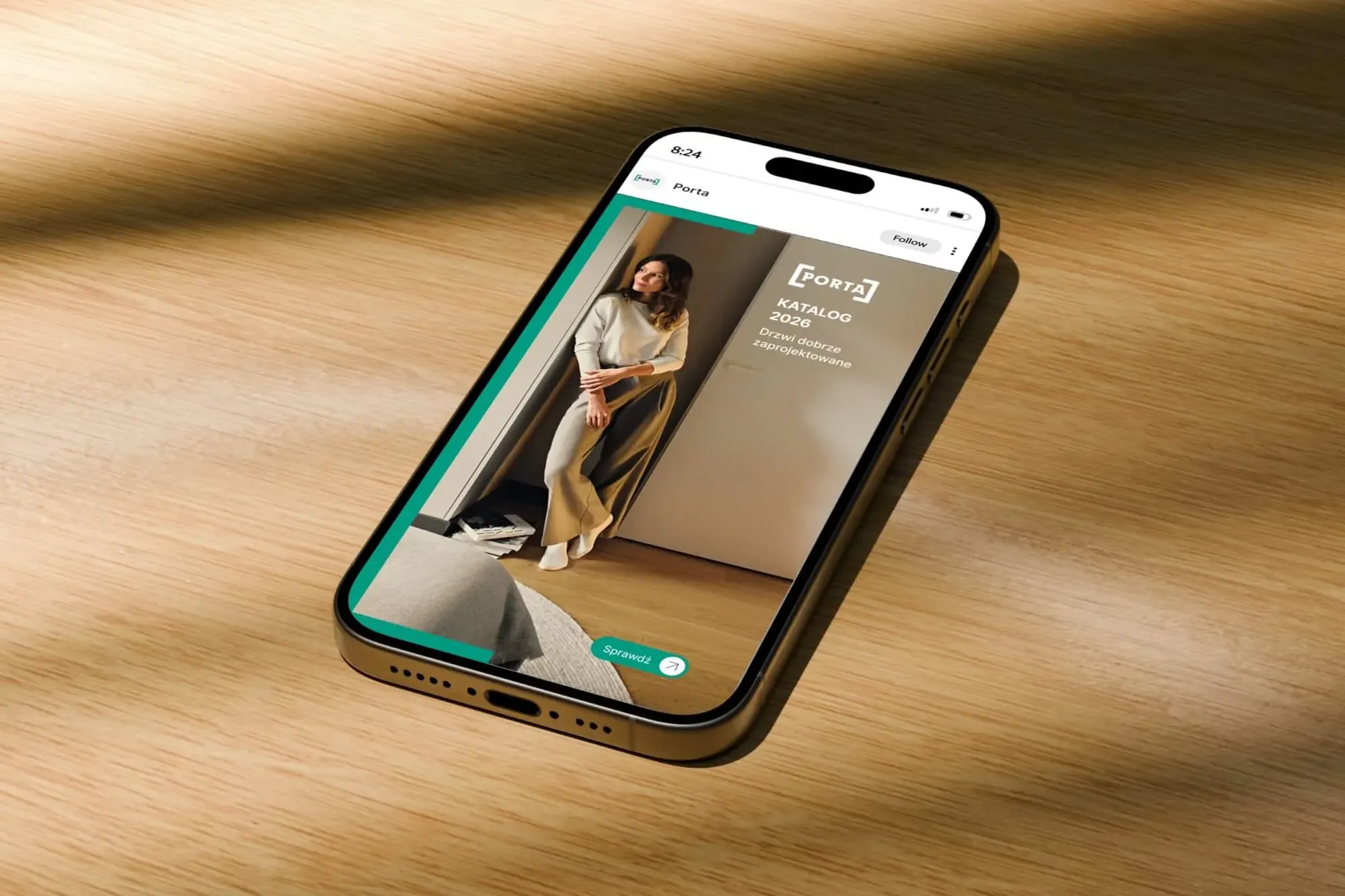
Brandbook, icons and templates. A social media campaign, a sales presentation or a sample book all start from rules the Porta team already knows.
05Order
We put everything in order.
A kit only works when everyone knows where things are. That's why we also tidy up what clients never see: files, names, versions, access rights and printer contacts. A new person in marketing finds the right logo on their own, without three emails and a question on the chat.
What we tidy up
- Folder structure and file names
- Working and preview files in one place
- Versions: one current, the rest archived
- Access: who can change what
- Printer specs and contacts
- Know-how: we train the team and new starters
This is how we handed over the irtech brand: 14 numbered folders with working and preview files, plus training on editing templates without breaking the layout. See the irtech project
- logo_new_FINAL.png
- logo_new_FINAL_2.png
- logo (1).jpg
- sales_presentation_v7_edits_Anna.pptx
- trade_fair_leaflet_REALLY_FINAL.pdf
- trade_fair_leaflet_REALLY_FINAL_print_NOT_THIS_ONE.pdf
- New folder (3)
- old_photos_DO_NOT_USE
- colours_maybe_these.txt
- quote template - Copy (2).docx
- fb_banner_fixed_by_the_boss.jpg
- Logo Versions for light and dark backgrounds
- Colours and fonts Codes for screen and print
- Photos and icons Selected, labelled, in good quality
- Social media Post and story templates
- Presentations Template with slide layouts
- Quotes and documents Editable templates
- Trade fairs Stand, roll-ups and leaflets
- For print Files with bleed and the printer's specs
- Guide What can be changed and what to leave alone
Let's talk about your brand.
Let's work out what you need and where it makes sense to start.
06Pace
Design once, then multiply.
Our pace comes from the system. One well-designed layout is carried across flavours, formats, markets and languages, and repetitive work goes to automation. Materials pile up quickly, and none of them looks out of place.
12 flavours times 3 packaging types equals 36 packs in one system
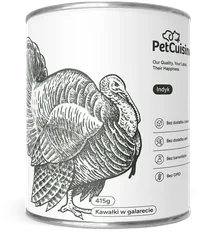
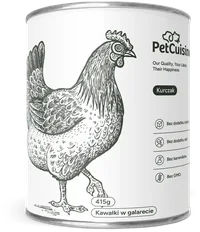
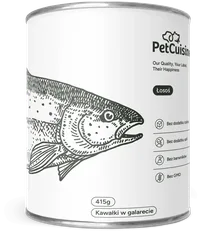
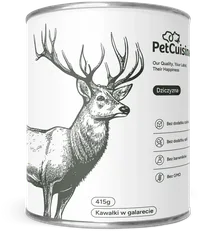
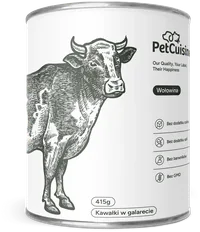
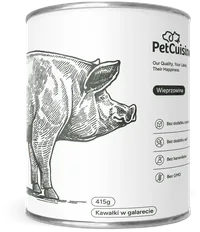
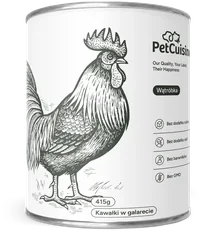

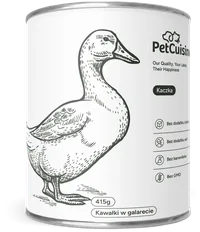
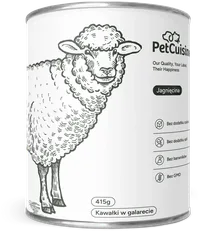
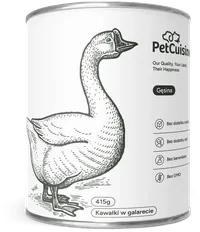
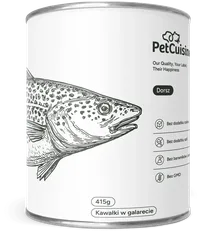
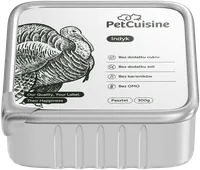
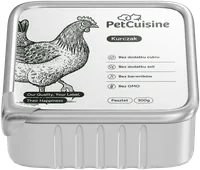
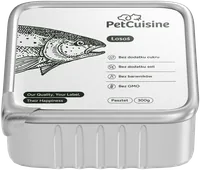
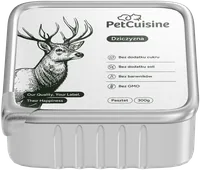
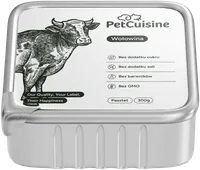
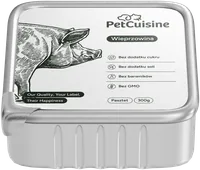
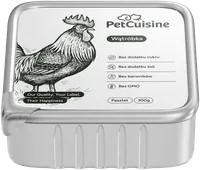
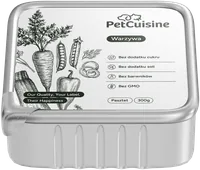
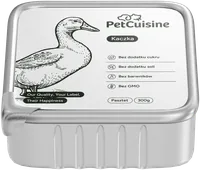
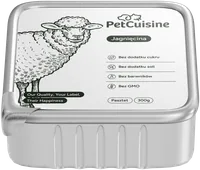
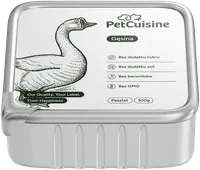
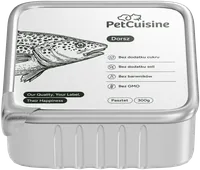
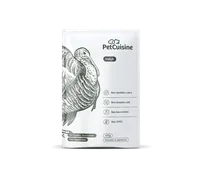
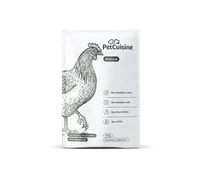
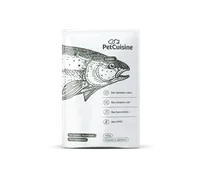
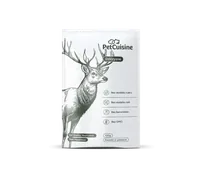
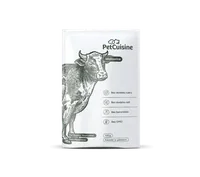
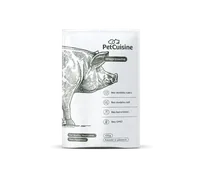
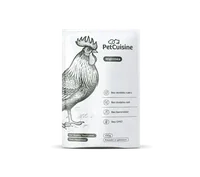
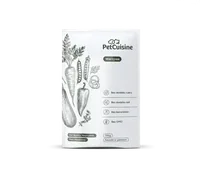
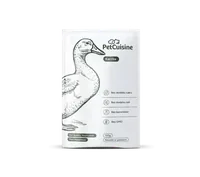
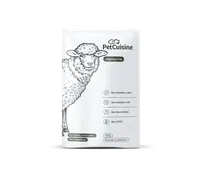
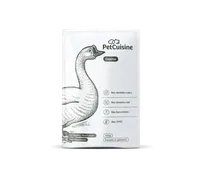
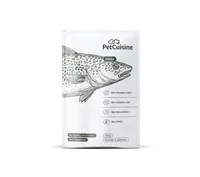
- Grupa Dawtona 11 slogans times 6 formats equals 66 graphics The whole social media campaign was made in 24 days, animations included.
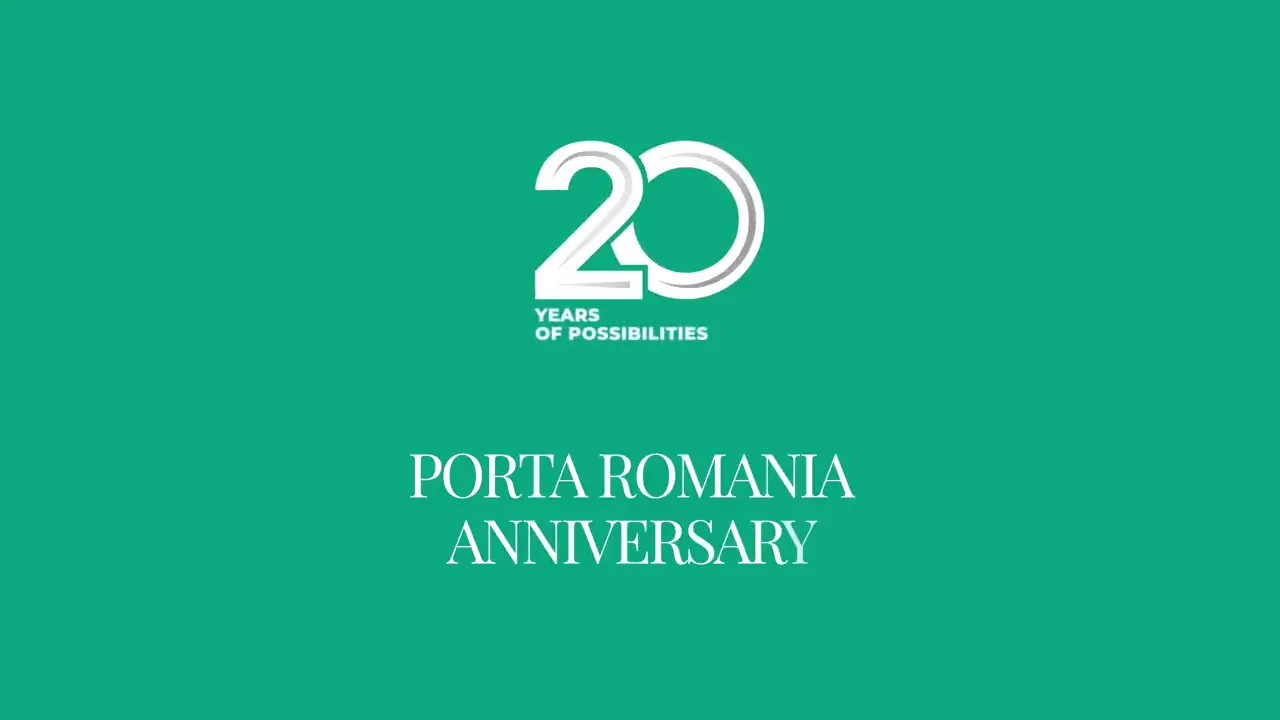
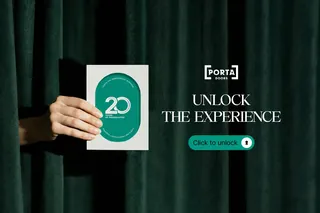
- Porta 1 invitation times 5 languages equals 5 versions An animated anniversary invitation: one design, five languages for the guests.
- Zippy Tail 1 creative times 5 formats equals a full ad set Display ads in five sizes, from a vertical 300 × 600 to a horizontal 970 × 90.
- Acer 5 markets times quarter after quarter equals over 1,200 jobs Banners, posters, newsletters and videos for the Nordic countries, the UK, Germany, Switzerland and Poland.
What we automate
- Tables from spreadsheets Prices and specifications are linked to your spreadsheets, so a new price in Excel goes into the catalogue without retyping.
- Variants from data Flavours, pack sizes and language versions are built from one file and one data table.
- Templates built on components We build posts and banners in Figma using components: a fix in one place reaches every format.
- AI for the tedious work For the Design Optyk online shop, we used AI to help write descriptions of over 500 frames, and checked every result by hand.
- Print and screen from one source The print file, interactive PDF and online version all come from the same layout, so they never drift apart.
07Process
From first talk to brand kit.
Six stages, each ending with something your team can review and approve. Before we start, it's clear how the work will run, when each piece arrives and what to expect at the end. For a single leaflet some stages take an hour; for a catalogue of several hundred pages each one is a project in itself.
- Stage 1 Talk and goal We establish who will see the material and what they should do next.
- Stage 2 Content in order We organise the content and hierarchy before we start designing.
- Stage 3 Master design We design the first piece, which sets the style.
- Stage 4 Family of formats We carry the master design across every format, variant and language.
- Stage 5 Files and production We prepare files for print and publishing, and keep an eye on the printer.
- Stage 6 Kit and ongoing care We leave templates, train your team and stay on for the long term.
Talk and goal
What we do
We establish who will see the material and what they should do next.
We start with a conversation: what needs to be made, for whom, by when and where it will appear. We look through what you already have and what competitors are doing, and say straight away what can be reused and what's better made from scratch. Finally we set out the stages with deadlines, so from day one your team knows what arrives and when.
What you get
- Scope and stage schedule
- A quote before we start
- A list of the content and photos we need
Content in order
What we do
We organise the content and hierarchy before we start designing.
We split the content into parts, decide what should be visible at once and what can wait, and check what's missing. For a catalogue that means a section plan and a product page; for a report, a chapter plan and how materials will flow.
What you get
- A content plan or layout
- A list of gaps to fill
- An agreed flow of materials
Master design
What we do
We design the first piece, which sets the style.
First we design one representative piece or a few pages. On it we settle the typography, grid, photos and graphics, and check they'll cover every format, category and market where the brand will appear. Changes are made here, before the rest exists, so they're quick and cheap.
What you get
- Master design
- Agreed style for photos and graphics
- Feedback collected in one place
Family of formats
What we do
We carry the master design across every format, variant and language.
The master design grows into a whole family: more pages, formats, flavours, markets and language versions. This is where templates and automation come in, so new materials are produced quickly and look like one team.
What you get
- The full set of materials
- Language versions
- Animated formats, if needed
Files and production
What we do
We prepare files for print and publishing, and keep an eye on the printer.
Files are prepared for the specific printer or publishing channel: with bleed, in the right colours and formats. We check the proof, and can handle contact with the printer and take responsibility for the print run.
What you get
- Files for print and web
- A checked proof
- Contact with the printer, if you want it
Kit and ongoing care
What we do
We leave templates, train your team and stay on for the long term.
Whatever will come back, we turn into a brand kit: templates, a guide and organised files. We train your team and, if you want, stay with the brand for the long term and design the next materials.
What you get
- Brand kit and templates
- Team training
- Ongoing design support
08Questions
Before you get in touch.
Do you take on single pieces, or only large projects?
Both. We often start with one leaflet or presentation and add a system and templates as the number of materials grows.
Do you work with our existing identity, or do we have to start with branding?
We work with yours, even if someone else designed it. Where rules are missing or have drifted apart, we tidy them up first; more on that on the branding page.
Which programs will the templates be in?
Whichever your team uses: PowerPoint, Google Slides, Canva, Figma, Word or InDesign. Each comes with a short guide on what can be changed.
Do you handle printing too?
Yes. We prepare files for the specific printer, help choose paper and finishes, check the proof, and can handle contact with the printer and take responsibility for the print run.
How quickly will we get the materials?
It depends on the material. Your team can put together a post from a ready template in a few minutes, while Dawtona's whole social media campaign, animations included, took 24 days. A large catalogue is a project of several weeks, because it waits for content, photos and the printer. Deadlines are agreed at the start.
How will we know what stage the project is at?
From day one you have a schedule: what will be ready at each stage, when, and what we need from you. After each stage we show the result and explain the decisions behind it, and we keep you updated as we go, including when something is waiting on content or the printer.
Can you take over ongoing design support?
Yes. Posts, banners, presentations or reports are then handled by the same team that knows your brand, so there's no need to explain it again with every job. More on ongoing design support.
Do you use AI?
Yes, for tedious, repetitive work: descriptions, metadata, variants and organising files. A person checks every result, and the design is always done by a designer.
How much does graphic design cost?
We price each project separately, after a short conversation about scope: how many materials, in how many formats and languages, with or without printing. You get the quote before any work starts.